
An operations team wants Instana agents to automatically update to the latest available version but only within an approved maintenance window from 2:00 AM to 4:00 AM local time. They want to avoid manually modifying files on individual servers. What is the recommended approach to configure this schedule?
Select an answer to reveal the explanation.
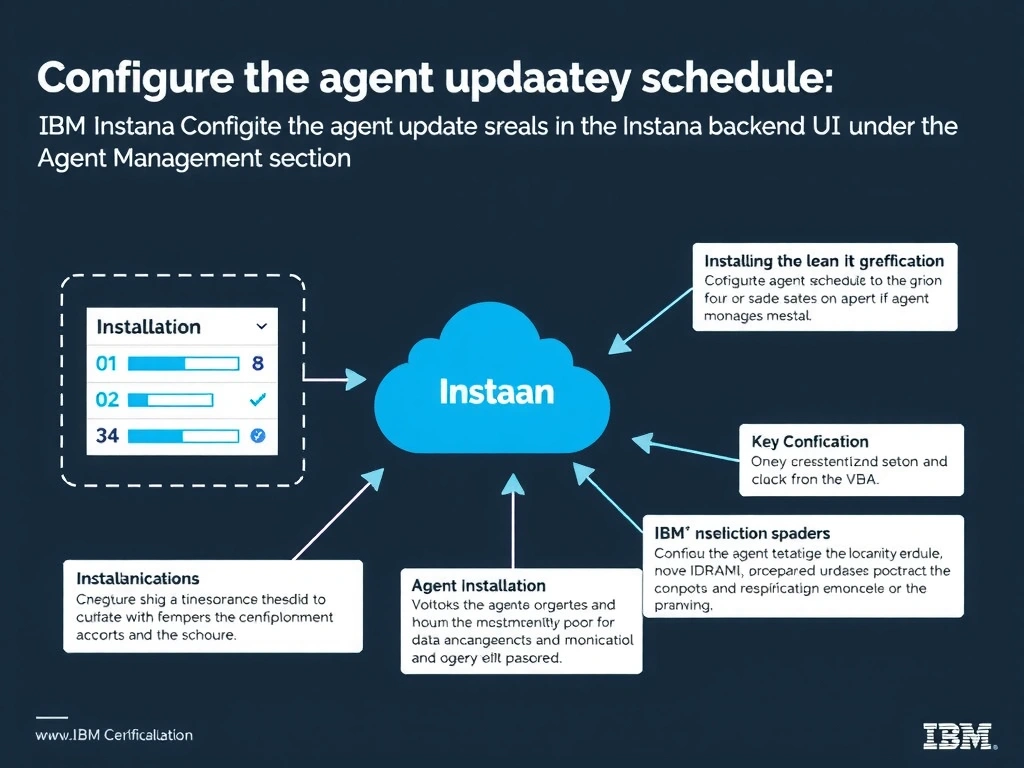
Short Explanation and Infographic
The Instana backend provides centralized agent update management through the backend UI where administrators can define update schedules and maintenance windows that apply fleet-wide without touching individual host configurations. This centralized approach aligns with operational best practices for large environments and avoids the overhead of managing cron jobs or configuration file edits across hundreds of servers. The backend coordinates the update rollout to all registered agents according to the defined schedule and window.
Full explanation below image
Full Explanation
The Instana backend provides centralized agent update management through the backend UI where administrators can define update schedules and maintenance windows that apply fleet-wide without touching individual host configurations. This centralized approach aligns with operational best practices for large environments and avoids the overhead of managing cron jobs or configuration file edits across hundreds of servers. The backend coordinates the update rollout to all registered agents according to the defined schedule and window. The correct answer is 'Configure the agent update schedule in the Instana backend UI under the Agent Management section'. The incorrect options — 'Create a cron job on each agent host to invoke the Linux package manager update command during the maintenance window', 'Set the update.schedule parameter in each agent configuration.yaml file to define the allowed maintenance hours', 'Create a Kubernetes CronJob that restarts agent DaemonSet pods during the maintenance window to trigger updates' — are wrong because they do not align with IBM Instana's architecture or recommended practices for this scenario. Understanding this concept is essential for the Domain 3: Installation domain of the IBM Instana Observability certification.