
An organization deploys Instana with an on-premises backend whose TLS certificate is signed by an internal corporate Certificate Authority not trusted by default. Instana agents are failing to connect with a certificate verification error. Network connectivity to the backend is confirmed. What is the correct remediation?
Select an answer to reveal the explanation.
Short Explanation and Infographic
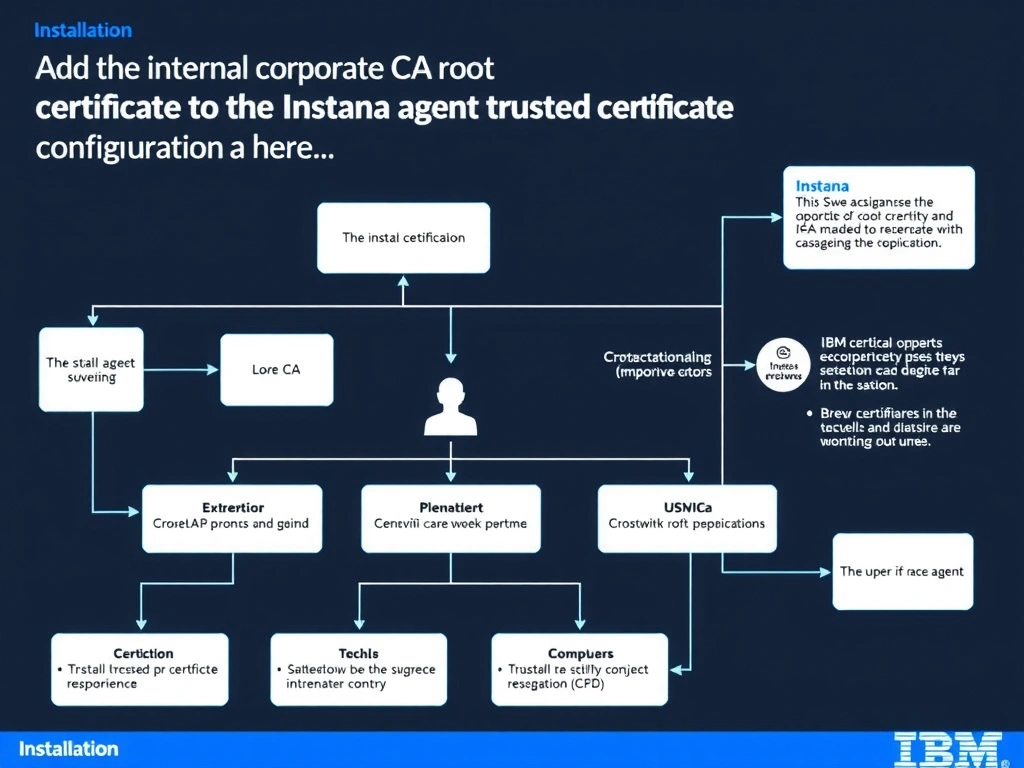
When the Instana backend presents a certificate issued by a private or internal Certificate Authority, agents must be explicitly configured to trust that CA by adding the CA root certificate to the agent trusted certificate store. Disabling certificate verification eliminates the security benefit of TLS and exposes agent-to-backend communication to man-in-the-middle attacks, making it unacceptable for production use. The Instana agent configuration supports specifying custom trusted CA certificates to handle corporate PKI environments without compromising transport security.
Full explanation below image
Full Explanation
When the Instana backend presents a certificate issued by a private or internal Certificate Authority, agents must be explicitly configured to trust that CA by adding the CA root certificate to the agent trusted certificate store. Disabling certificate verification eliminates the security benefit of TLS and exposes agent-to-backend communication to man-in-the-middle attacks, making it unacceptable for production use. The Instana agent configuration supports specifying custom trusted CA certificates to handle corporate PKI environments without compromising transport security. The correct answer is 'Add the internal corporate CA root certificate to the Instana agent trusted certificate configuration'. The incorrect options — 'Disable TLS certificate verification in the agent configuration by setting the skipVerify or insecure flag to true', 'Replace the Instana backend TLS certificate with one issued by a publicly trusted Certificate Authority', 'Configure agents to negotiate TLS 1.0 to work around the internal CA compatibility limitation' — are wrong because they do not align with IBM Instana's architecture or recommended practices for this scenario. Understanding this concept is essential for the Domain 3: Installation domain of the IBM Instana Observability certification.