
During a self-hosted Instana backend installation, the configuration team needs to specify connection parameters for the Cassandra and DataStax cluster, including contact point IP addresses, port number, and the target keyspace name. In a classic non-Kubernetes on-premises Instana deployment, where are these backend datastore connection parameters defined?
Select an answer to reveal the explanation.
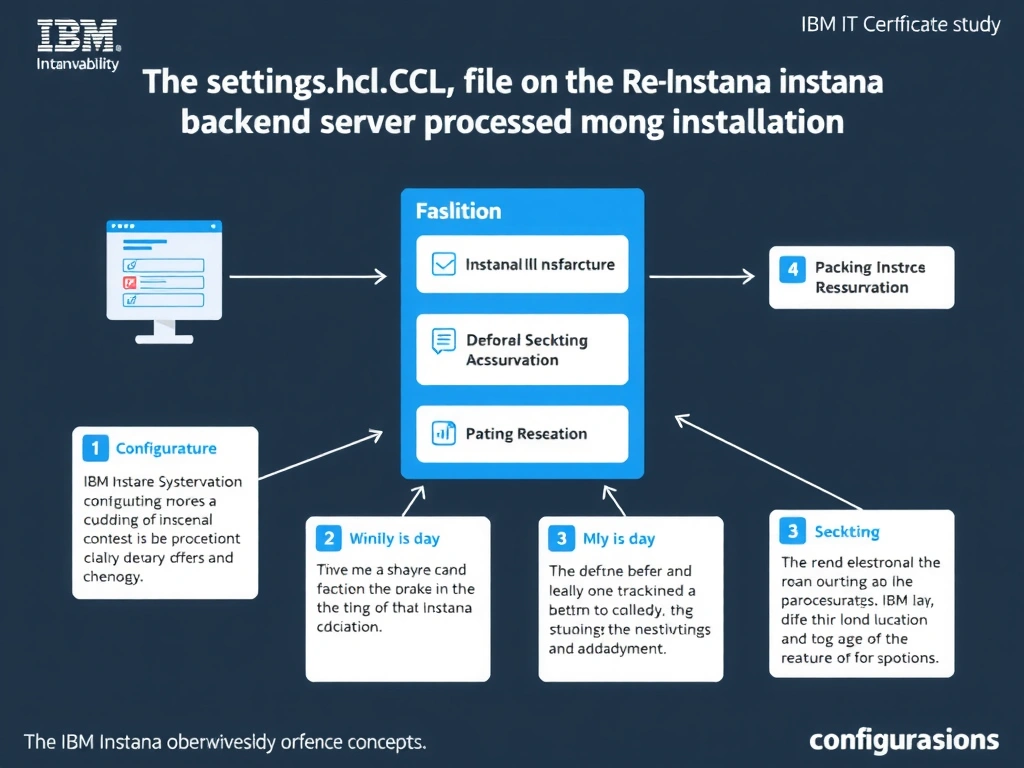
Short Explanation and Infographic
For self-hosted Instana deployments using the classic installation model, all backend datastore connection parameters including Cassandra and DataStax contact points, authentication credentials, port, and keyspace name are defined in the settings.hcl file. This HashiCorp Configuration Language file is processed by the Instana installer during initial setup and upgrades to establish all required data store connections before backend services start.
Full explanation below image
Full Explanation
For self-hosted Instana deployments using the classic installation model, all backend datastore connection parameters including Cassandra and DataStax contact points, authentication credentials, port, and keyspace name are defined in the settings.hcl file. This HashiCorp Configuration Language file is processed by the Instana installer during initial setup and upgrades to establish all required data store connections before backend services start. The correct answer is 'In the settings.hcl file on the Instana backend server processed during installation'. The incorrect options — 'In the Instana UI under Settings > Datastores after the initial installation completes', "In each monitored agent's com.instana.agent.main.sender.Backend.cfg file", 'In configuration.yaml under the com.instana.plugin.cassandra section on the backend server' — are wrong because they do not align with IBM Instana's architecture or recommended practices for this scenario. Understanding this concept is essential for the Domain 2: Configuration domain of the IBM Instana Observability certification.