
An operations team managing infrastructure across AWS, Azure, and GCP wants to reorganize the Instana Infrastructure Map to visually cluster resources by cloud provider, enabling quick assessment of workload distribution across providers. Which Infrastructure Map capability enables this visual grouping without changing any monitoring configuration?
Select an answer to reveal the explanation.
Short Explanation and Infographic
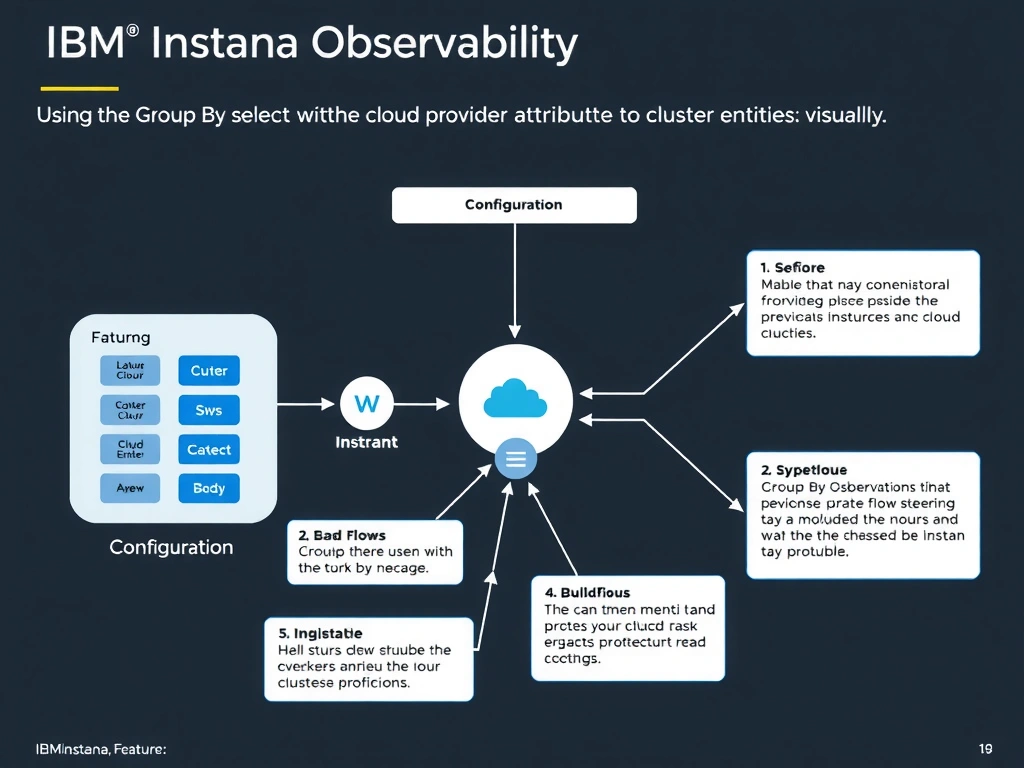
The Infrastructure Map's Group By feature clusters infrastructure entities into labeled visual groups based on any selected entity attribute, such as cloud provider, availability zone, Kubernetes namespace, or custom tags. Selecting the cloud provider attribute organizes the map into distinct visual clusters for AWS, Azure, and GCP resources without requiring any changes to monitoring zones, profiles, or agent configuration.
Full explanation below image
Full Explanation
The Infrastructure Map's Group By feature clusters infrastructure entities into labeled visual groups based on any selected entity attribute, such as cloud provider, availability zone, Kubernetes namespace, or custom tags. Selecting the cloud provider attribute organizes the map into distinct visual clusters for AWS, Azure, and GCP resources without requiring any changes to monitoring zones, profiles, or agent configuration. The correct answer is 'Using the Group By selector with the cloud provider attribute to cluster entities visually'. The incorrect options — 'Creating separate monitoring zones per cloud provider to segregate the map view', 'Applying a Dynamic Focus Query that groups results by cloud attribute', 'Configuring Application Perspectives scoped per cloud provider and linking them to the map' — are wrong because they do not align with IBM Instana's architecture or recommended practices for this scenario. Understanding this concept is essential for the Domain 2: Configuration domain of the IBM Instana Observability certification.