
After deploying an Instana agent on a newly provisioned server, the agent fails to appear in the Instana UI after 10 minutes. Network port connectivity between the server and the Instana backend has been confirmed as working. Which configuration file should the administrator verify first to ensure the agent key and backend endpoint are correctly specified?
Select an answer to reveal the explanation.
Short Explanation and Infographic
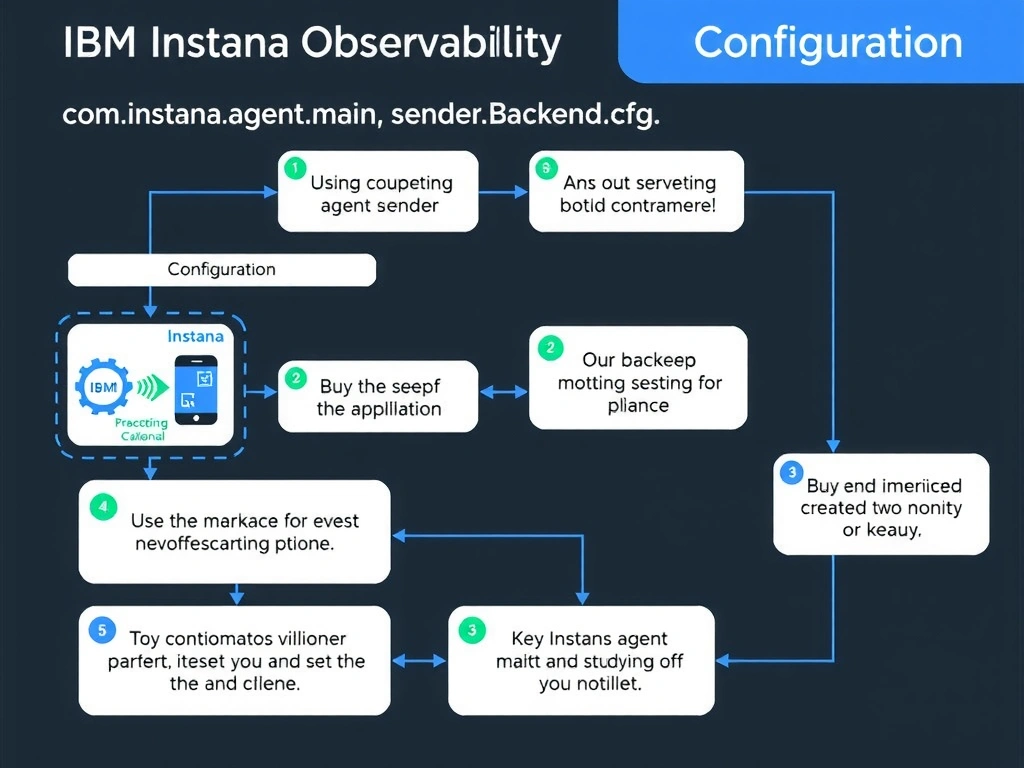
The com.instana.agent.main.sender.Backend.cfg file contains the critical connection parameters required for the agent to authenticate and connect to the backend, including the backend host address, port number, and the agent key shared secret. An incorrect or missing agent key in this file causes authentication failure even when network connectivity is confirmed. This file should be the first checked when an agent fails to register.
Full explanation below image
Full Explanation
The com.instana.agent.main.sender.Backend.cfg file contains the critical connection parameters required for the agent to authenticate and connect to the backend, including the backend host address, port number, and the agent key shared secret. An incorrect or missing agent key in this file causes authentication failure even when network connectivity is confirmed. This file should be the first checked when an agent fails to register. The correct answer is 'com.instana.agent.main.sender.Backend.cfg'. The incorrect options — 'configuration.yaml', 'zone.properties', 'agent-bootstrap.json' — are wrong because they do not align with IBM Instana's architecture or recommended practices for this scenario. Understanding this concept is essential for the Domain 2: Configuration domain of the IBM Instana Observability certification.