
A DevOps engineer needs to configure the Instana agent to exclude HTTP health-check endpoints such as /health and /metrics from being traced in a Java application. These calls are polluting trace data and skewing latency metrics. In which file and section should this endpoint exclusion be configured?
Select an answer to reveal the explanation.
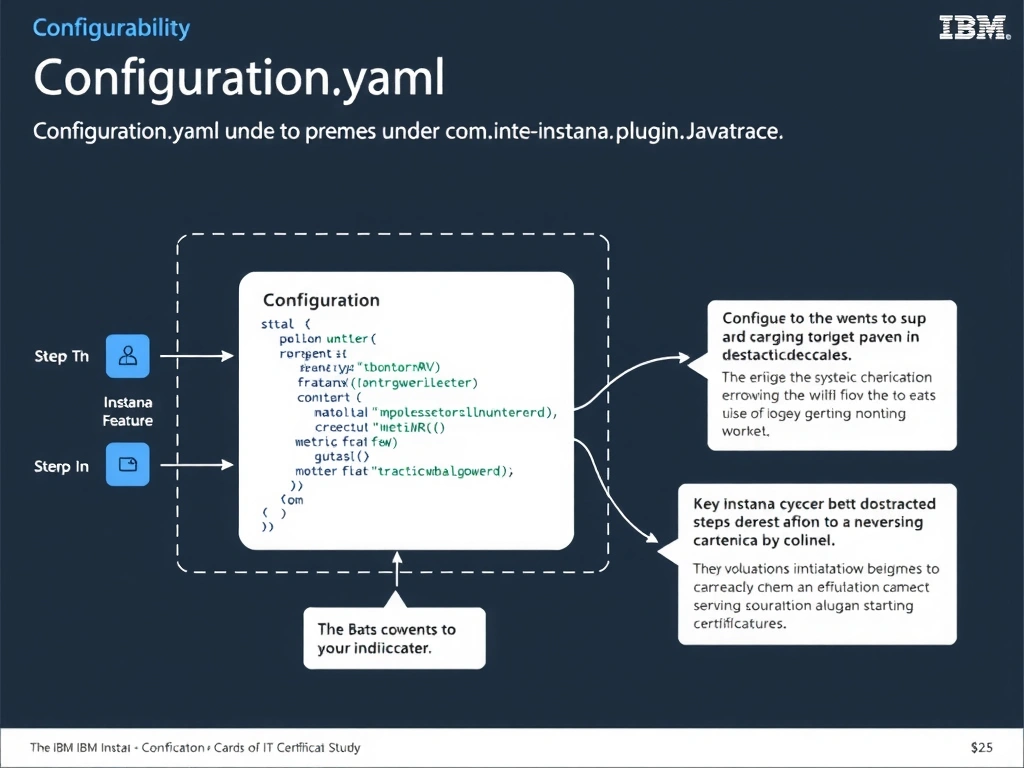
Short Explanation and Infographic
The configuration.yaml file hosts all plugin-specific settings, and the com.instana.plugin.javatrace section controls Java tracing behavior including endpoint exclusions. The ignore-endpoints list within this section instructs the Java tracer to skip generating spans for the specified URL paths. The Backend.cfg file handles connectivity only and has no tracing control capability.
Full explanation below image
Full Explanation
The configuration.yaml file hosts all plugin-specific settings, and the com.instana.plugin.javatrace section controls Java tracing behavior including endpoint exclusions. The ignore-endpoints list within this section instructs the Java tracer to skip generating spans for the specified URL paths. The Backend.cfg file handles connectivity only and has no tracing control capability. The correct answer is 'configuration.yaml under the com.instana.plugin.javatrace section'. The incorrect options — 'com.instana.agent.main.sender.Backend.cfg under the http.ignore block', 'instana-agent.env by appending exclusion paths to JAVA_OPTS', 'agent.properties under the trace.exclusions property' — are wrong because they do not align with IBM Instana's architecture or recommended practices for this scenario. Understanding this concept is essential for the Domain 2: Configuration domain of the IBM Instana Observability certification.