
A consultant is advising a customer that wants a scalable implementation. The team is focused on Query workspace and history. Which recommendation is most appropriate?
Select an answer to reveal the explanation.
Short Explanation and Infographic
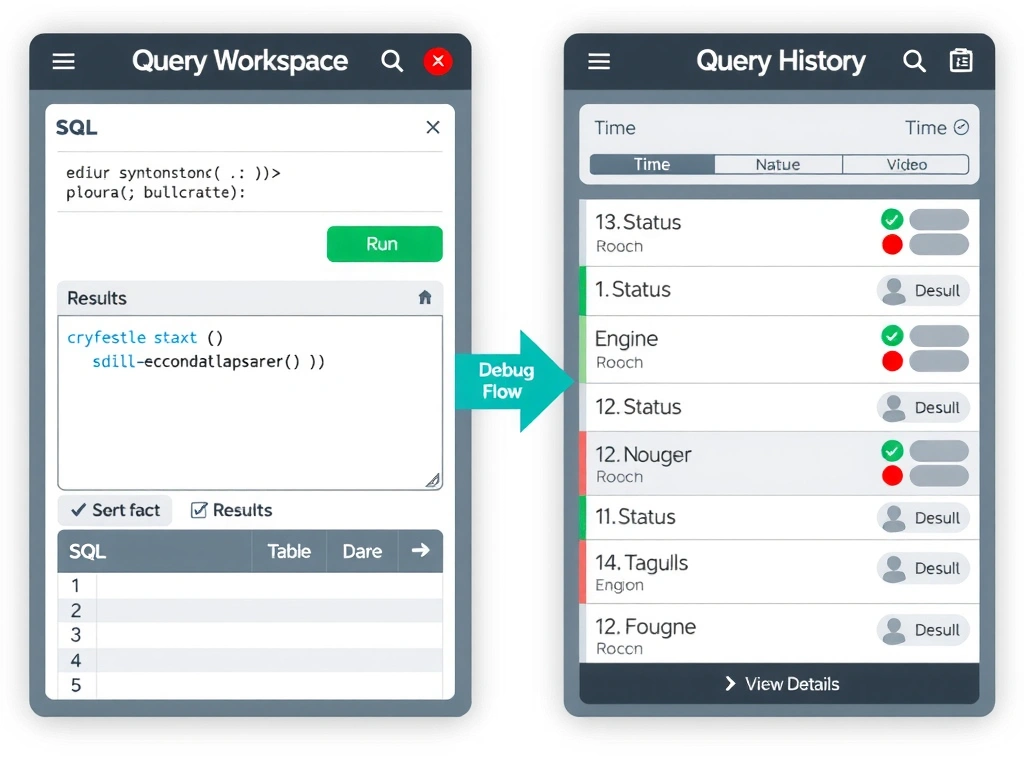
Here's the deal: the Query workspace in IBM watsonx.data is where SQL goes to live — you write it, run it, and watch results appear in real time. And query history is your black box recorder: when something blows up at 2am, query history is the first place you go to find out what ran, when it ran, and what it returned. Skipping history is like flying without a flight data recorder.
Full explanation below image
Full Explanation
IBM watsonx.data provides a built-in Query workspace (also called the SQL Editor) for writing, executing, and testing SQL against registered tables and catalogs. The query history feature records all executed statements along with execution time, engine used, rows returned, and error messages — making it indispensable for troubleshooting and performance optimization. Troubleshooting failed SQL from storage bills only (Option A) is a lagging indicator that tells you something happened but provides no context about what query caused the problem or why it failed. Deleting query history to improve performance (Option B) removes the primary diagnostic tool while providing no meaningful performance benefit — history is stored metadata, not active query cache. Using access control screens to write SQL (Option D) misidentifies the purpose of the access control interface, which manages permissions rather than executes queries. The Query workspace and history tools together form the operational SQL surface for analysts and engineers working in the watsonx.data environment.