
A team is preparing a production rollout and needs to avoid a design mistake. Which approach best demonstrates source integration in a IBM Certified watsonx Data Lakehouse Engineer environment?
Select an answer to reveal the explanation.
Short Explanation and Infographic
Here's the deal: not all data sources are created equal, and one connector will not rule them all. IBM watsonx.data connects disparate sources through a mix of built-in connectors, batch ingestion, and query federation — and you pick the right tool based on latency needs and use-case. Think of it like choosing between a pipeline, a truck, and a radio link: each moves cargo differently, and context determines which one fits.
Full explanation below image
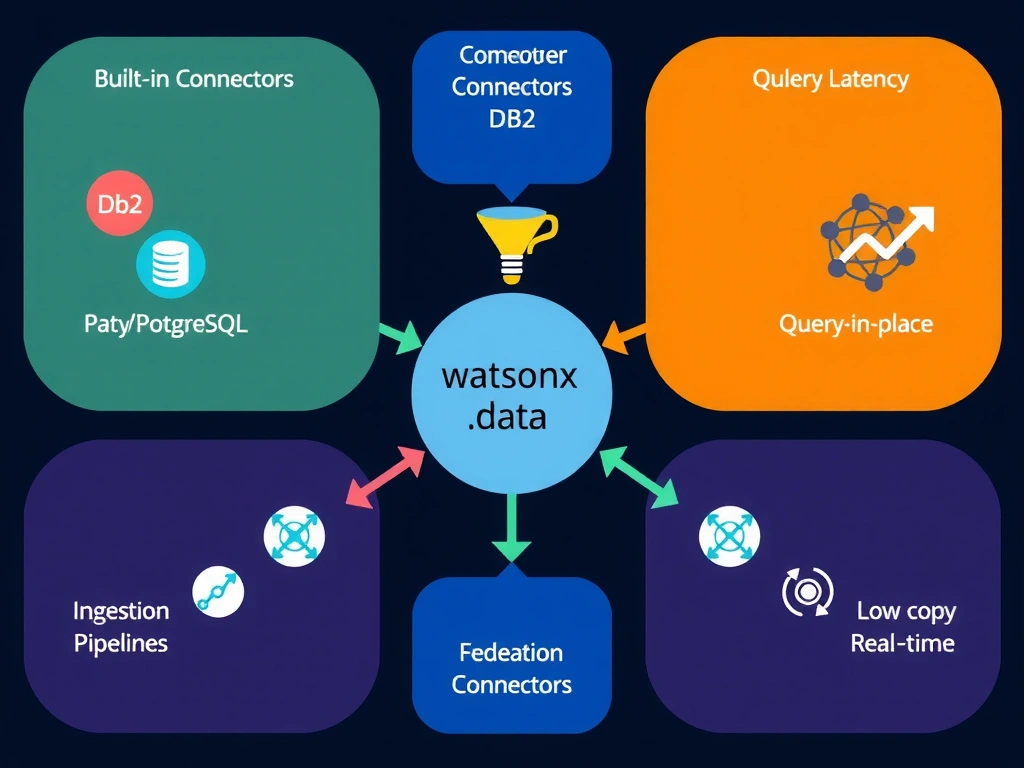
Full Explanation
IBM watsonx.data supports source integration through three primary patterns: native connectors for databases and SaaS sources, ingestion pipelines for batch loading into the lakehouse, and query federation for querying remote sources in place without moving data. The correct answer — connecting disparate sources through supported connectors, ingestion, or federation based on latency and use-case needs — reflects IBM's hybrid integration architecture that serves both real-time and batch use cases. Manually pasting source data into SQL worksheets (Option B) produces a one-time, ungoverned import with no lineage, no repeatability, and no pipeline automation. Requiring all data to be exported as screenshots (Option C) is not data integration at all — it is manual data extraction with zero machine-readability. Using only one connector for all source types (Option D) ignores the diversity of source systems and will fail when the single connector doesn't match the target system's protocol or latency requirements. The certification expects candidates to select the appropriate integration pattern based on source characteristics, data volume, and freshness requirements.