
An action calls a custom extension that can take over 5 seconds to respond. What is a best practice?
Select an answer to reveal the explanation.
Short Explanation and Infographic
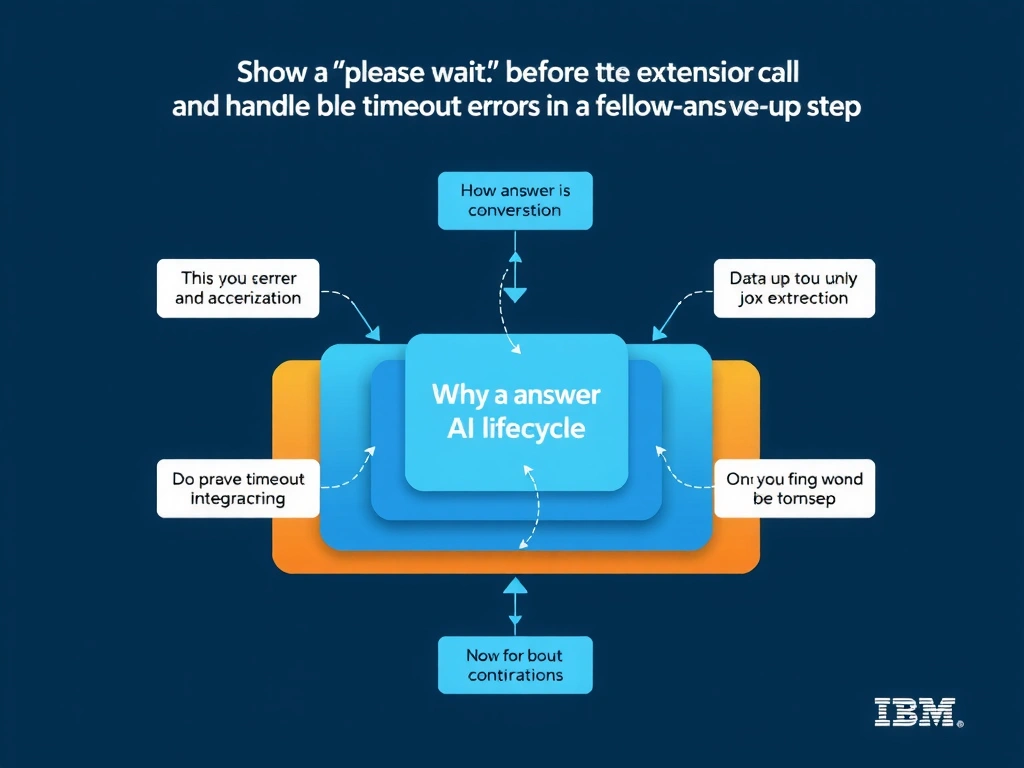
Todd Lammle: 'Imagine you're building a chatbot and this exact situation comes up — show a 'please wait' message before the extension call and handle timeout errors in a follow-up step is your go-to move. Displaying a wait message sets user expectations; and adding a timeout error handler ensures graceful degradation if the call exceeds the limit. This is a classic Domain 6: Build Back-End Integrations concept you'll want locked in before exam day.'
Full explanation below image
Full Explanation
Displaying a wait message sets user expectations; and adding a timeout error handler ensures graceful degradation if the call exceeds the limit. Increasing session timeout does not address the per-call latency issue. Hardcoding responses eliminates the benefit of the integration. Parallel chaining of the same call does not reduce individual call latency. The correct answer, "Show a 'please wait' message before the extension call and handle timeout errors in a follow-up step", directly satisfies the scenario because it aligns with watsonx Assistant's design principles and the specific capability being tested. The incorrect options ("Increase the session timeout to 30 minutes", "Disable the extension during high traffic and use hardcoded responses", "Chain multiple extension calls in parallel to reduce wait time") may appear relevant but each misses a key requirement or introduces a step that is either unnecessary or belongs to a different workflow. Mastering the distinction between these approaches is essential for effective watsonx Assistant implementations and is a core focus of the Domain 6: Build Back-End Integrations section of the certification exam.