
A developer configures a webhook and triggers it from the Try it out panel, but the assistant returns a generic fallback response and no webhook data appears in the output. What is the most efficient first diagnostic step?
Select an answer to reveal the explanation.
Short Explanation and Infographic
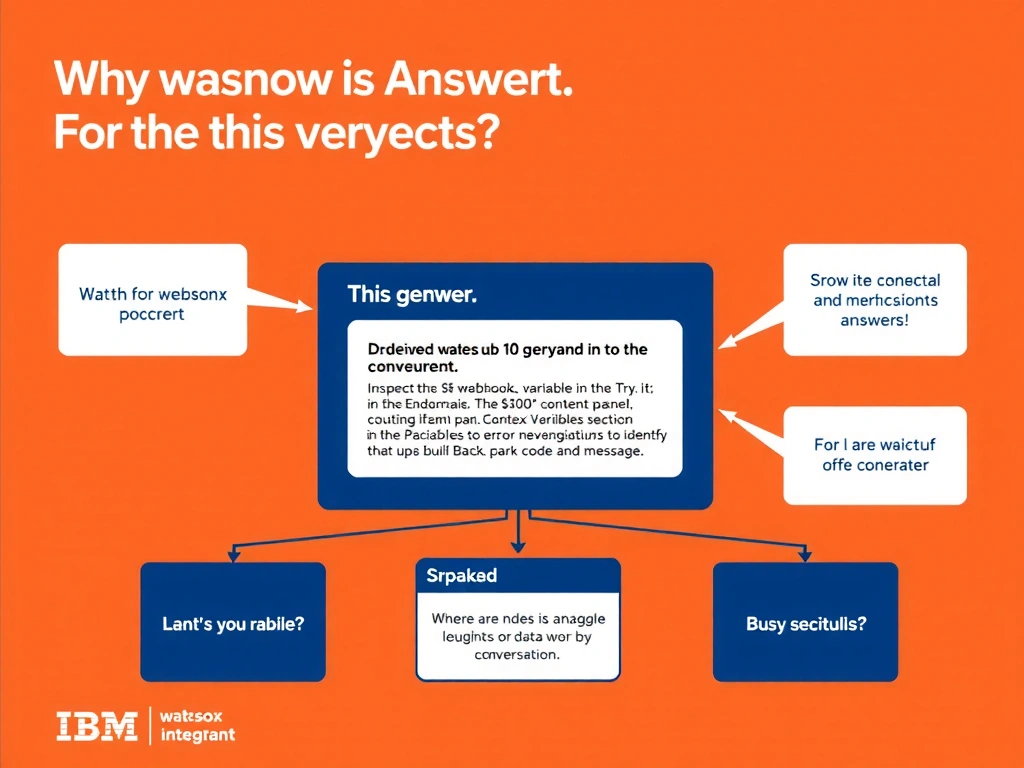
Todd Lammle: 'Imagine you're building a chatbot and this exact situation comes up — inspect the $webhook_error context variable in the try it out panel's context variables section to identify the error code and message is your go-to move. The fastest way to diagnose a failed webhook call in watsonx Assistant is to open the Context Variables section of the Try it out panel immediately after the failing turn. This is a classic Domain 6: Build Back-End Integrations concept you'll want locked in before exam day.'
Full explanation below image
Full Explanation
The fastest way to diagnose a failed webhook call in watsonx Assistant is to open the Context Variables section of the Try it out panel immediately after the failing turn. If the webhook encountered any error (timeout, authentication failure, bad status code, malformed response), the assistant stores the details in $webhook_error. Reading this variable reveals the specific error type and HTTP status before examining external logs or changing any configuration. The correct answer, "Inspect the $webhook_error context variable in the Try it out panel's Context Variables section to identify the error code and message", directly satisfies the scenario because it aligns with watsonx Assistant's design principles and the specific capability being tested. The incorrect options ("Delete and recreate the webhook endpoint in the external system", "Increase the dialog node timeout setting to 30 seconds", "Switch from HTTPS to HTTP to rule out TLS handshake failures") may appear relevant but each misses a key requirement or introduces a step that is either unnecessary or belongs to a different workflow. Mastering the distinction between these approaches is essential for effective watsonx Assistant implementations and is a core focus of the Domain 6: Build Back-End Integrations section of the certification exam.