
Your watsonx Assistant dialog node calls a webhook, but the external inventory service intermittently returns HTTP 503 Service Unavailable. Users are seeing a raw error message instead of a helpful reply. What is the recommended way to handle this gracefully?
Select an answer to reveal the explanation.
Short Explanation and Infographic
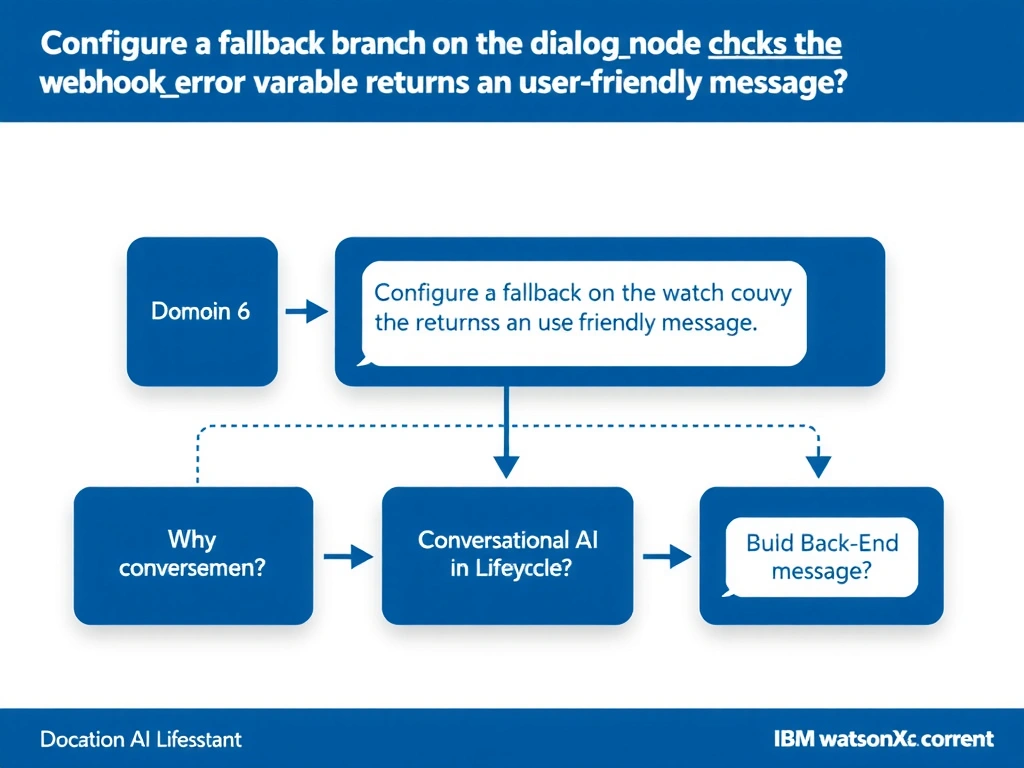
Todd Lammle: 'Imagine you're building a chatbot and this exact situation comes up — configure a fallback branch on the dialog node that checks the webhook_error context variable and returns a user-friendly message is your go-to move. When a webhook call fails, watsonx Assistant populates the $webhook_error context variable with the HTTP status code and error message. This is a classic Domain 6: Build Back-End Integrations concept you'll want locked in before exam day.'
Full explanation below image
Full Explanation
When a webhook call fails, watsonx Assistant populates the $webhook_error context variable with the HTTP status code and error message. The best practice is to add a condition on the dialog node (or a child node) that evaluates $webhook_error and routes to a fallback response branch. This keeps the user experience intact without exposing raw error details. The correct answer, "Configure a fallback branch on the dialog node that checks the webhook_error context variable and returns a user-friendly message", directly satisfies the scenario because it aligns with watsonx Assistant's design principles and the specific capability being tested. The incorrect options ("Disable the webhook and hard-code a static inventory list in the dialog", "Set the webhook timeout to 0 milliseconds to fail fast and retry immediately", "Change the webhook HTTP method from POST to GET to avoid server-side errors") may appear relevant but each misses a key requirement or introduces a step that is either unnecessary or belongs to a different workflow. Mastering the distinction between these approaches is essential for effective watsonx Assistant implementations and is a core focus of the Domain 6: Build Back-End Integrations section of the certification exam.