
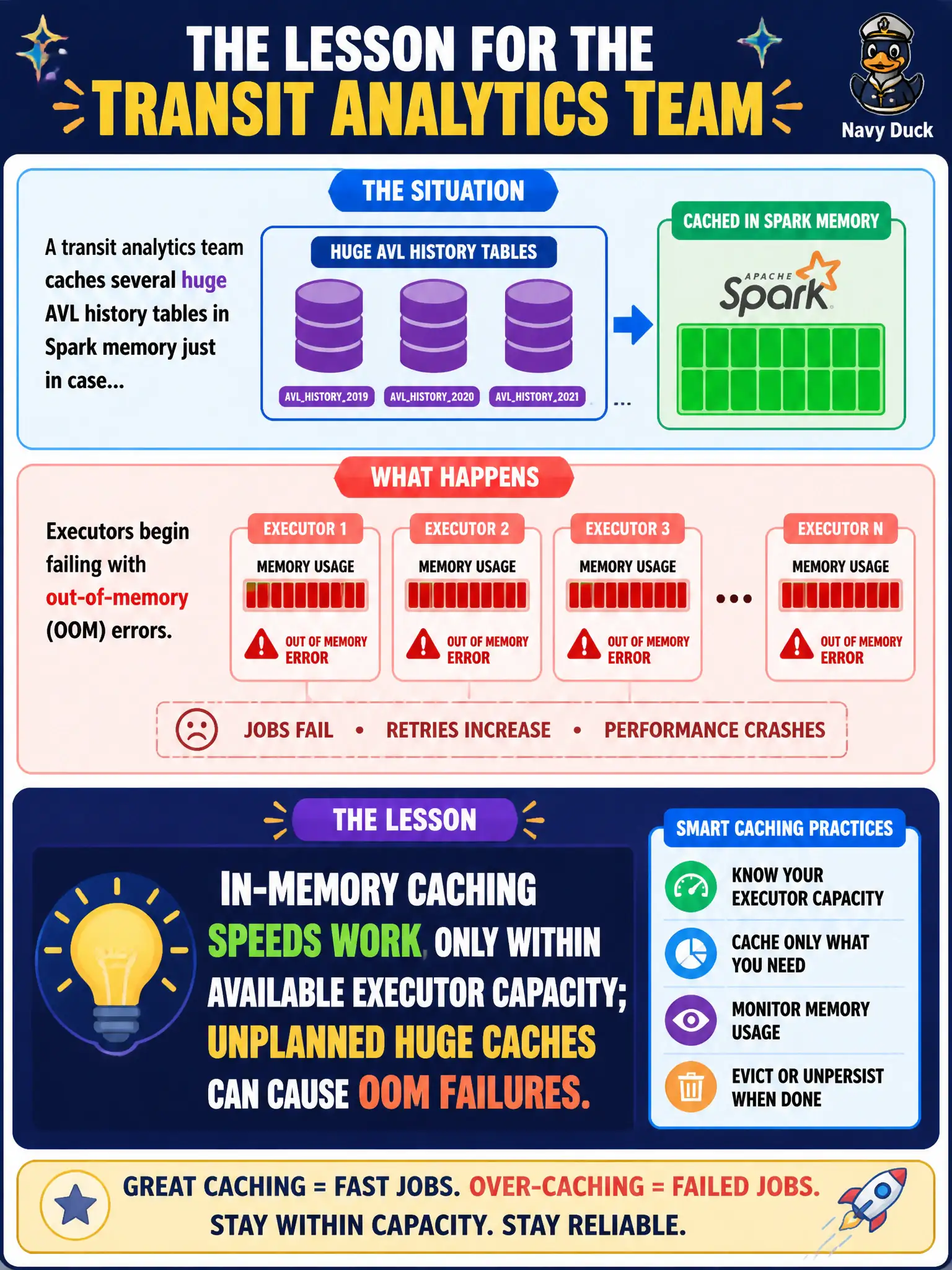
A transit analytics team caches several huge AVL history tables in Spark memory just in case, and executors begin failing with out-of-memory errors. What lesson should the program lead take?
Select an answer to reveal the explanation.
Short Explanation
Think of Spark memory like a city garage with a fixed number of stalls. Stuff every spare plow and bus in just in case, and the next vehicle has nowhere to go. Caching helps only when the data fits the space you actually have.
Full Explanation
Caching several huge AVL history tables in Spark memory “just in case” can exhaust executor heaps and trigger out-of-memory failures. In-memory caching speeds work only within available executor capacity; unplanned huge caches harm municipal jobs instead of helping them. Memory does not expand automatically to fit any civic dataset size. OOM errors do not by themselves prove HDFS is unavailable or that Spark must be abandoned—they usually signal over-caching or undersized executors. Claiming caching applies only to SQL databases and never to Spark ignores a core Spark performance feature when used judiciously. Exam caveat: cache selectively after measuring reuse; persist at a storage level that fits RAM, and uncache unused datasets. Operational check: review the Spark UI storage tab during the transit job, cache only hot AVL subsets that are reused across stages, set explicit memory fractions, and re-run to confirm OOMs disappear while job time still improves for the reused tables. In production terms for prudent Spark memory caching, assign an owning team, wire a dashboard that shows the pattern is healthy under peak civic load, and require a staging drill that rehearses failure and recovery before resident impact. Revisit the choice when traffic shape, retention, or integrity needs change, and keep a named rollback owner on the change record. Re-test both the happy path and the failure path for prudent Spark memory caching after material dependency upgrades so regressions are caught before the next public release.