
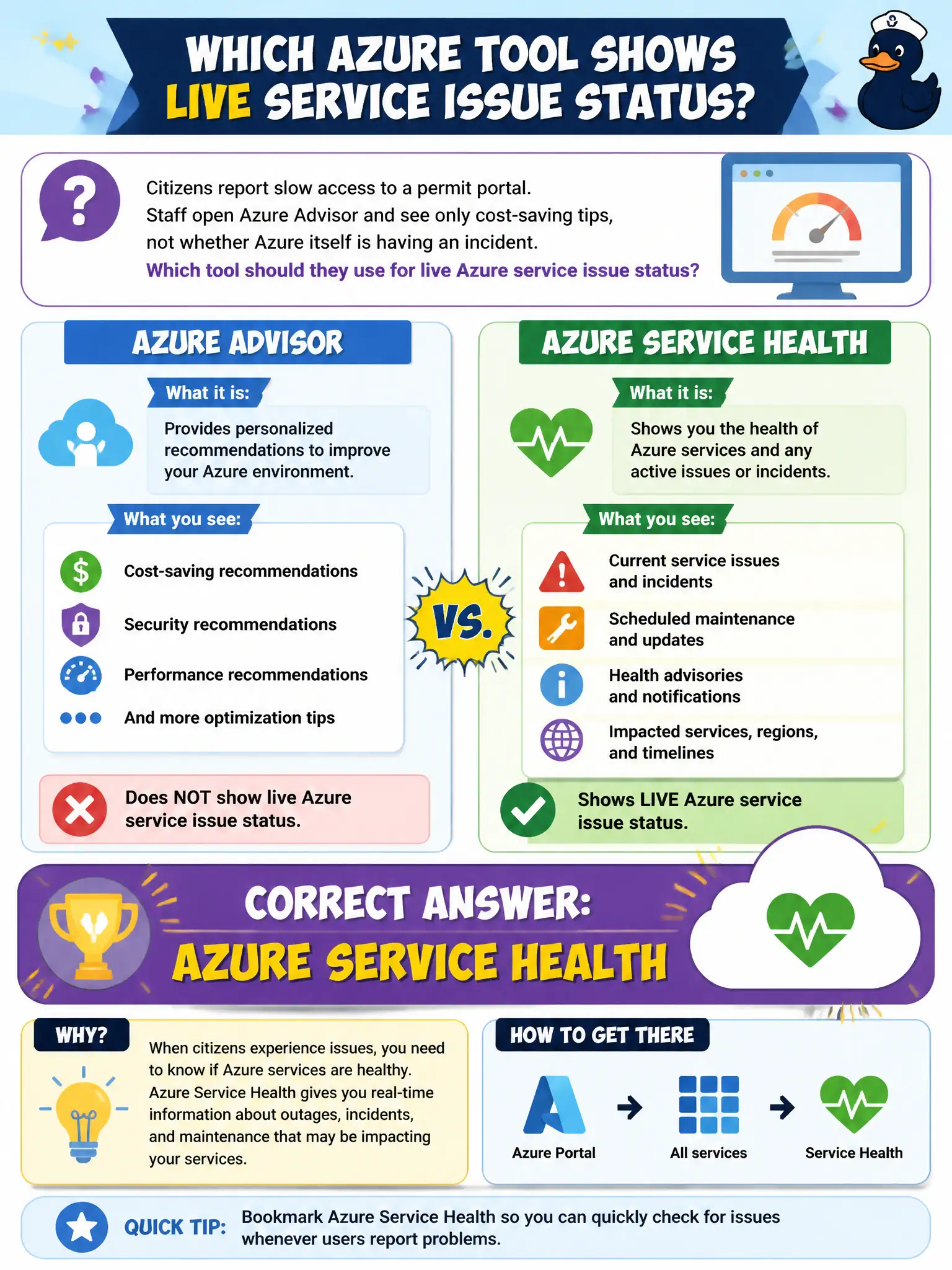
Citizens report slow access to a permit portal. Staff open Azure Advisor and see only cost-saving tips, not whether Azure itself is having an incident. Which tool should they use for live Azure service issue status?
Select an answer to reveal the explanation.
Short Explanation
Advisor is great for homework—best-practice tips—but it is not the outage board. When the question is "Is Azure having a problem right now?" you check Azure Service Health.
Full Explanation
Azure Service Health is the service that shows personalized status for Azure platform issues, outages, and service degradation affecting the subscriptions and services the city uses. When citizens report slow permit-portal access and Advisor only shows cost tips, staff need the platform health view—not another best-practice list—to learn whether Microsoft is experiencing an incident in the relevant region or service.
Azure Advisor security recommendations only fail because even Advisor's security category is about configuration hygiene, not live Azure incident status. Microsoft Purview's data map fails because Purview catalogs and governs data; it does not publish Azure platform outage status. The Azure Pricing Calculator fails because it estimates future spend for planned architectures and never reports operational incidents.
Exam caveat: Service Health is personalized to your subscriptions and resources; a public status rumor or a generic blog post is not a substitute for checking Service Health for the city's actual impacted services.
Operational check: open Service Health, filter to the region's App Service or related dependencies the permit portal uses, and confirm whether an active issue, advisory, or "no issues" state explains the citizen reports before blaming application code alone.