
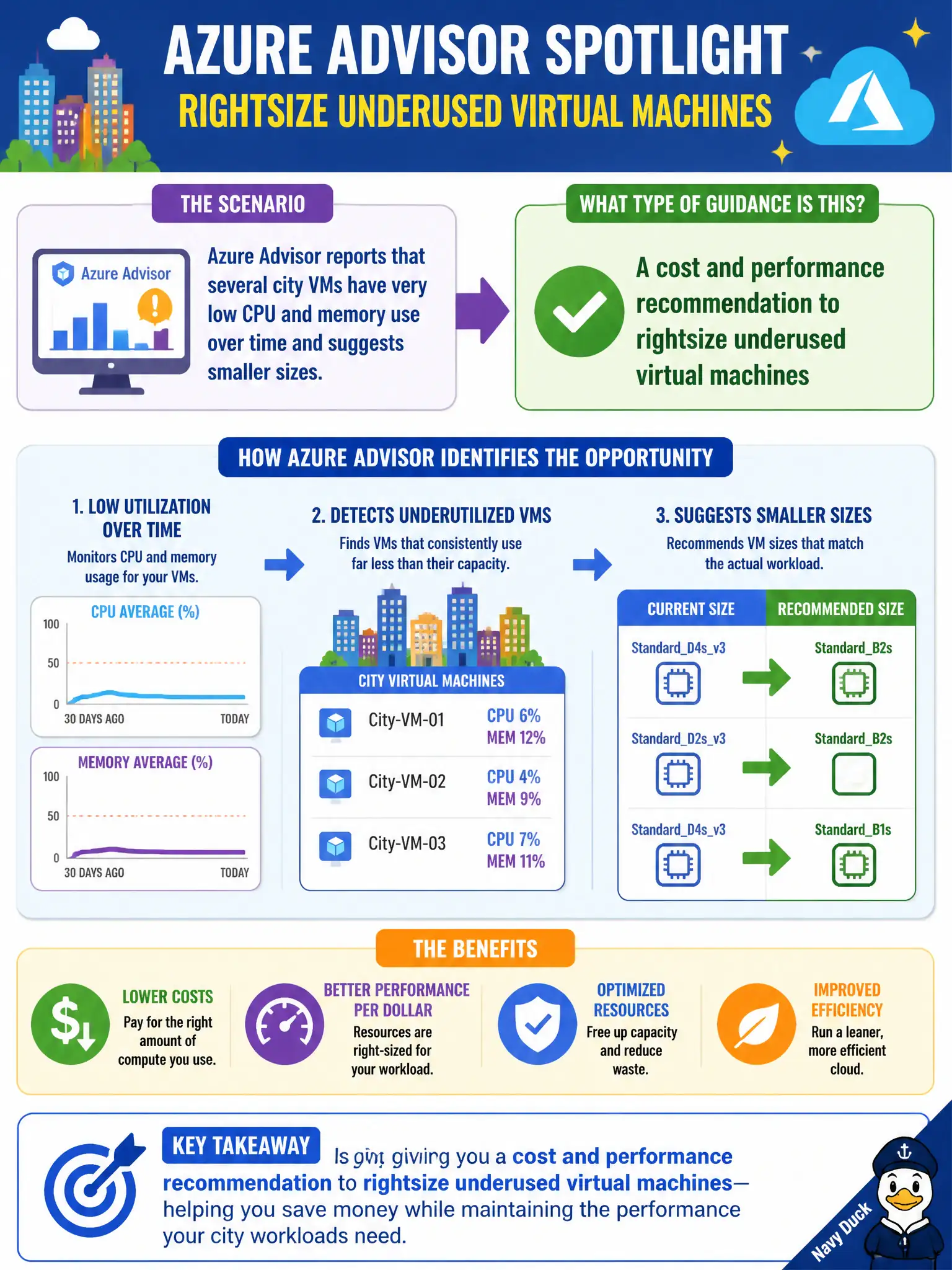
Azure Advisor reports that several city VMs have very low CPU and memory use over time and suggests smaller sizes. What type of guidance is this?
Select an answer to reveal the explanation.
Short Explanation
When VMs sit mostly idle, Advisor waves a flag to downsize them. That rightsizing tip is classic cost and performance guidance—not an outage notice and not a security lockout.
Full Explanation
When Azure Advisor flags city VMs with persistently low CPU and memory and suggests smaller sizes, that guidance is a cost and performance rightsizing recommendation. Advisor correlates utilization patterns with SKU choices and surfaces personalized tips so the municipality can stop paying for unused capacity while keeping workloads responsive. Rightsizing sits squarely in Advisor's cost and performance coaching role.
A Service Health incident declaring Azure compute unavailable worldwide fails because Service Health reports platform issues and maintenance, not underused VM sizing advice. An Entra ID Conditional Access policy that blocks all VM logins fails because Conditional Access governs authentication and authorization conditions—it is not Advisor utilization guidance. An ARM template that automatically builds a new region pair fails because templates deploy declared infrastructure; they are not the source of Advisor's rightsizing tips.
Exam caveat: a rightsizing recommendation is not an outage and not a mandatory shutdown. Ignoring it leaves oversized VMs running and bills higher; accepting it still requires the operations team to resize or schedule change windows appropriately.
Operational check: in Advisor's cost or performance recommendations, open a VM rightsizing item, review the utilization evidence Azure shows, and verify the suggested SKU against the workload's peak needs before resizing in a maintenance window.