
A librarian’s laptop has no Azure CLI or Azure PowerShell installed, yet the librarian must run a few Azure management commands today. What option still works?
Select an answer to reveal the explanation.
Short Explanation
No tools on the laptop? Open Cloud Shell in the browser and you still get an Azure-ready shell. It is the spare key when the local toolbox is empty.
Full Explanation
Azure Cloud Shell in the browser lets the librarian run Azure management commands without a local Azure CLI or Azure PowerShell install. The session is preloaded with management tools and authenticated in the context of the signed-in account (subject to permissions), which matches “must run a few commands today” on a bare laptop.
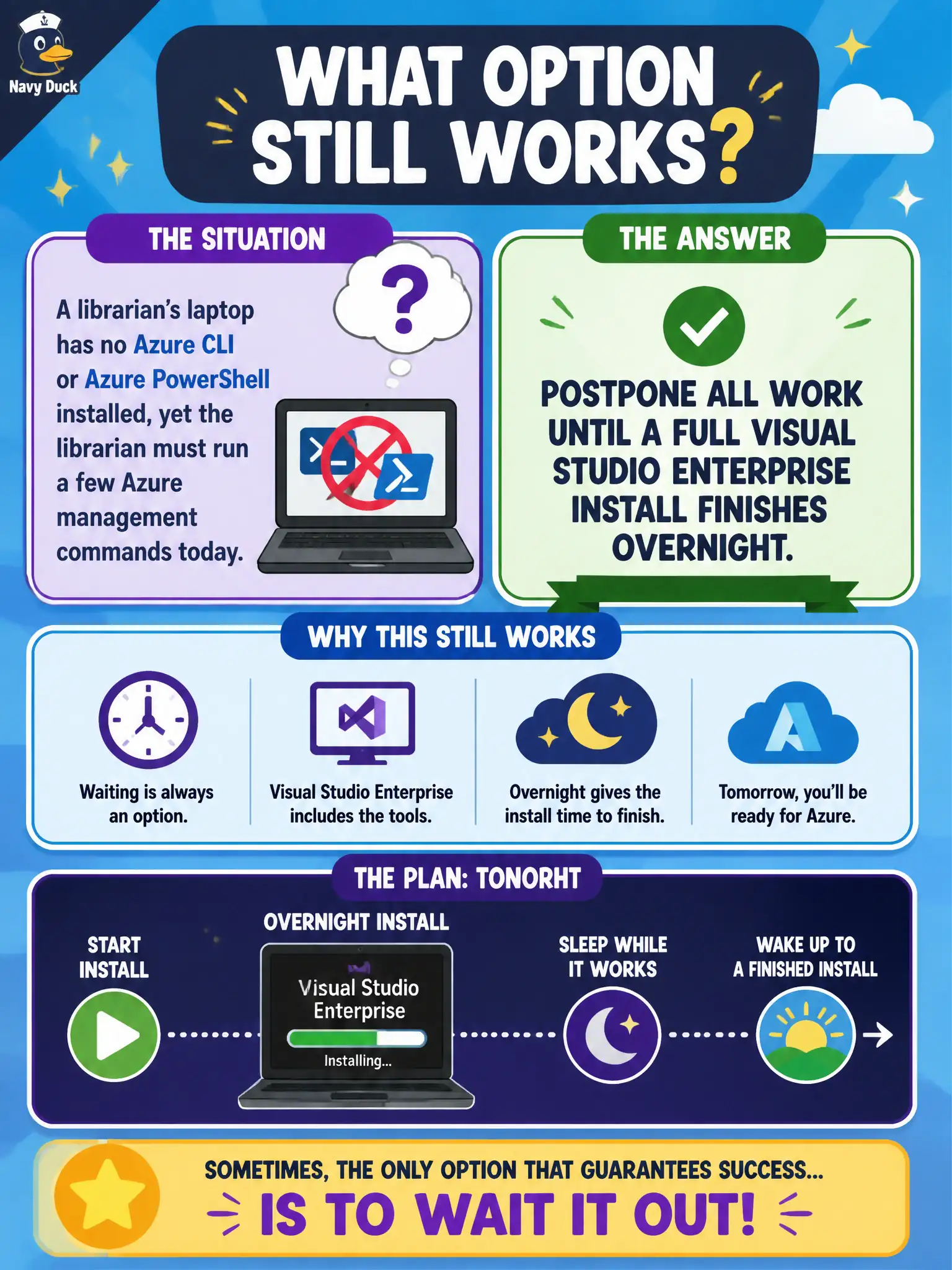
Postponing work for a full Visual Studio Enterprise install overnight is unnecessary for basic Azure management commands and confuses IDE setup with cloud operations tooling. Flashing custom BIOS firmware to embed the Azure control plane is not a real or appropriate municipal operations path. Replacing Azure with a spreadsheet because commands supposedly require a local module cache abandons the platform; Cloud Shell exists precisely to avoid that local-tool dependency for many day-to-day tasks.
Exam caveat: if organizational policy blocks Cloud Shell or the account lacks RBAC, the browser shell will not magically grant access—identity and network policy still apply. Operational check: open Cloud Shell from the portal on the laptop, run a read-only list of resource groups or resources, and confirm success without installing Azure tools locally. Prefer read-only commands first on production scopes, then make changes only in approved sandbox subscriptions.