
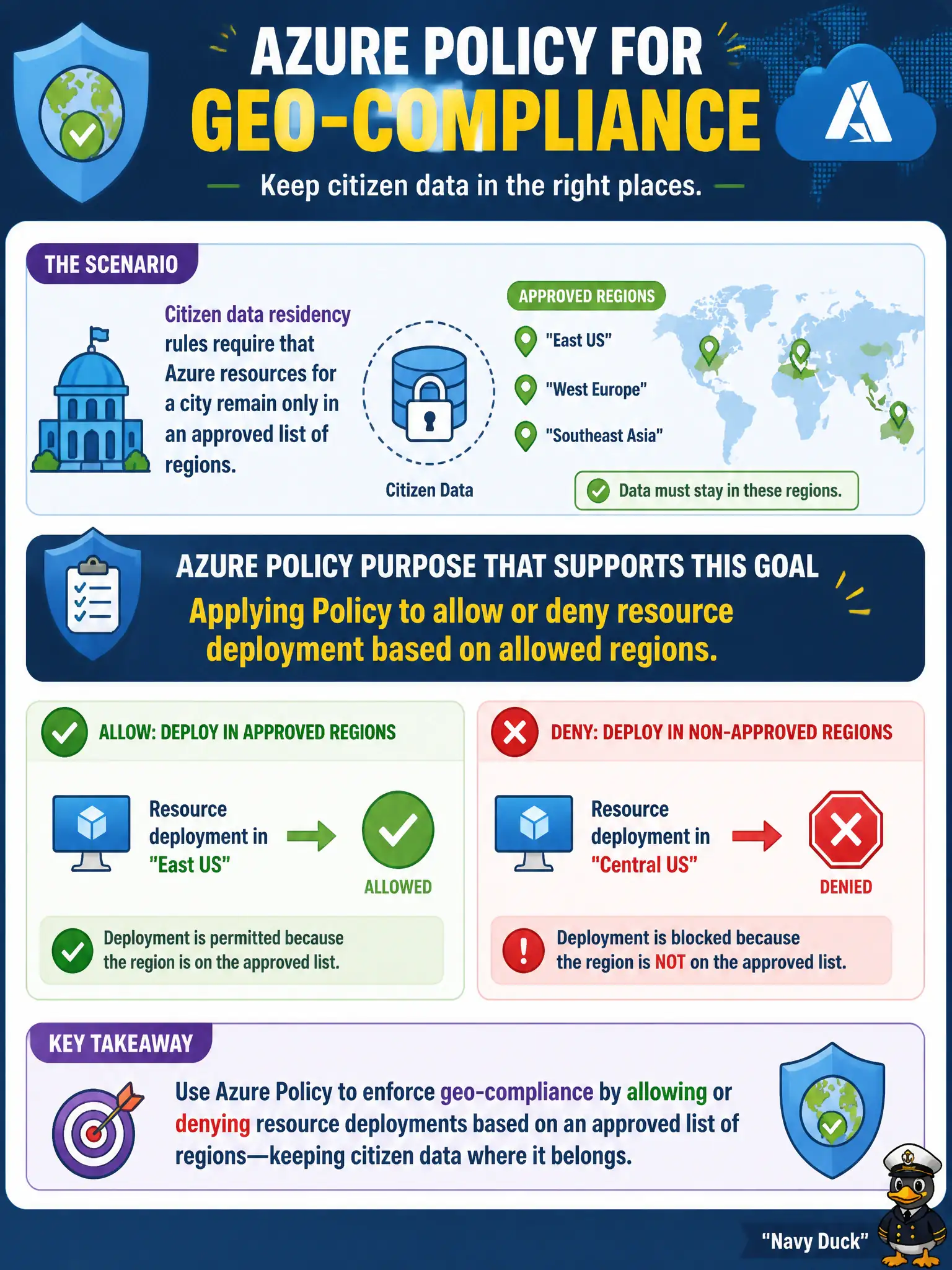
Citizen data residency rules require that Azure resources for a city remain only in an approved list of regions. Which Azure Policy purpose best supports that geo-compliance goal?
Select an answer to reveal the explanation.
Short Explanation
If the city may only build in certain Azure regions, Policy is the gate that checks location. Tags do not teleport resources, and turning off subscriptions is not a residency strategy.
Full Explanation
Azure Policy can allow or deny resource deployment based on allowed locations (regions). Citizen data residency rules that require city workloads to remain only in an approved region list map directly to that purpose: assign a location-restriction policy at the subscription or management group so creations outside the approved geo fail compliance evaluation and, with a Deny effect, fail deployment before data lands in the wrong place.
Tags alone do not automatically relocate resources to approved regions; they label assets for filtering and chargeback, they do not move them. Azure Bastion provides secure management connectivity into virtual machines and does not migrate resources between continents. Disabling all subscriptions is not a residency control—it stops municipal work entirely rather than constraining region choice in a controlled way.
Exam caveat: Policy prevents new noncompliant deployments and can audit existing ones; it does not magically move already-deployed resources that sit in a forbidden region—you still need a deliberate migration plan for legacy estates. Operational check: assign an allowed-locations policy that includes only your approved regions to a lab subscription, attempt to deploy a resource in a disallowed region, confirm the denial, then deploy the same template in an allowed region and confirm success before promoting the assignment upward.