
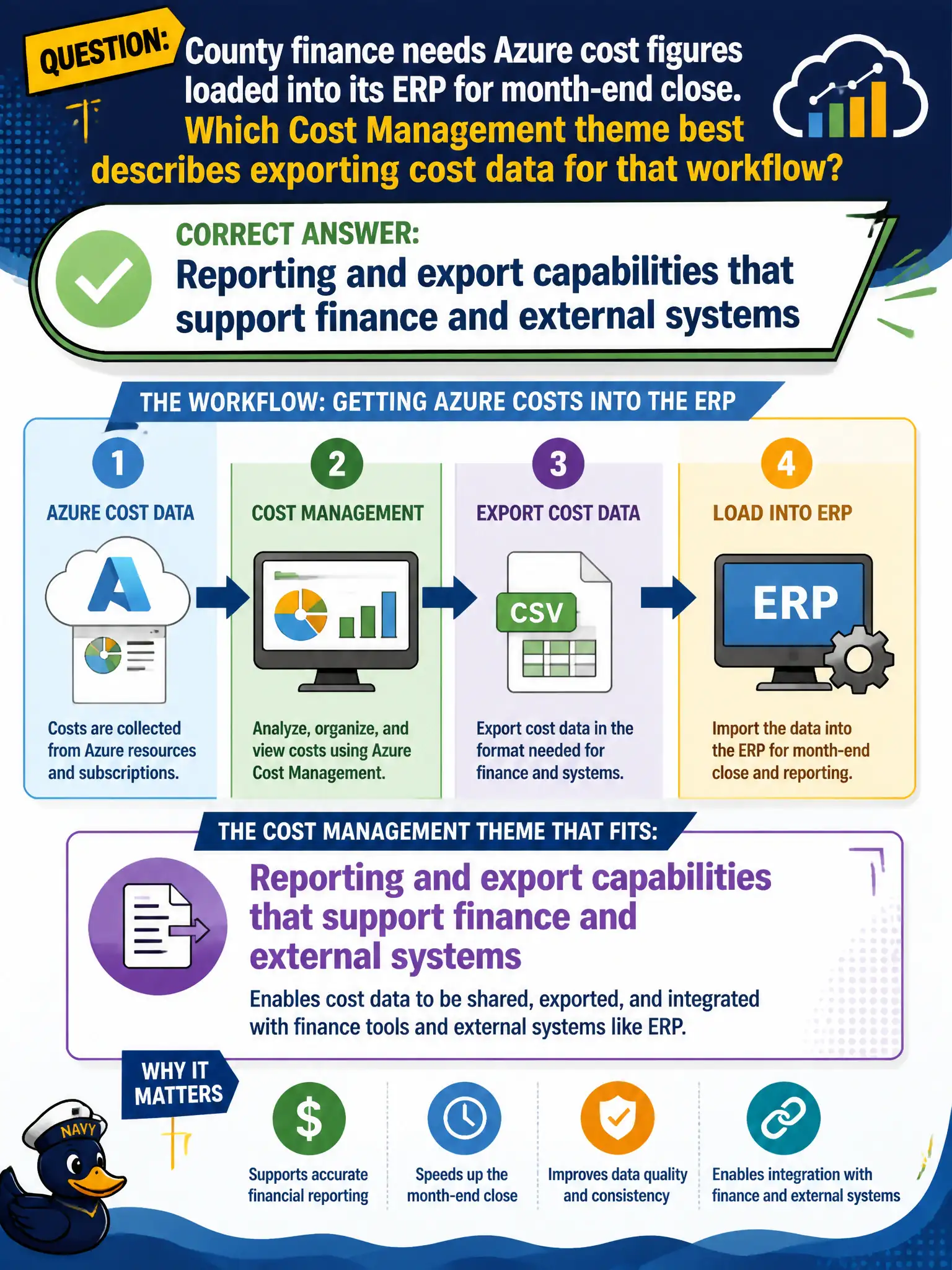
County finance needs Azure cost figures loaded into its ERP for month-end close. Which Cost Management theme best describes exporting cost data for that workflow?
Select an answer to reveal the explanation.
Short Explanation
Finance still lives in the ERP — so export the Azure numbers and feed the books. Cost Management reporting and export capabilities exist for exactly those handoffs. Locks and Advisor tips do not post journal entries.
Full Explanation
Reporting and export capabilities in Azure Cost Management support finance workflows that need Azure cost figures loaded into an external ERP for month-end close. Counties commonly export cost details on a schedule or on demand so journal entries and reconciliations happen in the system of record, not only inside the Azure portal. That theme—reporting and export for finance and external systems—is the fundamentals answer when the scenario centers on ERP handoff rather than interactive charts alone. Portal exploration helps humans; exports feed automated close.
Azure Advisor recommendations do not replace the ERP or post accounting journals for government finance. Resource locks do not generate ERP journal entries; they only protect resources from change or deletion. The pricing calculator is an estimate tool and is not a post-close ledger of actual Azure charges suitable as the only source for month-end accounting.
Exam caveat: exports must align with the finance calendar and account structures (subscriptions, tags, departments); a raw dump without mapping still fails close even if the file arrives on time. Operational check: configure a Cost Management export to a storage landing zone the ERP integration can read, validate a sample month against portal cost analysis totals, and confirm county finance can complete close without manually retyping portal screens.