
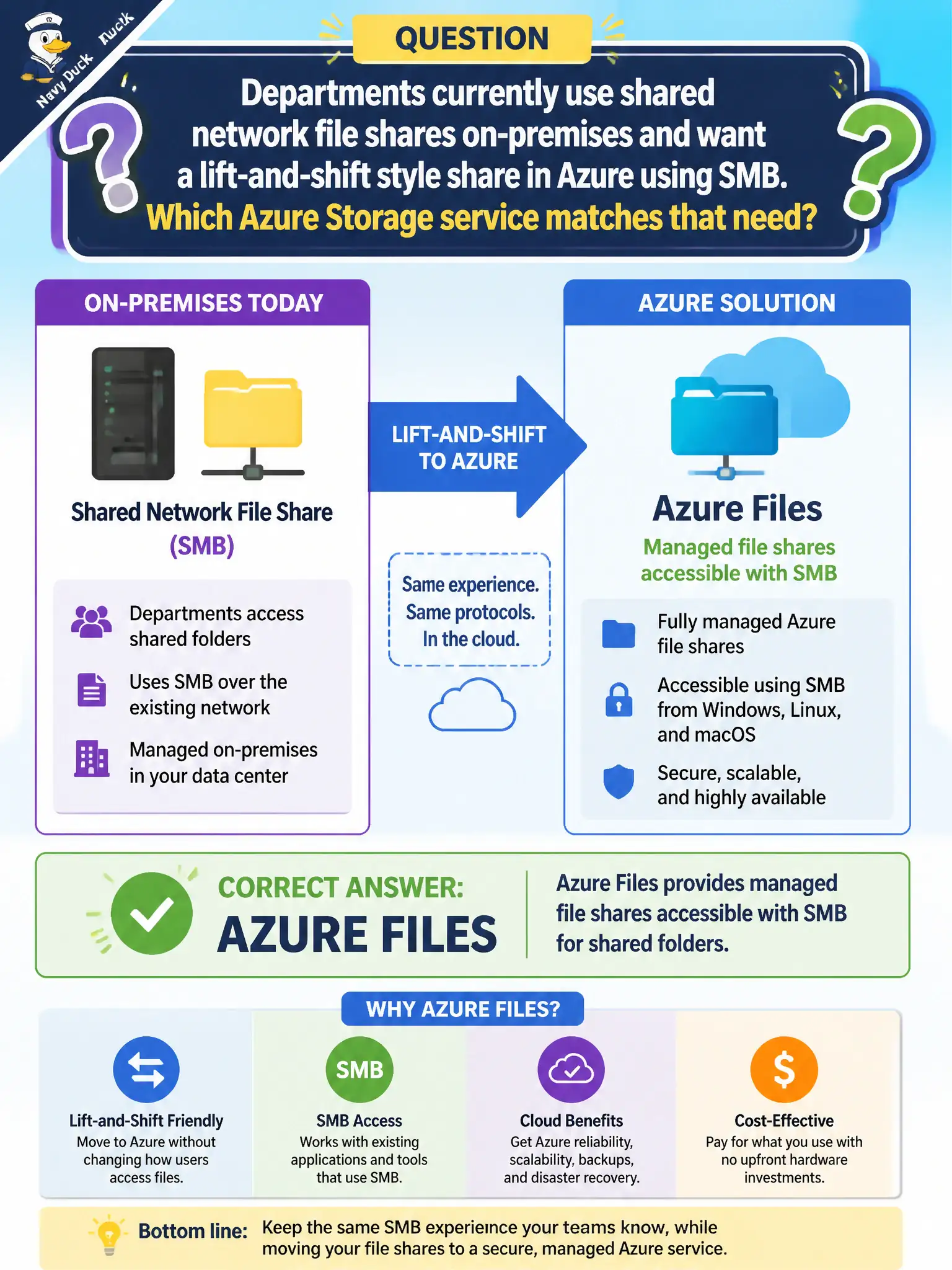
Departments currently use shared network file shares on-premises and want a lift-and-shift style share in Azure using SMB. Which Azure Storage service matches that need?
Select an answer to reveal the explanation.
Short Explanation
Shared folders that feel like old file servers are Azure Files — SMB shares in the cloud. Queues pass messages; blobs and tables are not classic departmental file shares. Lift-and-shift shares map to Azure Files.
Full Explanation
Azure Files provides fully managed file shares in the cloud that clients can access with SMB, and NFS in supported scenarios, which matches departments lifting shared network folders into Azure without redesigning everything as objects or messages. Queue storage is a messaging service for work items; it does not mount as an SMB departmental drive for everyday documents. Blob archive tier is a cold object access tier for rarely retrieved blobs, not the default SMB file server for offices. Table storage is an entity store for key-attribute data; it does not expose Windows file shares for lift-and-shift migrations of departmental folders. Azure Files keeps familiar share semantics that training materials and scripts often assume in city offices. Exam caveat: identity and networking choices—Microsoft Entra or AD options, private endpoints, and firewalls—matter for municipal security; SMB availability alone is not a complete design. Operational check: create a share, mount it from a departmental Windows client with the intended credentials, copy a sample folder tree, confirm latency and permissions meet lift-and-shift expectations before cutting over production drives, and document the mount path used by each department.