
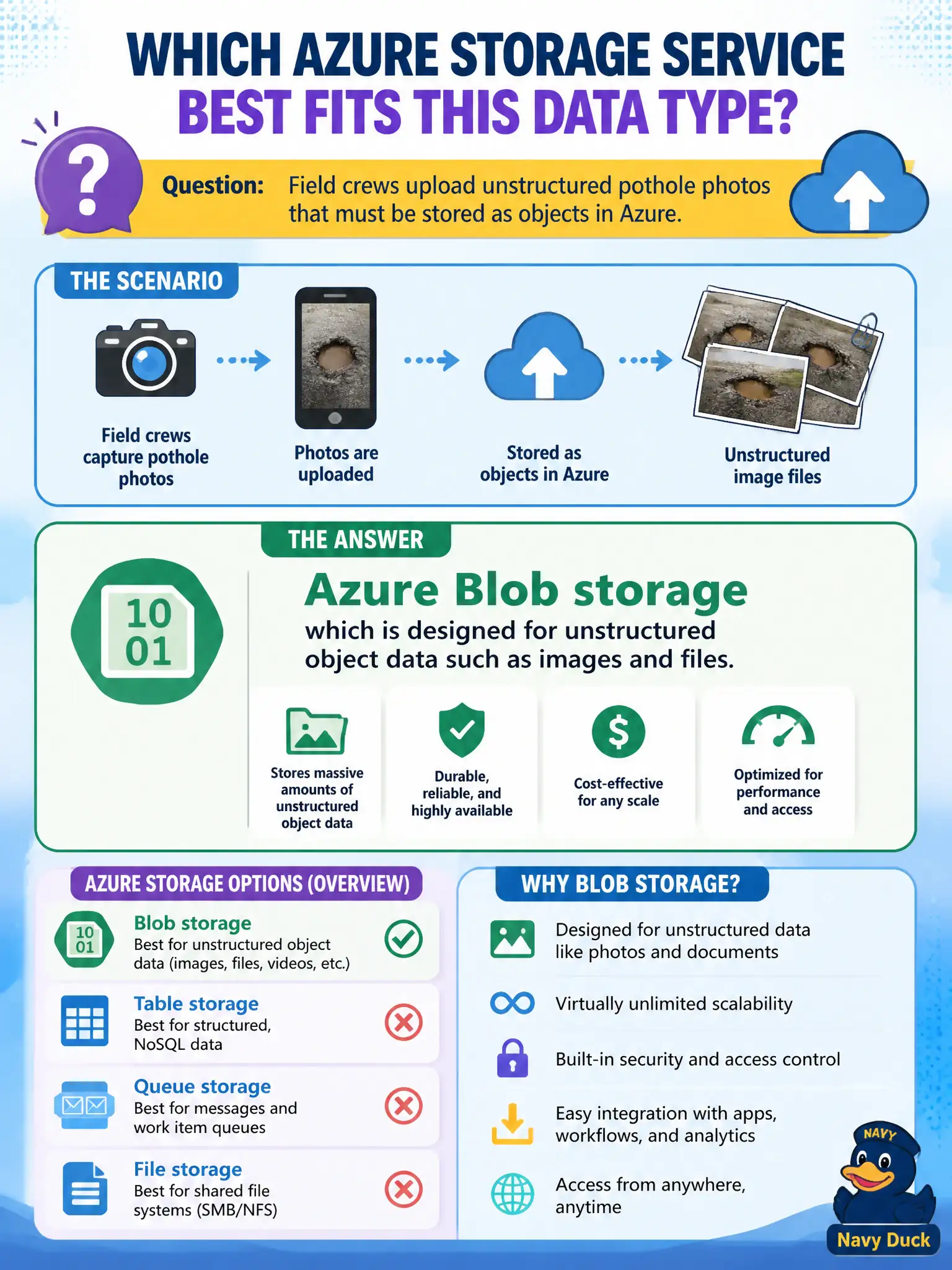
Field crews upload unstructured pothole photos that must be stored as objects in Azure. Which Azure Storage service best fits that data type?
Select an answer to reveal the explanation.
Short Explanation
Loose photo files are blob territory — unstructured objects in a bucket-style store. Files are SMB shares, queues are messages, tables are entity rows. Pothole pictures point to Blob storage.
Full Explanation
Azure Blob storage is the object store for unstructured data—images, documents, backups, and similar files—making it the right fit for field-crew pothole photos. Objects are addressed in containers without requiring SMB share semantics or a relational schema for each image. Azure Files is for managed file shares using SMB or NFS; it is not limited to relational rows, but the question’s object-store framing for unstructured photos points to Blob as the best match. Queue storage holds messages for asynchronous processing between components; it is not a permanent high-resolution image archive. Table storage stores structured NoSQL entities with keys and properties, not as the primary service for binary photo payloads from the field. Matching data shape to storage service prevents awkward redesigns later in the project. Exam caveat: blobs still need access control through identity, SAS, or keys plus network rules, and an access tier matched to how often photos are retrieved. Operational check: create a container for pothole images, upload a sample photo as a block blob, verify the field app can write while authorized reviewers can read using the chosen authentication model, and tag the container for cost allocation by department.