
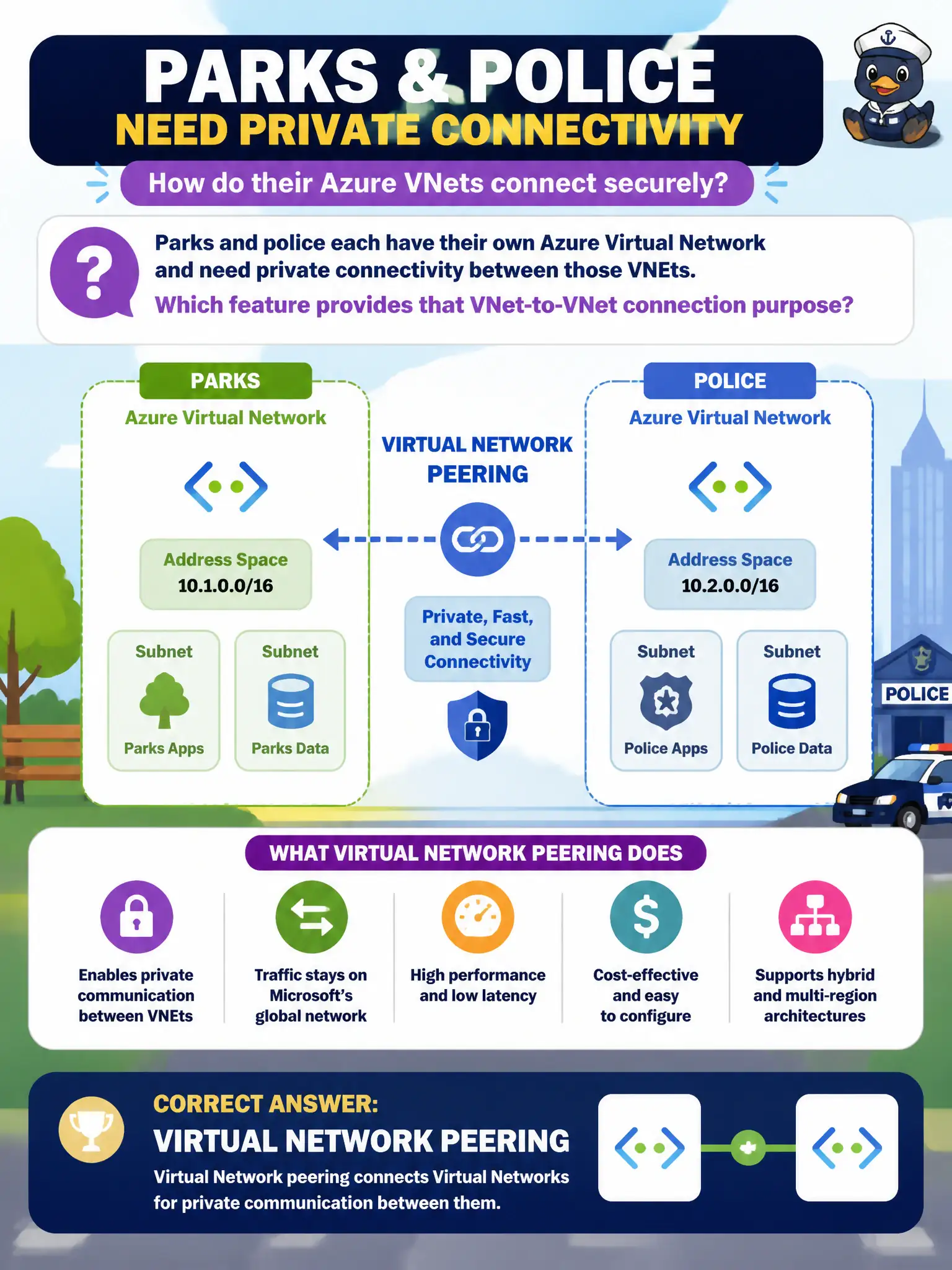
Parks and police each have their own Azure Virtual Network and need private connectivity between those VNets. Which feature provides that VNet-to-VNet connection purpose?
Select an answer to reveal the explanation.
Short Explanation
Two VNets that need to talk privately are a peering story — like linking two office floors with a private bridge. Archive blobs and policy packs are not that bridge. Peering connects VNets.
Full Explanation
Virtual Network peering connects Azure Virtual Networks so resources can communicate privately using Azure’s backbone rather than hair-pinning through the public internet. When parks and police each own a VNet and need private connectivity between them, peering is the describe-level feature that matches that VNet-to-VNet purpose without forcing a full redesign into one giant network. Blob archive tier changes object retrieval characteristics and cost; it does not peer networks when cool data is stored. Azure Policy initiatives enforce configuration standards; they do not open private routes between arbitrary VNets by default. Azure Virtual Desktop delivers desktop and app virtualization to users; it is not a substitute for VNet peering as the cross-VNet connectivity mechanism. Peering keeps departmental boundaries while enabling controlled collaboration. Exam caveat: peering is non-transitive by default in common designs—hub-and-spoke often needs careful topology so spoke-to-spoke traffic follows the intended path. Operational check: after enabling peering both ways, test private IP connectivity between a parks resource and a police resource and confirm DNS resolution matches the city’s private naming plan.