
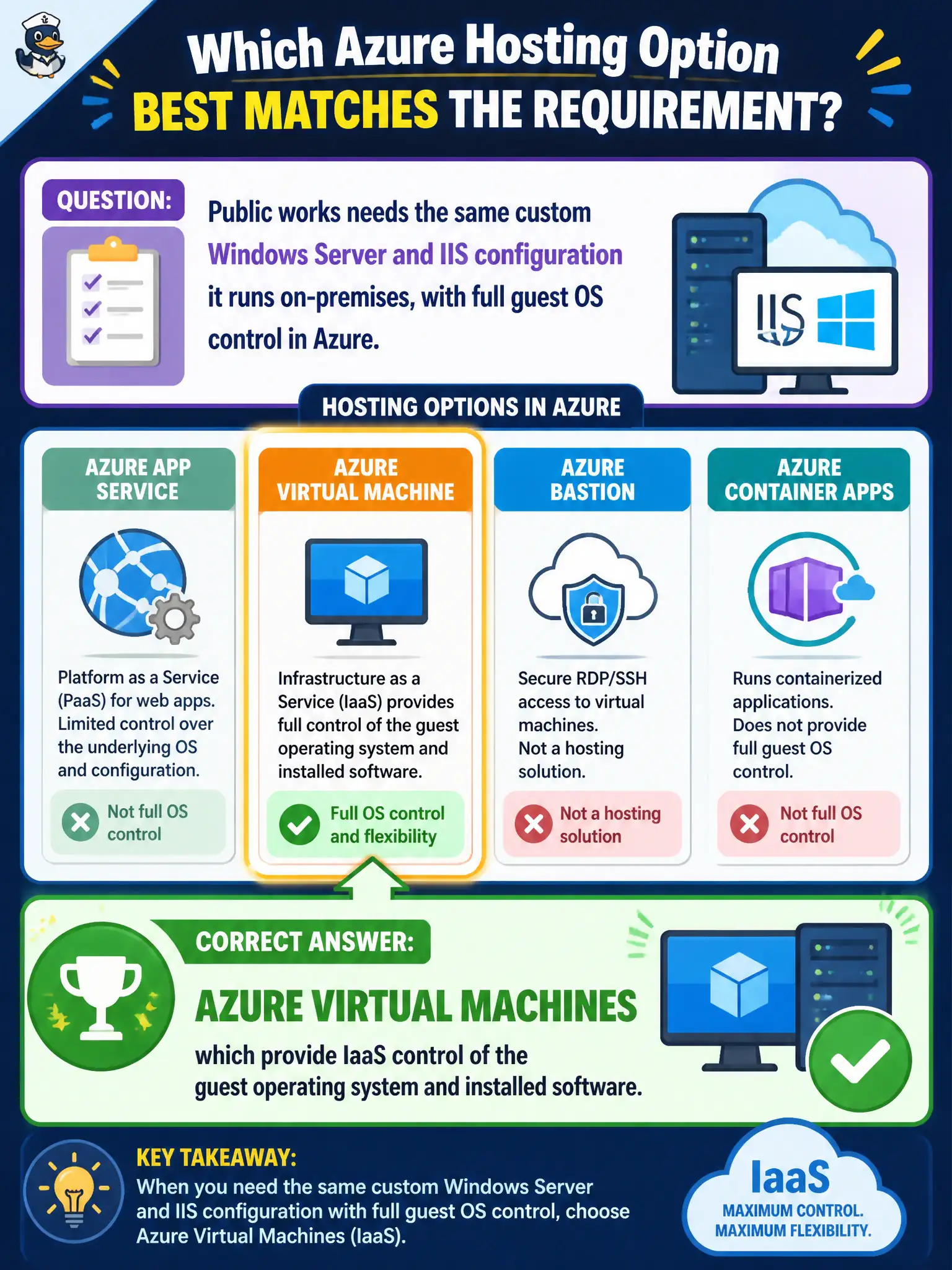
Public works needs the same custom Windows Server and IIS configuration it runs on-premises, with full guest OS control in Azure. Which hosting option best matches that requirement?
Select an answer to reveal the explanation.
Short Explanation
If the team must keep a custom OS and IIS setup like the basement server room, that is VM territory — full guest control. App Service softens the OS layer; DNS and tables are not web servers. Control of the guest OS equals VMs here.
Full Explanation
Azure Virtual Machines are the IaaS hosting option that preserves full control of the guest operating system and installed software. When public works must mirror an on-premises Windows Server and IIS configuration—including OS-level modules and settings that a managed web platform would abstract—VMs are the matching choice. App Service can host many web workloads with less OS burden, but it is not the path when the requirement is custom guest OS and IIS parity with the basement server room. Azure DNS provides name resolution and DNS hosting; zones do not replace web servers or IIS worker processes. Azure Table storage holds NoSQL-style entities for structured data; it does not host IIS sites for municipal websites. Selecting VMs deliberately trades platform convenience for control that matches lift-and-shift constraints. Exam caveat: with VM control comes patching, antivirus, backup, and hardening ownership—the shared responsibility model shifts more OS work to the city than PaaS would. Operational check: deploy a Windows Server VM, connect with Remote Desktop or Bastion, validate IIS and custom modules match the on-premises baseline, and document who owns monthly guest patching for the municipal site.