
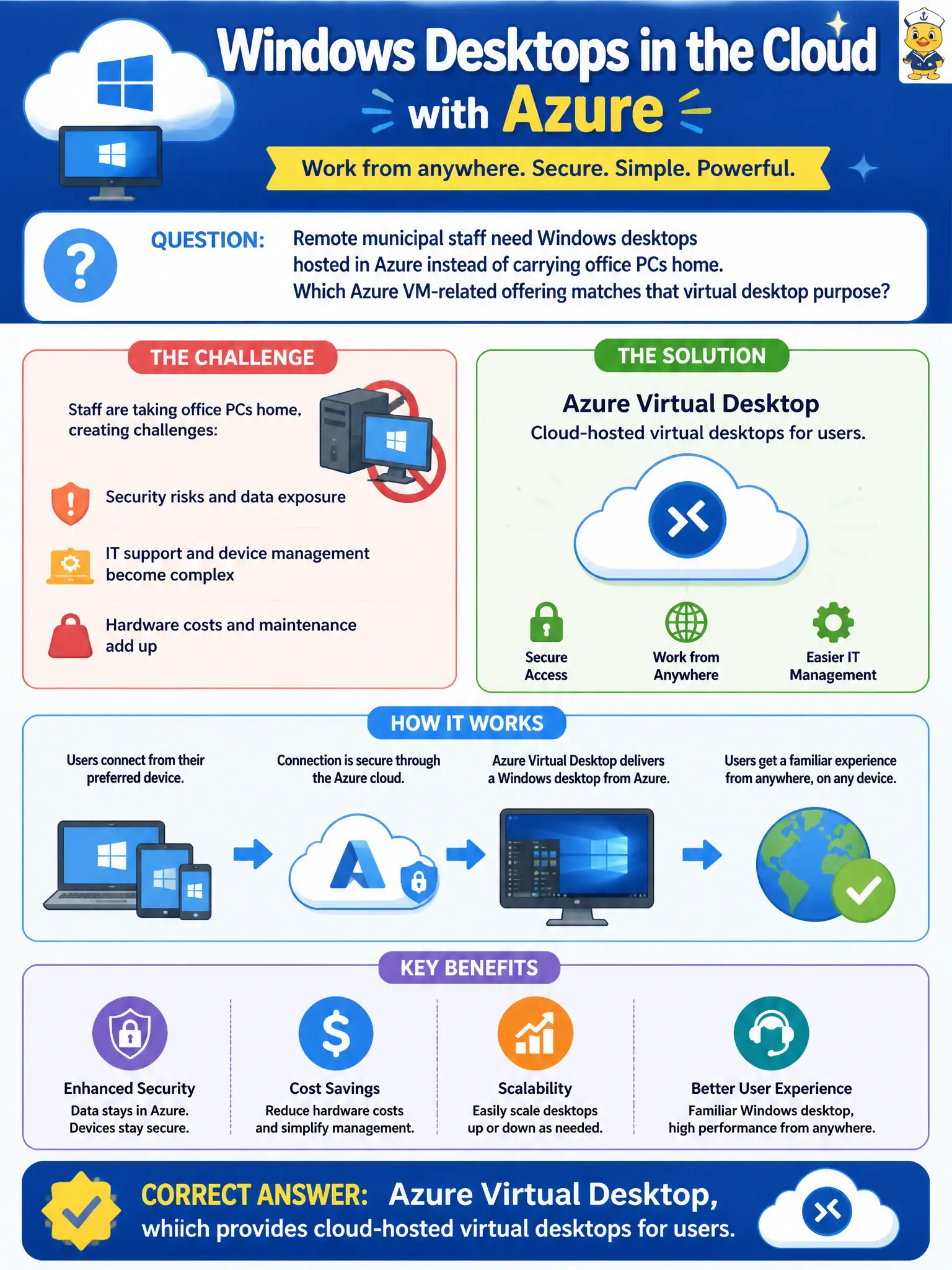
Remote municipal staff need Windows desktops hosted in Azure instead of carrying office PCs home. Which Azure VM-related offering matches that virtual desktop purpose?
Select an answer to reveal the explanation.
Short Explanation
Staff need a Windows desktop from the cloud — that is Azure Virtual Desktop’s job. Blob storage and policy engines do not hand someone a desktop session. Keep the desktop story on AVD.
Full Explanation
Remote municipal staff who need Windows desktops hosted in Azure instead of carrying office PCs home are looking for Azure Virtual Desktop. Azure Virtual Desktop provides cloud-hosted virtual desktops and remote app experiences so users connect to a managed desktop environment rather than depending solely on a physical office workstation. That matches the virtual-desktop purpose in the scenario.
Azure Blob Hot tier is a storage access tier for frequently accessed object data; it does not render a full Windows desktop for each employee. Azure Policy assignments govern resource configuration compliance; they do not replace desktop operating systems or session hosts. Azure ExpressRoute circuits provide private connectivity between on-premises networks and Azure; circuits alone are not desktop session hosts by default.
Exam caveat: Azure Virtual Desktop still relies on underlying compute (session hosts), identity, networking, and image management—choosing AVD is an architecture decision, not a single toggle that removes all desktop operations. Operational check: validate Microsoft Entra ID (or appropriate identity) integration, choose host pool sizing for concurrent remote staff, publish a golden image with municipal apps, and pilot a small user group’s connection experience before broad rollout.