
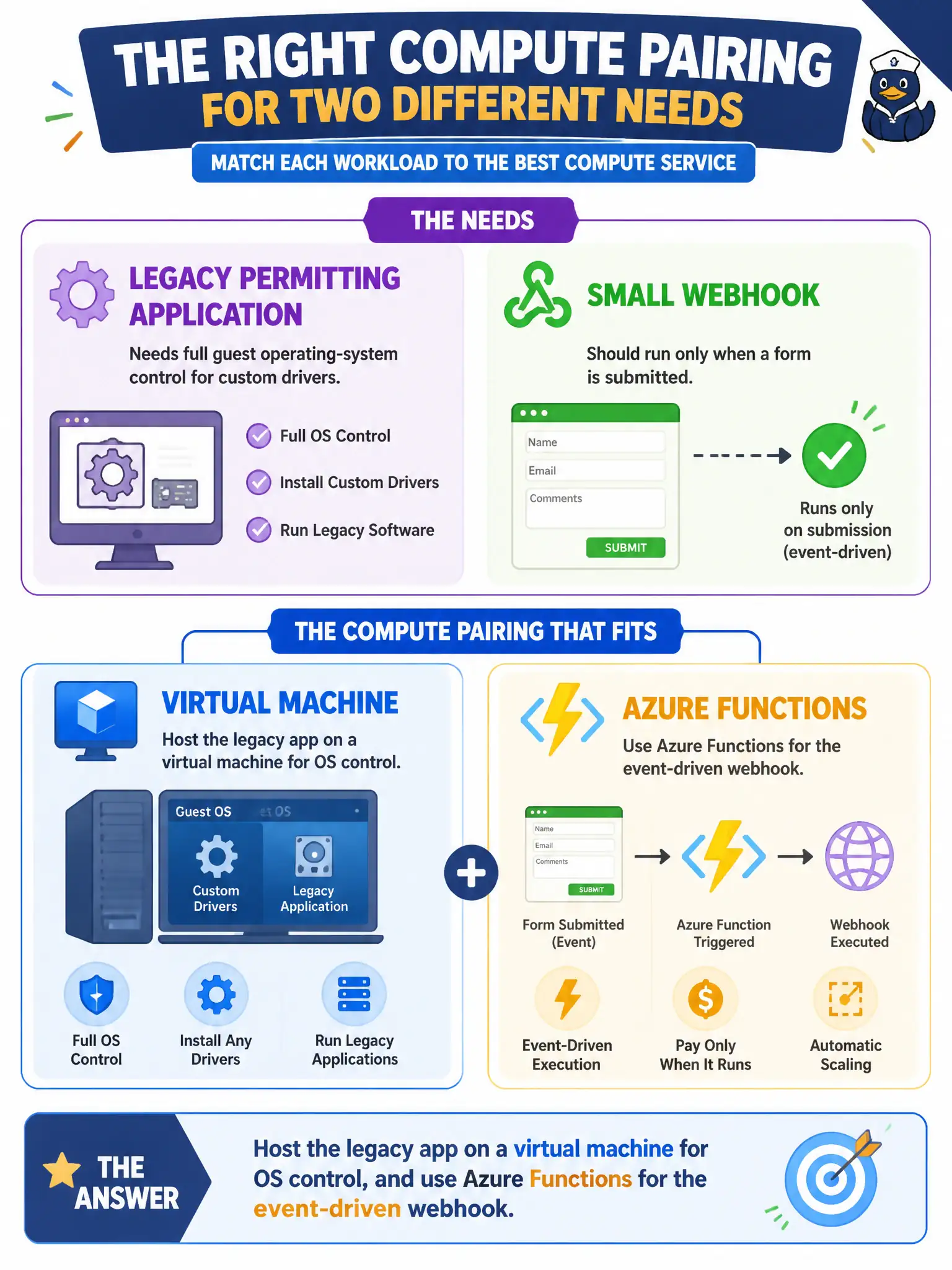
A legacy permitting application needs full guest operating-system control for custom drivers, while a small webhook should run only when a form is submitted. Which compute pairing fits those needs?
Select an answer to reveal the explanation.
Short Explanation
Old software that demands the whole OS belongs on a VM. A little “run when this happens” webhook is classic Functions territory. Match control needs to the compute style instead of forcing one size on both.
Full Explanation
Compute choice should follow control and trigger requirements. A legacy permitting application that needs full guest operating-system control for custom drivers belongs on a virtual machine, where the city can install and manage OS-level components. A small webhook that should run only when a form is submitted fits Azure Functions as event-driven serverless compute. Pairing VM for the legacy app and Functions for the webhook matches each workload’s needs without forcing one compute style onto both.
Running the legacy app only on Azure Functions while pinning the webhook only as a dedicated VM reverses the fit: Functions are a poor home for custom driver and full-OS legacy needs, and a permanently dedicated VM is usually overkill for a sparse webhook. Placing both workloads exclusively on unmanaged USB drives outside Azure abandons Azure compute entirely. Requiring Kubernetes node-pool tuning for both workloads before any compute choice is allowed jumps into advanced container-platform operations far beyond the decision at hand and beyond typical AZ-900 depth.
Exam caveat: some legacy apps can be refactored later toward containers or PaaS, but Fundamentals questions about “needs full OS control” still point to VMs in the near term. Operational check: inventory OS-level dependencies (drivers, agents, installers) for the permitting app before migration, and confirm the webhook’s trigger volume and timeout needs fit Functions plan limits before cutting production traffic over.