
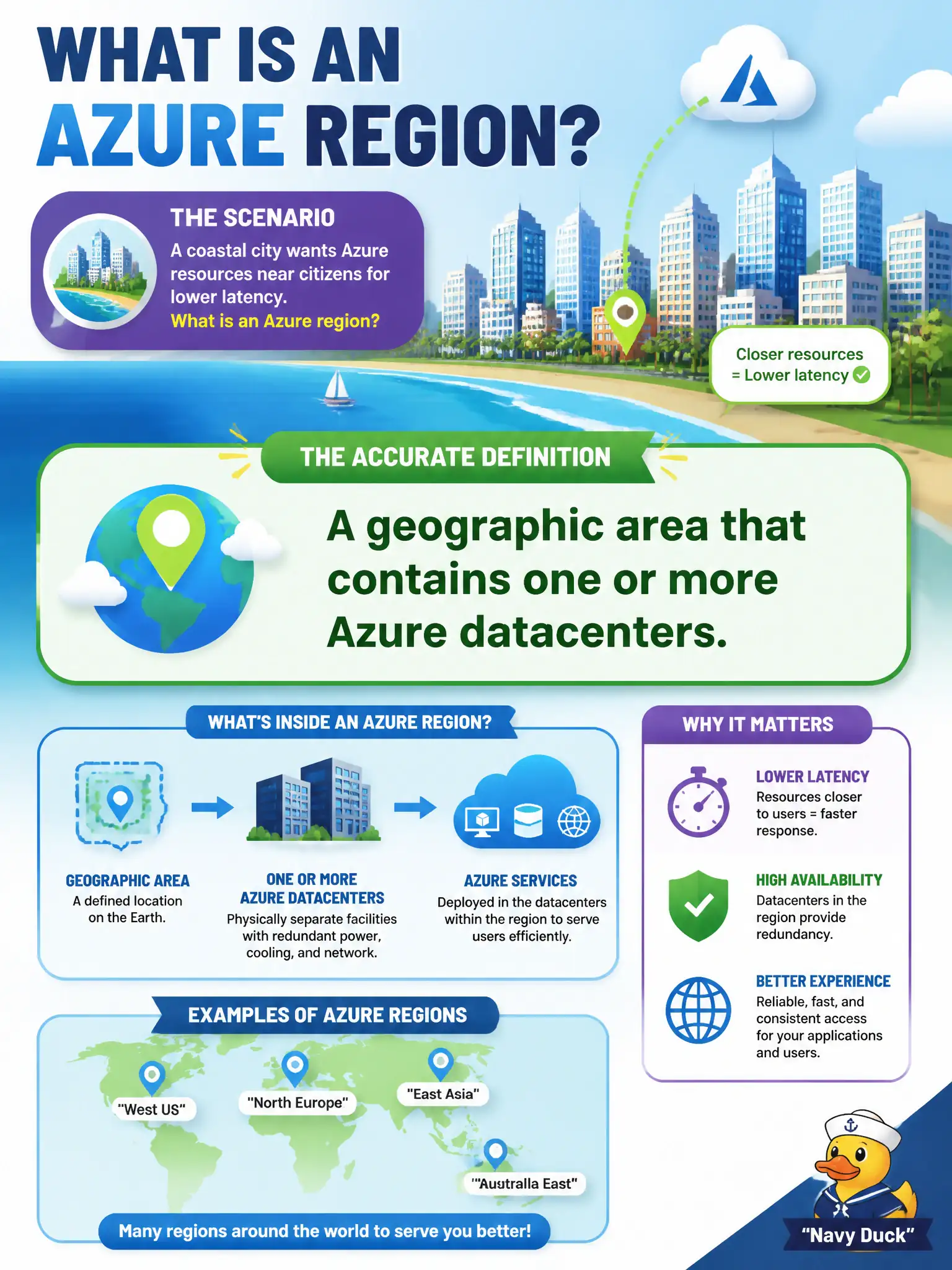
A coastal city wants Azure resources near citizens for lower latency and asks what an Azure region is. Which definition is accurate?
Select an answer to reveal the explanation.
Short Explanation
An Azure region is a neighborhood on the map — a geographic area stuffed with Microsoft datacenters. Park workloads in a region close to citizens when latency matters. It is not a billing tag or a magic VM SKU.
Full Explanation
An Azure region is a geographic area that contains one or more Azure datacenters. Regions are how Microsoft places capacity on the map so customers can deploy resources near users, meet residency expectations, and plan latency-sensitive services. For a coastal city seeking lower latency to citizens, selecting a nearby region is the fundamentals placement decision—not a SKU trick or a billing label.
A single virtual machine SKU that appears in every subscription is a compute offering, not a geography. A billing tag unrelated to physical datacenter location does not define where hardware runs. A SaaS license pack that supposedly guarantees sub-millisecond latency worldwide confuses commercial licensing with physical proximity; licenses do not invent nearby datacenters.
Exam caveat: not every service or VM size is available in every region, and paired or sovereign options may matter for resiliency and compliance beyond raw distance.
Operational check: in the Azure portal or CLI, confirm the target region offers the specific resource types the city needs, estimate network latency from citizen population centers, and document the region choice in architecture records so later deployments do not drift to a distant default.