
A storage account must accept writes from an Azure Backup vault without opening the Internet to all networks. What should the security engineer use on the storage firewall?
Select an answer to reveal the explanation.
Short Explanation
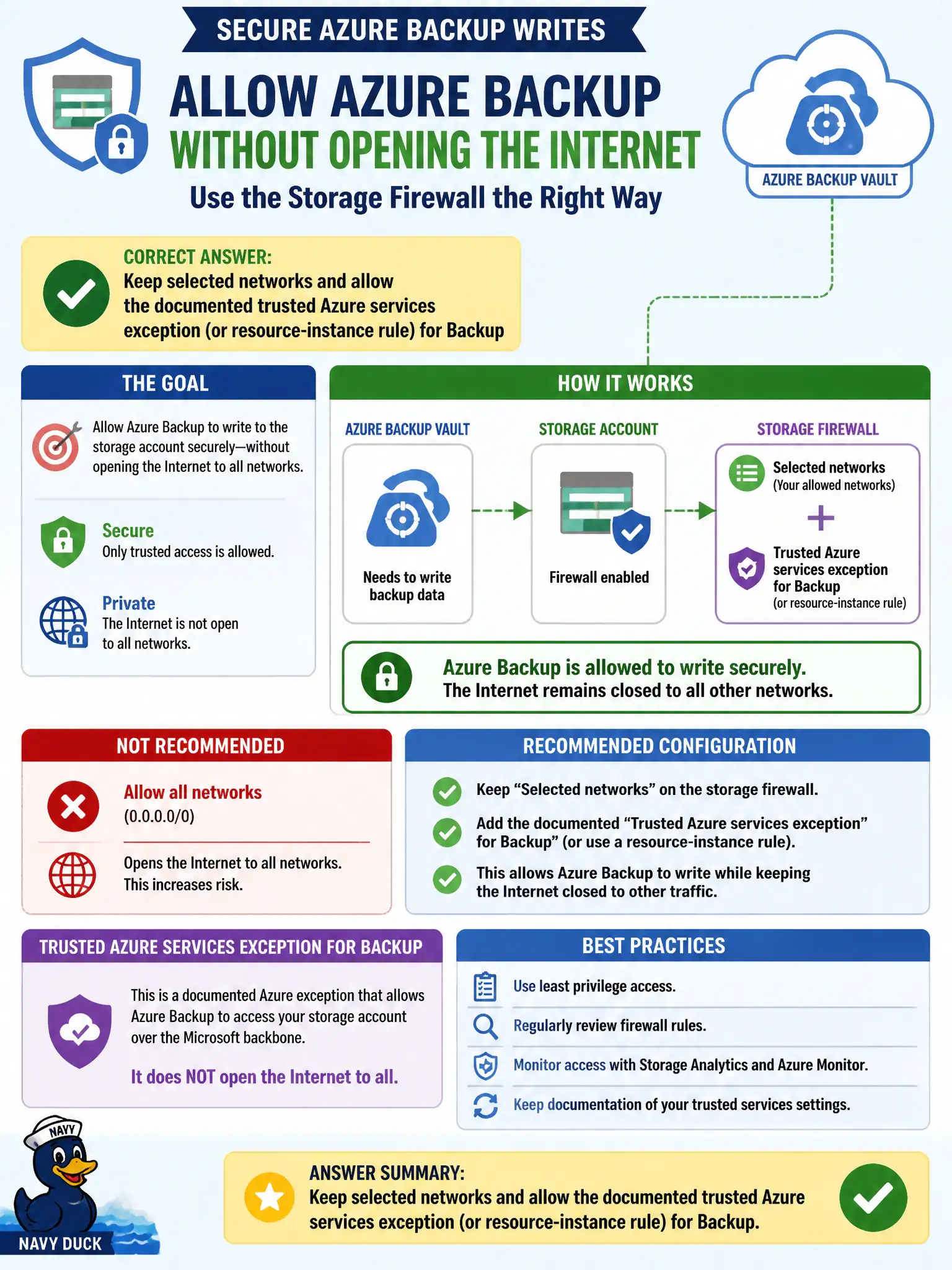
Backup needs in without inviting the whole Internet. Keep selected networks and flip the trusted Azure services exception—resource group co-location isn’t a firewall free pass.
Full Explanation
When a storage account firewall limits public access to selected networks, Azure Backup and similar platform services often need the documented trusted Microsoft services exception or resource-instance rules so the Backup vault can write without opening the account to all Internet networks. Keep selected networks and allow that trusted exception for Backup.
Setting public network access to Enabled from all networks fails least privilege. Disabling the storage firewall entirely and relying on a SAS emailed to operators fails network control and secret handling. Moving the Backup vault into the same resource group so network rules are ignored automatically is false.
Exam caveat: know which services qualify as trusted Microsoft services versus which need Private Endpoints or instance rules. Operational check: keep selected networks, enable the Backup-trusted exception or instance rule, run a backup, confirm Internet still cannot freely reach the account, and document the exception for auditors. In municipal Azure estates, document the decision in the change record, validate with a nonproduction rehearsal, and confirm monitoring still pages the on-call operator when the control fails closed during an incident drill.