
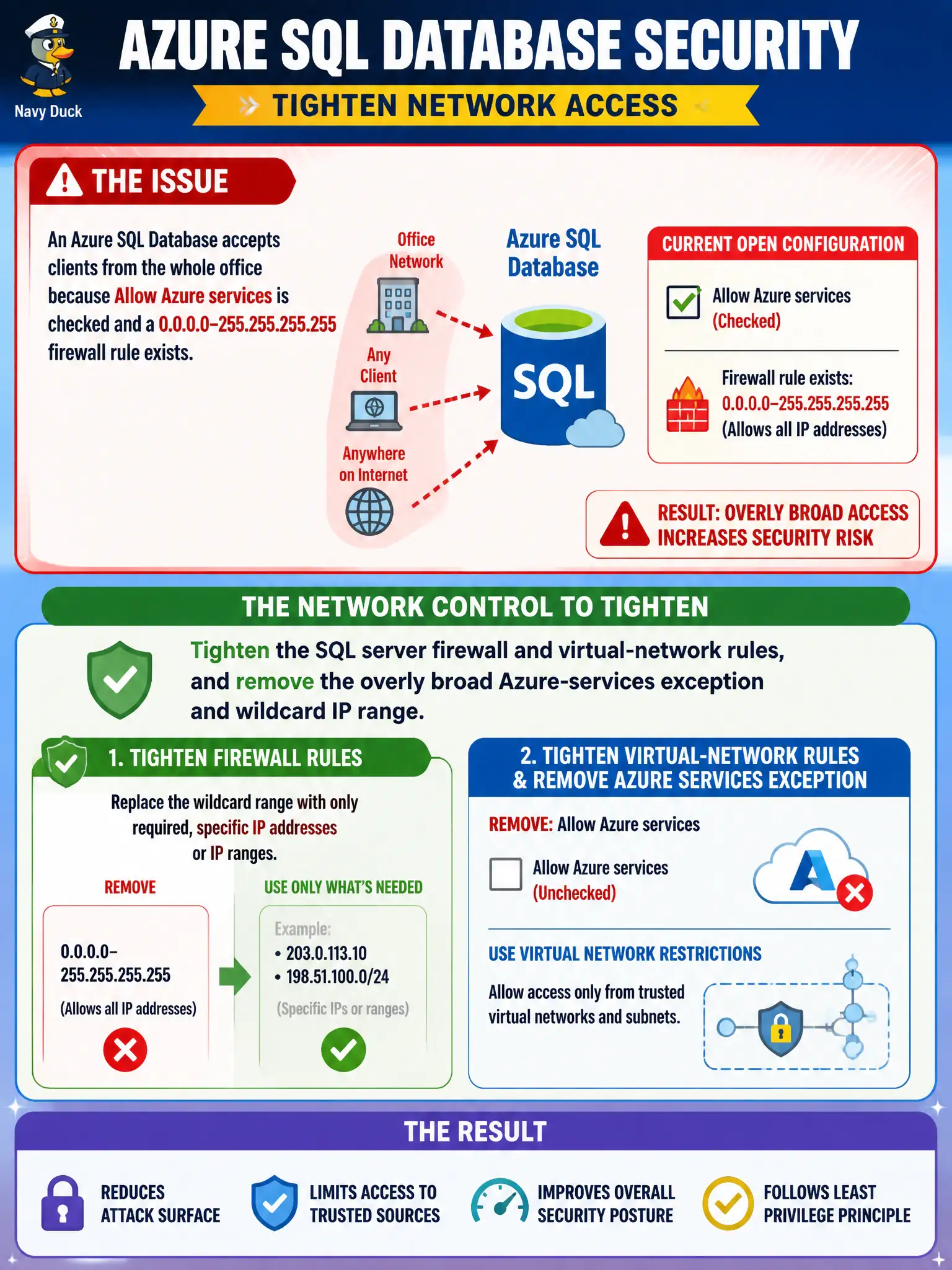
An Azure SQL Database accepts clients from the whole office because Allow Azure services is checked and a 0.0.0.0–255.255.255.255 firewall rule exists. What network control should the security engineer tighten?
Select an answer to reveal the explanation.
Short Explanation
Wide-open SQL firewall plus “Allow Azure services” is a welcome mat for the whole Internet neighborhood. Tighten server firewall and VNet rules—TDE and auditing don’t replace that network gate.
Full Explanation
Azure SQL Database firewall and virtual-network rules are network controls that should not leave a 0.0.0.0–255.255.255.255 allow or an overly broad Allow Azure services exception permanently enabled for production. Tighten the SQL server firewall and VNet rules, and remove the wildcard IP range and overly broad Azure-services exception that let the whole office—and more—reach the database.
Enabling Transparent Data Encryption only fails as a replacement for network rules—TDE protects at rest. Turning on auditing and dynamic data masking without changing network rules improves detection and display controls but leaves the open firewall. Assigning SQL DB Contributor at subscription scope so firewall rules become optional fails by concept and over-privileges identity instead of fixing network exposure.
Exam caveat: “Allow Azure services” is convenient and often too broad for least privilege. Operational check: remove the wildcard rule, replace with specific IPs or VNet rules/Private Link, retest office connectivity, and alert on future broad firewall rule creations. In municipal Azure estates, document the decision in the change record, validate with a nonproduction rehearsal, and confirm monitoring still pages the on-call operator when the control fails closed during an incident drill.