
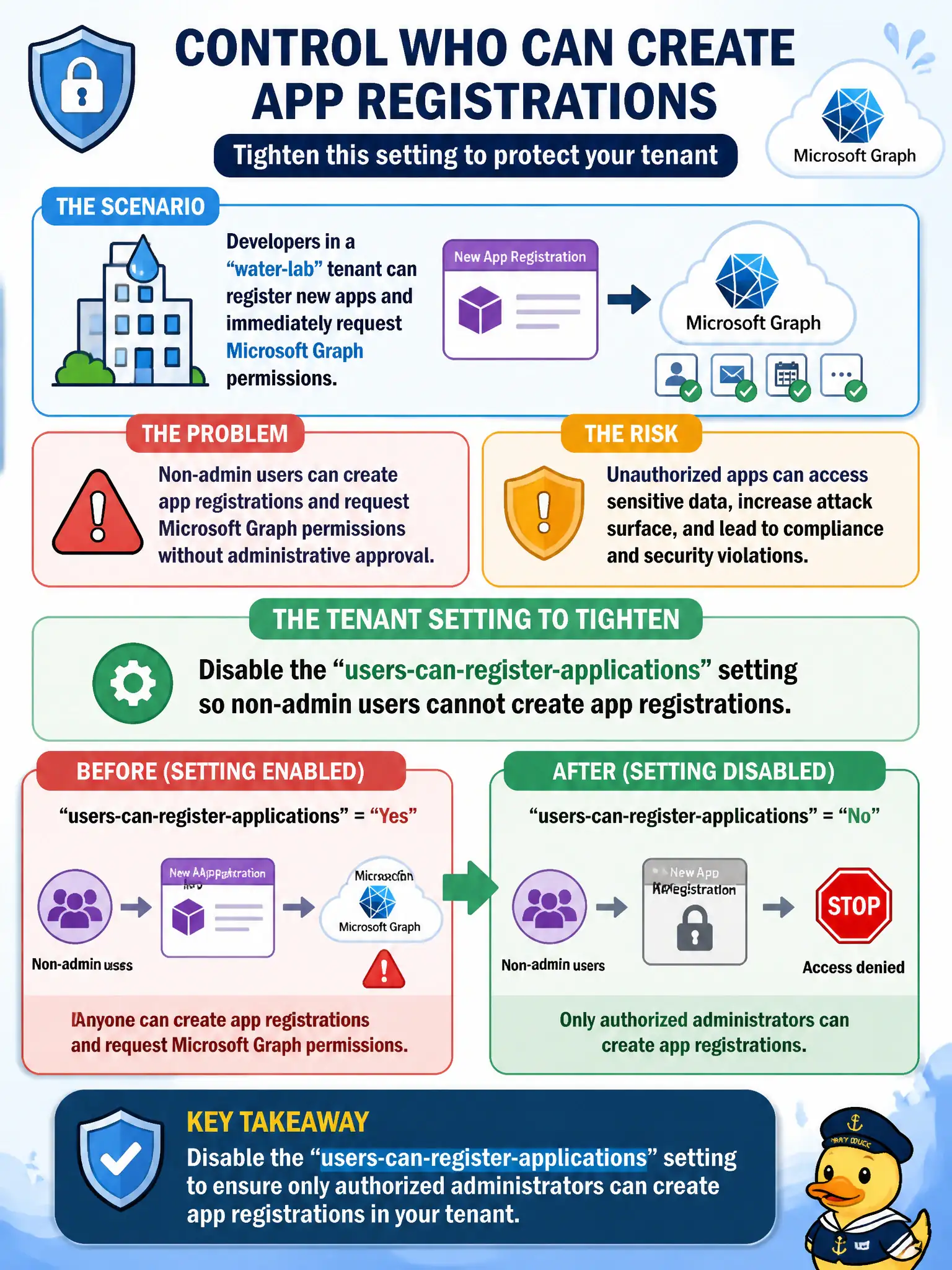
Developers in a water-lab tenant can register new apps and immediately request Microsoft Graph permissions. Which tenant setting should the security engineer tighten so only authorized administrators can create app registrations?
Select an answer to reveal the explanation.
Short Explanation
If every lab tech can mint a new app registration, you have a self-serve permission factory. Flip the tenant switch that lets users register applications off, and leave registration to Application Administrators or the group you designate.
Full Explanation
Microsoft Entra user settings include whether users can register applications. Disabling users-can-register-applications prevents non-admin developers in the water-lab tenant from creating app registrations and immediately requesting Graph permissions without governance. Authorized administrators (or appropriately privileged roles) then create registrations under change control so municipal apps are inventoried.
Turning off Conditional Access report-only to block every developer from the Azure portal fails as a blunt substitute and does not specifically govern app registration creation. Deleting the Application Administrator role from the tenant fails operations—you need privileged roles to administer apps, not remove the role class entirely. Enabling Security Copilot to auto-approve registrations after natural-language review is not the tenant setting that stops user-created registrations.
Exam caveat: pair this setting with consent restrictions and an admin consent workflow so innovation is not blocked without a request path. Operational check: disable users-can-register-applications, attempt registration as a standard developer (should fail), create an app as an admin, and communicate the request process to the lab.