
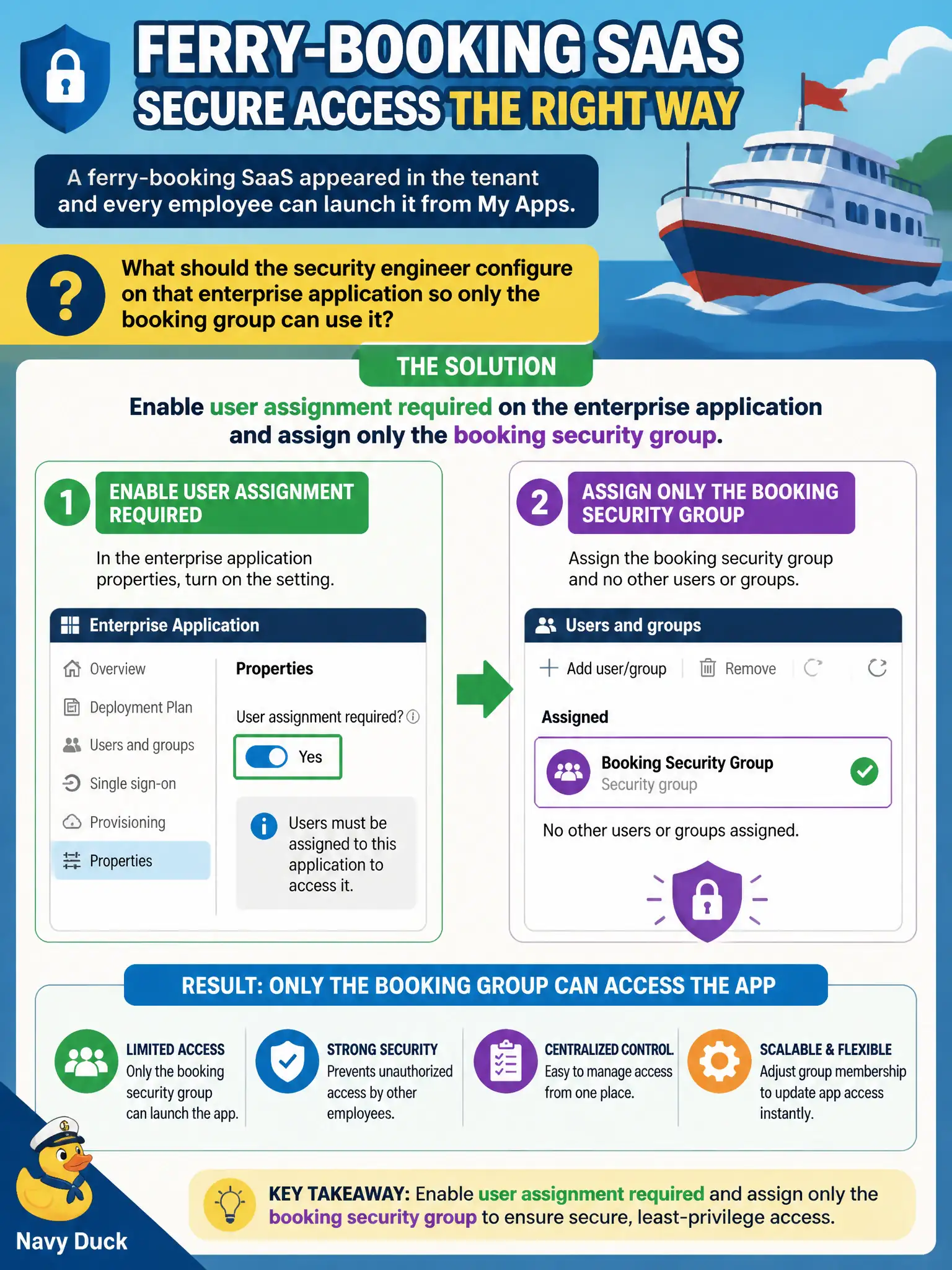
A ferry-booking SaaS appeared in the tenant and every employee can launch it from My Apps. What should the security engineer configure on that enterprise application so only the booking group can use it?
Select an answer to reveal the explanation.
Short Explanation
If the ferry app is open to the whole dock, flip “assignment required” and hand boarding passes only to the booking group. Until that switch is on, My Apps is basically a public pier for that app.
Full Explanation
Enterprise applications support a user assignment required property. When enabled, only users or groups explicitly assigned to that enterprise application can sign in (subject to other policies). For the ferry-booking SaaS that every employee can currently launch from My Apps, enable user assignment required and assign only the booking security group so non-members cannot use the app.
Publishing through Application Proxy fails by concept: Application Proxy publishes on-premises apps remotely; it is not the control that restricts a gallery/SaaS enterprise app to one group. An Entitlement Management access package that auto-assigns every employee as an application developer fails least privilege and misunderstands both app assignment and developer roles. Assigning Azure subscription Owner to the booking group fails entirely—subscription Owner does not hide other enterprise applications in My Apps and massively over-privileges Azure resources.
Exam caveat: “User assignment required” plus group assignment is the standard least-privilege gate on enterprise applications. Operational check: enable the setting, assign only the booking group, sign in as a member (success) and a non-member (failure), and review My Apps visibility accordingly.