
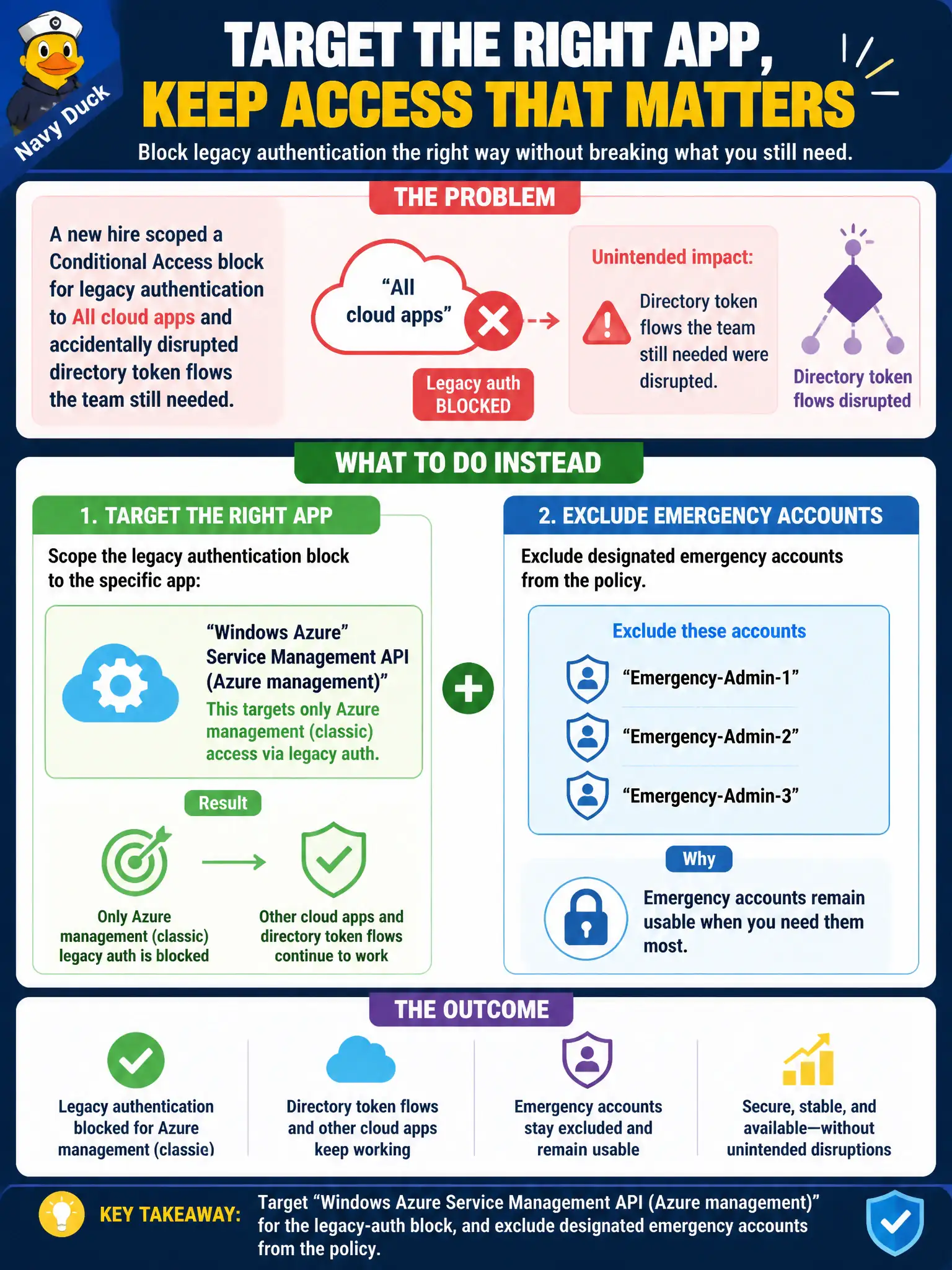
A new hire scoped a Conditional Access block for legacy authentication to All cloud apps and accidentally disrupted directory token flows the team still needed. How should Azure management access be targeted instead while keeping emergency accounts usable?
Select an answer to reveal the explanation.
Short Explanation
“All resources” is a wide net—great for some controls, clumsy when you only meant Azure management. Aim the policy at Windows Azure Service Management API for portal/ARM work, and always leave your break-glass accounts outside the net.
Full Explanation
Conditional Access target resources distinguish All cloud apps from specific apps such as Windows Azure Service Management API for Azure management. After a new hire’s All-cloud-apps legacy-authentication block disrupted directory token flows still needed, target the legacy-auth block more narrowly at Windows Azure Service Management API (Azure management) and exclude designated emergency accounts so Azure portal/CLI management is hardened without a blanket All-apps blast radius.
Keeping All cloud apps and relying on Defender for Cloud to exempt directory traffic fails—Defender for Cloud does not automatically rewrite Conditional Access targets to spare directory flows. Moving the block into an Azure Policy initiative fails by concept: Azure Policy governs resource properties and deployment compliance, not Entra legacy authentication protocols at sign-in. Applying the block only to Office 365 fails because Azure portal management does not inherit Office 365 as its Conditional Access cloud-app target.
Exam caveat: prefer explicit Azure management app targeting plus break-glass exclusions when restricting legacy authentication for operators. Operational check: retarget the policy to Windows Azure Service Management API, exclude emergency accounts, verify legacy clients to Azure management are blocked, and confirm critical directory/app flows that previously broke now succeed.