
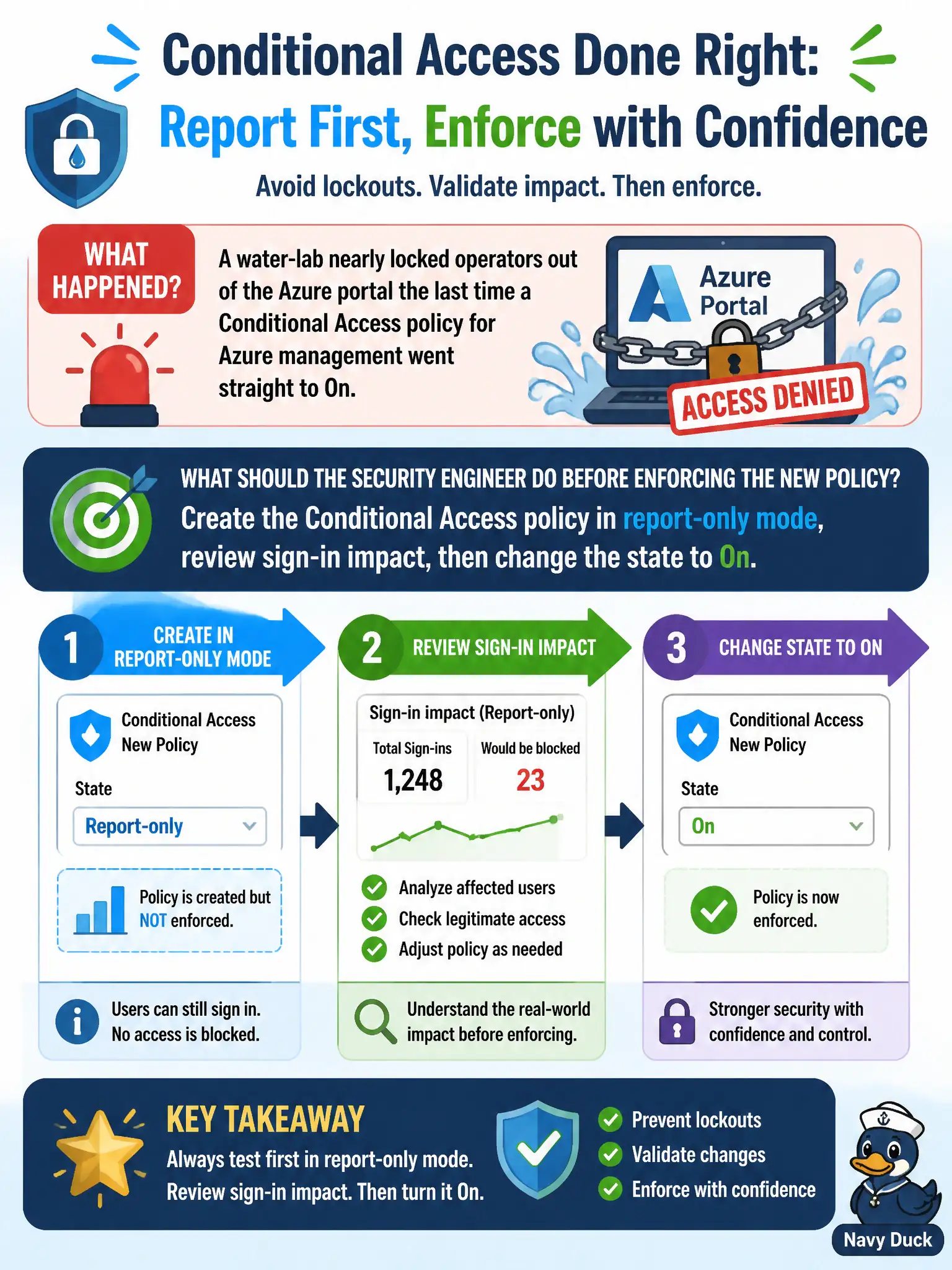
A water-lab nearly locked operators out of the Azure portal the last time a Conditional Access policy for Azure management went straight to On. What should the security engineer do before enforcing the new policy?
Select an answer to reveal the explanation.
Short Explanation
Flip the big red On switch first and you may lock the whole lab out of Azure. Park the policy in report-only, watch who would have been blocked, then turn it On when the numbers look sane—same idea as a dry run before a change window.
Full Explanation
Report-only lets Conditional Access evaluate Azure management (and other cloud apps) and show projected impact in sign-in logs without enforcing block or grant failures. Before turning on a new Azure-management policy that nearly locked water-lab operators out last time, create the policy in report-only mode, review sign-in impact for who would have been blocked or challenged, then change the state to On once the design and exclusions (including break-glass) are validated.
Publishing a Sentinel analytics rule and enabling the policy as On immediately fails the “before enforcing” requirement: alerting on failures is not a substitute for report-only impact analysis and still risks lockout. Disabling all break-glass accounts fails operational resilience and skews the opposite of good practice—break-glass should remain available and typically excluded. Replacing Conditional Access with a subscription lock fails by concept: resource locks control delete/modify on resources; they do not replace identity Conditional Access for portal authentication.
Exam caveat: report-only → review → On is the safe rollout pattern AZ-500 expects for risky Conditional Access changes. Operational check: enable report-only, filter Entra sign-in logs for the policy, remediate noncompliant operators, exclude emergency accounts, switch to On, and monitor the first hours for unexpected blocks.