
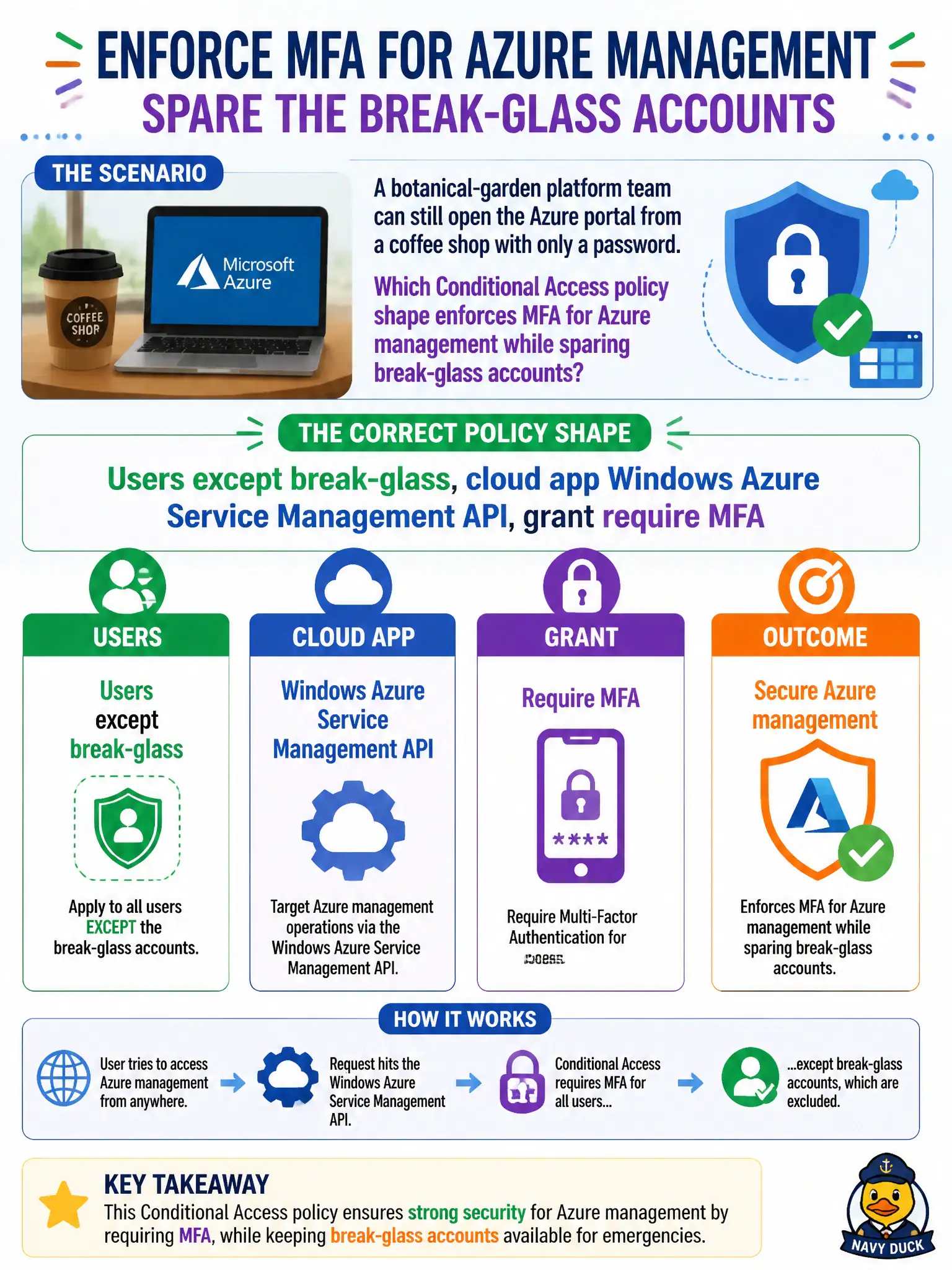
A botanical-garden platform team can still open the Azure portal from a coffee shop with only a password. Which Conditional Access policy shape enforces MFA for Azure management while sparing break-glass accounts?
Select an answer to reveal the explanation.
Short Explanation
Build the classic if-then: these users (minus the sealed break-glass pair), this Azure management app, then require MFA. That stops coffee-shop password-only portal logins without inventing a Zero Trust essay or waiting on Security Copilot.
Full Explanation
A Conditional Access policy for Azure cloud resource management typically includes users (all or selected groups) with emergency access accounts excluded, targets the Windows Azure Service Management API cloud app, and grants require MFA. That shape forces the botanical-garden platform team to complete MFA when opening Azure management from a coffee shop while still sparing break-glass accounts from a self-inflicted lockout.
Targeting all cloud apps with grant block and excluding no accounts fails by being far too broad and guaranteeing lockouts without defining a compliant-device path correctly for this scenario. Targeting Exchange Online only fails by concept: email MFA does not protect Azure Resource Manager portal access. Relying on Security Copilot Optimization Agent to auto-create the policy with no manual Conditional Access fails the exam expectation that you can specify users, cloud app, and grant controls yourself.
Exam caveat: exclude break-glass from MFA policies; do not exclude standing Global Administrator day-to-day accounts as a shortcut. Operational check: implement users-except-break-glass, Windows Azure Service Management API, grant MFA; test a platform-team account from an unmanaged network; confirm MFA; sign in with a break-glass account per procedure and confirm it is excluded.