
Lock-lab Azure SQL still has only the SQL server admin password. What must you configure so Microsoft Entra identities can become database principals?
Select an answer to reveal the explanation.
Short Explanation
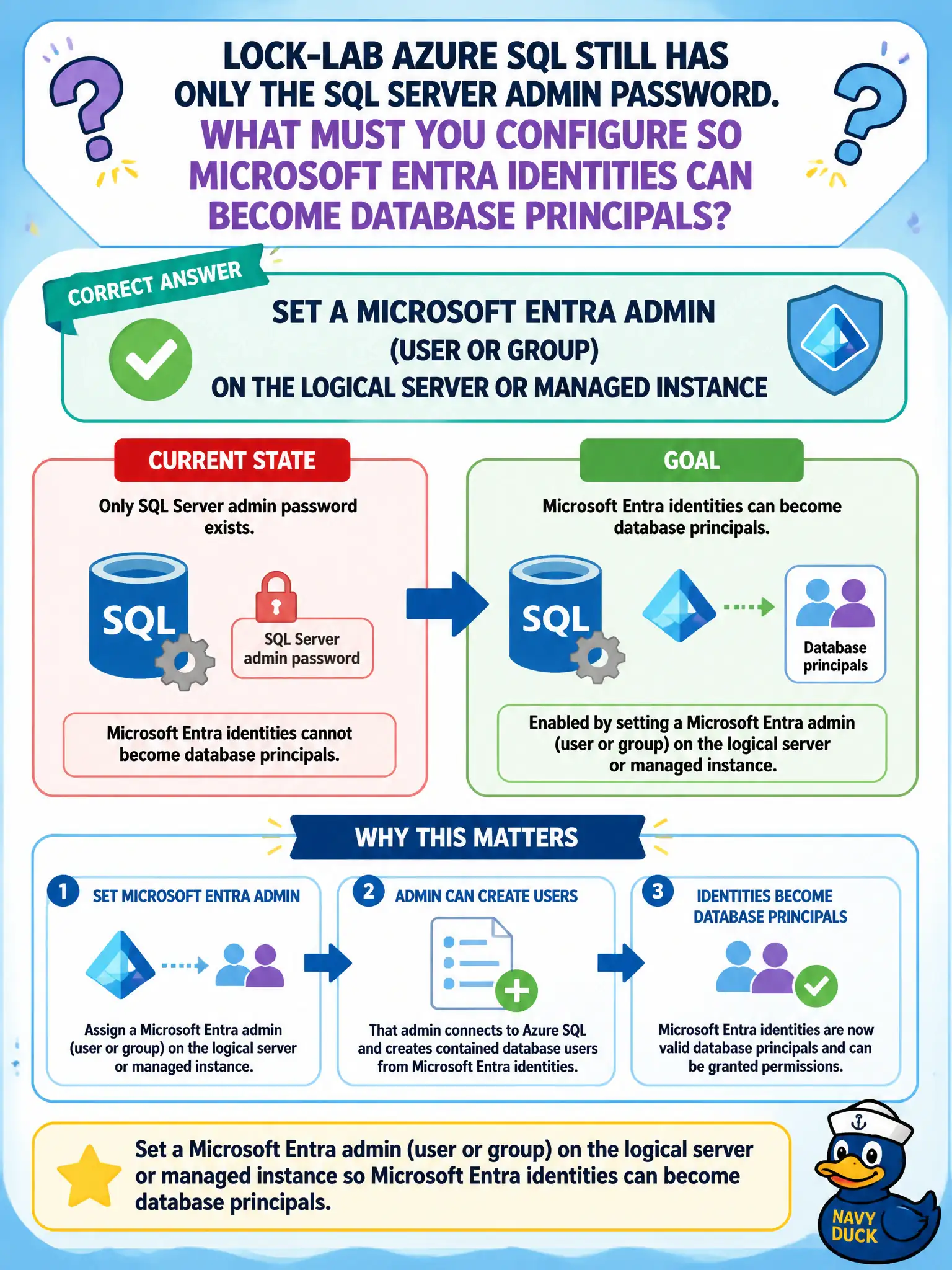
Entra database auth doesn’t magically appear because someone has a password. Park an Entra admin on the logical server (or MI)—that’s the gate that lets Entra users and groups become SQL principals.
Full Explanation
Microsoft Entra authentication for Azure SQL Database or Azure SQL Managed Instance requires an Entra administrator (user or group) set on the logical server or managed instance. That admin principal is the bootstrap that lets you create Entra-based SQL users and logins; without it, canal analysts cannot be onboarded as Entra database principals even if they have strong cloud identities elsewhere. Opening the SQL firewall to “Allow Azure services” and sharing one SQL password expands network and credential risk without establishing Entra auth. Granting Entra Global Administrator through PIM is a directory privilege and does not configure the SQL server’s Entra admin setting or create database users. Replacing TDE with Always Encrypted changes encryption models; it does not remove the need for an Entra admin or replace authentication design. Exam caveat: the Entra admin can be a group for resiliency—prefer a break-glass capable group over a single named user—and server-level Entra-only authentication is a separate, stricter control once the admin exists. Operational check: set the Entra admin, sign in with that identity using an Entra token (SSMS/Azure Data Studio with Entra auth), create a test contained user from an Entra group, and confirm SQL authentication still behaves as expected until you intentionally move to Entra-only mode.