
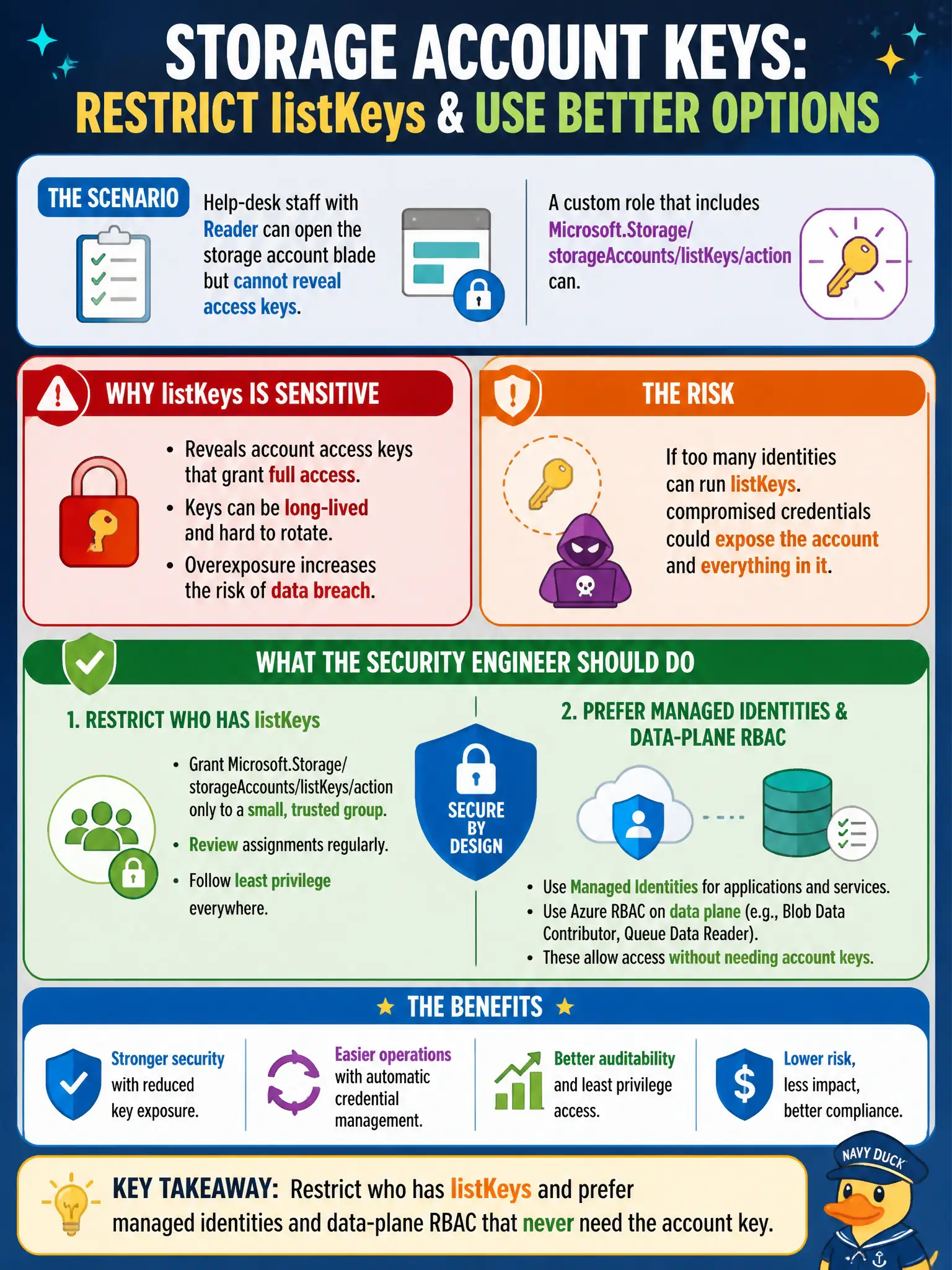
Help-desk staff with Reader can open the storage account blade but cannot reveal access keys, while a custom role that includes Microsoft.Storage/storageAccounts/listKeys/action can. What should the security engineer do?
Select an answer to reveal the explanation.
Short Explanation
listKeys is the button that prints the master key. Keep that action rare—and steer people toward identities that never need the account key at all.
Full Explanation
Help-desk staff with Reader can open the storage account blade but cannot reveal access keys, while a custom role that includes Microsoft.Storage/storageAccounts/listKeys/action can—so the security engineer should restrict who has listKeys and prefer managed identities and data-plane RBAC that never need the account key. listKeys is the control-plane permission that prints the master key. Keeping that action rare protects civic storage estates from casual disclosure during portal troubleshooting.
Granting listKeys to every Reader so portal troubleshooting always shows both keys fails by concept: widening listKeys maximizes key disclosure risk among a large help-desk population. Replacing listKeys with Owner at the tenant root so keys are managed centrally by everyone fails because Owner at tenant root is an extreme privilege expansion, not a hygiene improvement. Documenting the keys in a shared spreadsheet so listKeys assignments are unnecessary fails by creating an even less controlled standing secret store.
Exam caveat: built-in Reader cannot listKeys; custom or privileged roles that include listKeys can—treat listKeys like a sensitive break-glass capability. Operational check: audit role assignments for listKeys on lock-photo and silo accounts, remove the action from broad help-desk custom roles, route legitimate key operations through a small privileged group with logging, and migrate apps to managed identities so day-to-day operations never require revealing keys.