
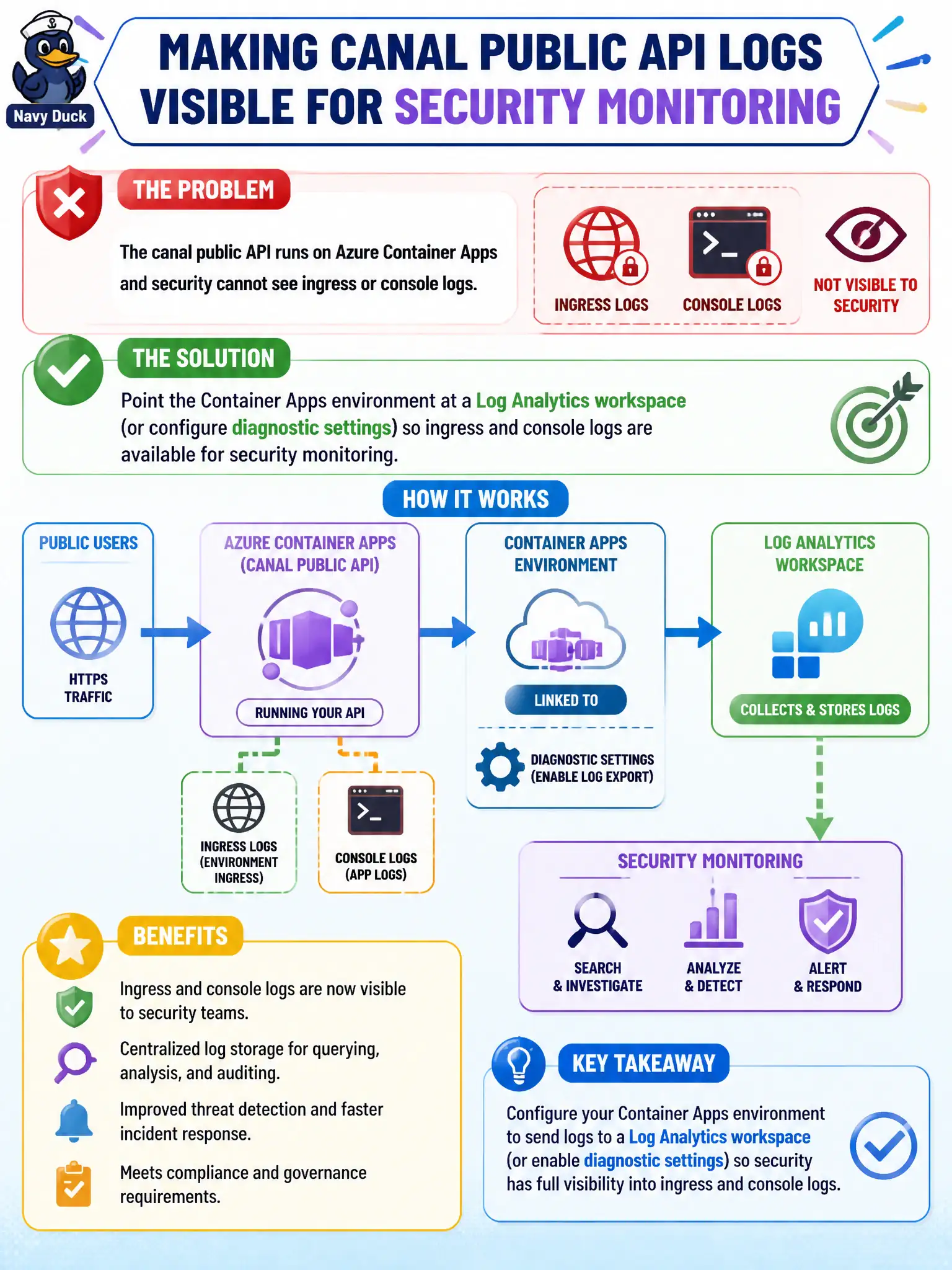
The canal public API runs on Azure Container Apps and security cannot see ingress or console logs. What should the security engineer configure?
Select an answer to reveal the explanation.
Short Explanation
If security can’t see Container Apps ingress or console output, aim the environment at Log Analytics (or diagnostics). WAF at the edge is Domain 2; this is about ACA environment logs.
Full Explanation
Point the Azure Container Apps environment at a Log Analytics workspace, or configure diagnostic settings, so ingress and console logs are available for security monitoring of the canal public API. Without that environment-level logging destination, security cannot investigate ingress anomalies or console activity even when app revisions appear healthy in the portal.
Attaching only a Front Door WAF policy and assuming WAF logs replace Container Apps environment logging fails by concept: edge WAF logs are not a substitute for ACA ingress and console logs inside the environment. Authoring Dapr component bindings and revision strategies so each revision invents its own SIEM feed misses the platform Log Analytics integration Container Apps already provides. Disabling system logging to reduce cost and relying on client-side browser errors destroys the server-side audit trail needed for incident response.
Exam caveat: Front Door or Application Gateway WAF is primarily an edge networking control; Container Apps environment logging is the compute-platform telemetry question—do not conflate the two on the exam. Operational check: set the environment’s Log Analytics workspace or diagnostics, generate inbound traffic and console output, and confirm both ingress and console records appear in the workspace for the canal API.