
A burst lock-sensor container in Azure Container Instances crashed and nobody has stdout or security-relevant events. What should the security engineer configure?
Select an answer to reveal the explanation.
Short Explanation
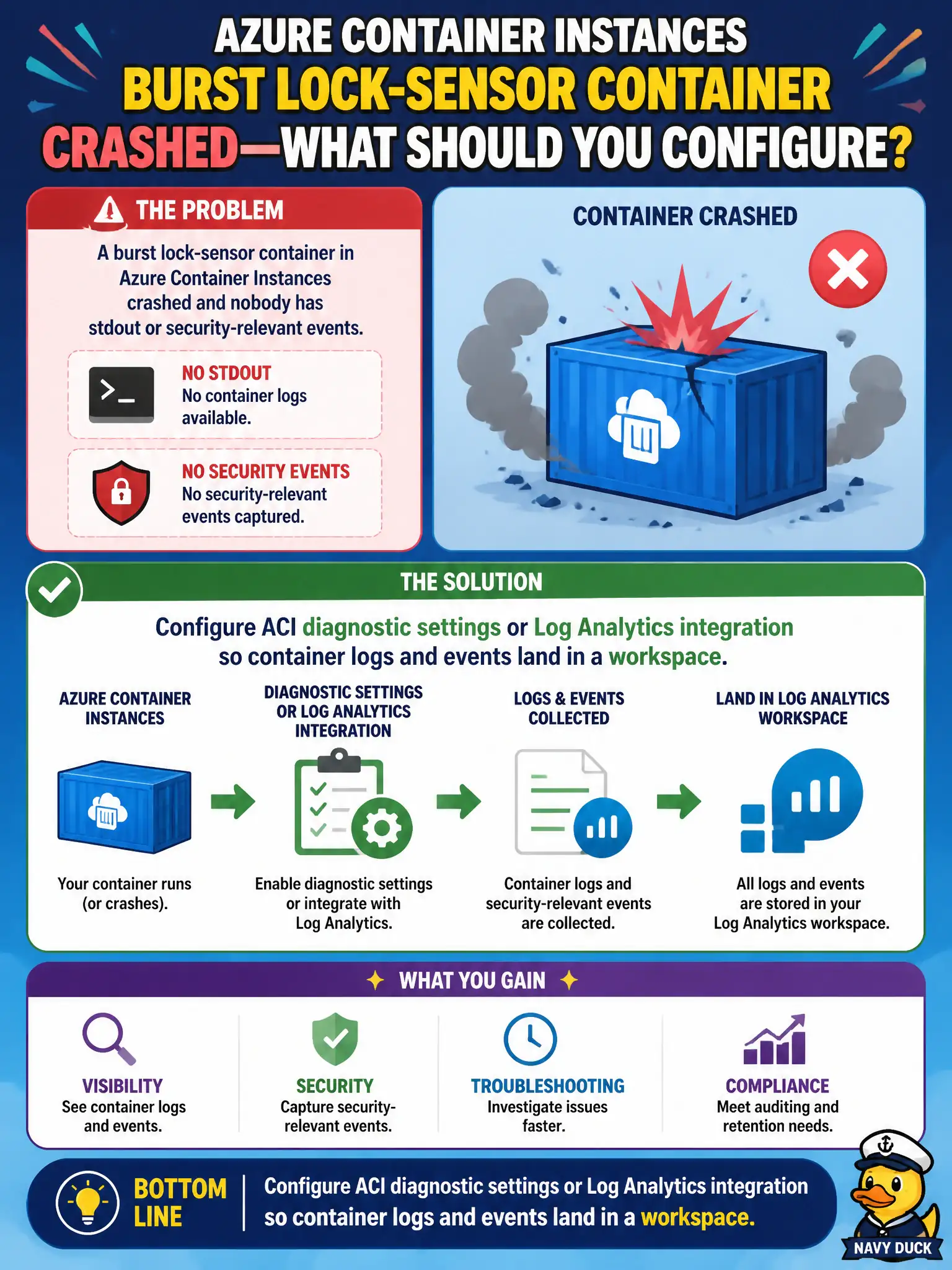
The lock-sensor ACI vanished and left no trail. Point ACI diagnostics at Log Analytics so stdout and events have a home before the next burst run.
Full Explanation
Configure Azure Container Instances diagnostic settings or Log Analytics integration so container stdout and security-relevant events from the burst lock-sensor group land in a workspace. Ephemeral ACI runs disappear quickly; without a configured sink, crashes leave no trail for the canal security team to investigate why the sensor container failed or whether anything security-relevant occurred during the short lifetime of the group.
Rebuilding the image with verbose logging libraries and redeploying without changing Azure monitoring settings fails by concept: louder application logs still vanish if ACI is not sending them to a durable workspace. Migrating immediately to AKS because “ACI cannot emit logs to Log Analytics” is false and avoids the actual ACI diagnostics configuration the platform already supports. Enabling only Application Insights auto-instrumentation and skipping workspace diagnostics may miss the console and event trail that ACI diagnostics are meant to capture for that container group.
Exam caveat: ACI monitoring must be configured for the container groups you run—do not assume AKS-style defaults apply automatically to every burst workload. Operational check: enable Log Analytics or diagnostic integration on the lock-sensor group, reproduce a short crash, and confirm stdout and events appear in the workspace before the next scheduled burst deployment.