
Lock-lab infrastructure-as-code and application repositories live in GitHub and Azure DevOps. What should the Azure security engineer do to bring them under Microsoft Defender for Cloud DevOps Security?
Select an answer to reveal the explanation.
Short Explanation
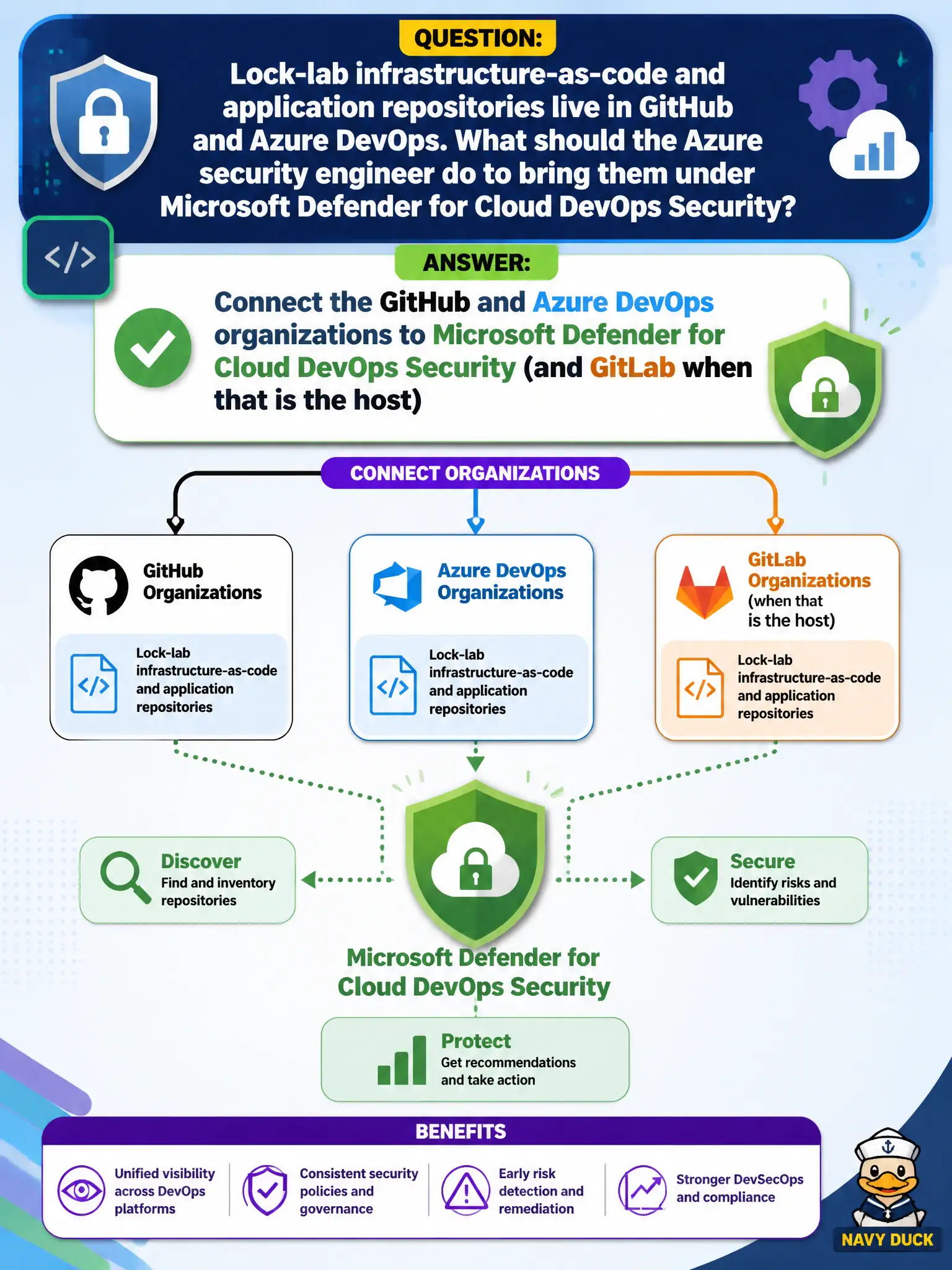
Repos in GitHub and Azure DevOps need the DevOps Security connectors—not a pipeline redesign marathon first. Hook the orgs up (GitLab too if that’s the host) and then the findings can show up.
Full Explanation
Lock-lab infrastructure-as-code and application repositories in GitHub and Azure DevOps come under Microsoft Defender for Cloud DevOps Security by connecting those organizations to Defender for Cloud DevOps Security (and GitLab when that is the host). Connector enablement is the foundational AZ-500 action that brings DevOps posture into Defender for Cloud.
Redesigning every Azure Pipelines stage diagram before connecting any organization delays connector work that findings depend on. Enabling only Microsoft Defender for Cloud Apps OAuth apps and skipping DevOps Security connectors answers a SaaS OAuth control instead of DevOps Security onboarding. Replacing GitHub with a private file share so Defender for Cloud can scan zip exports abandons supported host connectors for an unsupported export workflow.
Exam caveat: supported hosts include GitHub, Azure DevOps, and GitLab; connecting the organization is required before expecting DevOps Security findings on civic IaC and app repos.
Operational check: in Microsoft Defender for Cloud DevOps Security, connect the canal authority’s GitHub and Azure DevOps organizations, authorize the connectors, and verify repositories begin to appear for DevOps security findings and recommendations.