
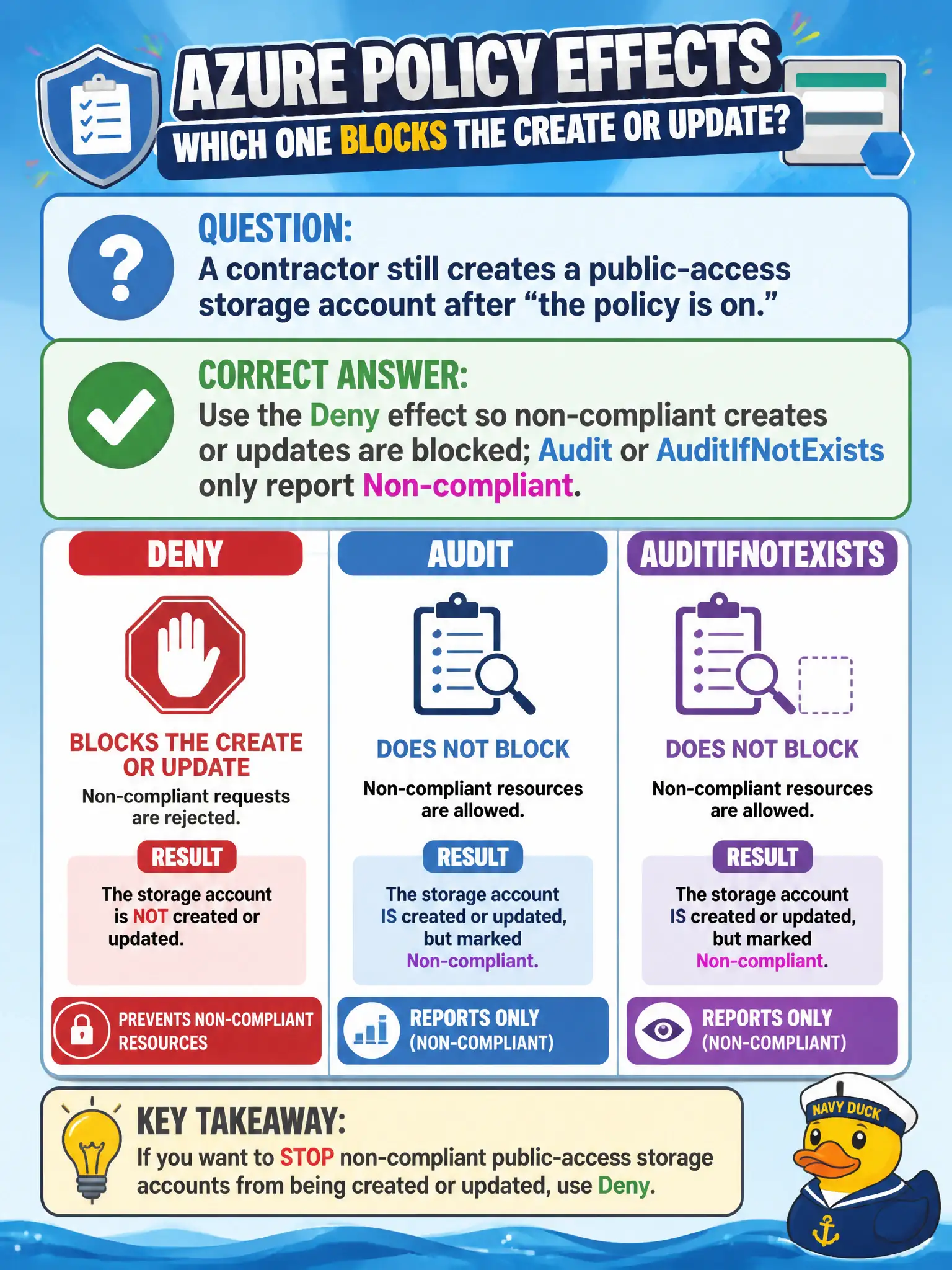
A contractor still creates a public-access storage account after “the policy is on.” Which Azure Policy effect actually blocks that create or update?
Select an answer to reveal the explanation.
Short Explanation
Audit is a referee with a notepad—flags the foul, doesn’t stop the play. Deny is the whistle that kills the create. If public storage still appears, you probably assigned a reporter, not a blocker.
Full Explanation
Azure Policy effects determine whether non-compliant resource creates or updates are blocked or merely reported. Deny prevents the ARM request from succeeding when a storage account would allow public blob access (or whatever condition you wrote)—that is enforcement. Audit and AuditIfNotExists record Non-compliant state for reporting and Secure Score style visibility but do not stop the create. Choosing Audit only when the goal is to stop public storage leaves the municipality with evidence of the problem after the resource exists. An NSG Deny rule filters virtual network traffic; it is not Azure Policy enforcement for storage account public access properties. DeployIfNotExists deploys a remediation template when something is missing; it is not the primary effect when you need to reject the create before it succeeds—Deny (or Modify in some patterns) fits prevention at create time better. Exam caveat: existing non-compliant resources are not always retroactively deleted by Deny; you may need remediation tasks, manual fixes, or DeployIfNotExists for drift already present. Operational check: assign a Deny policy against public blob access at the canal subscription, attempt to create a non-compliant storage account in a test RG, confirm the deployment fails with a policy error, then validate Audit-only assignments in a lab only when the intentional mode is report-only.