
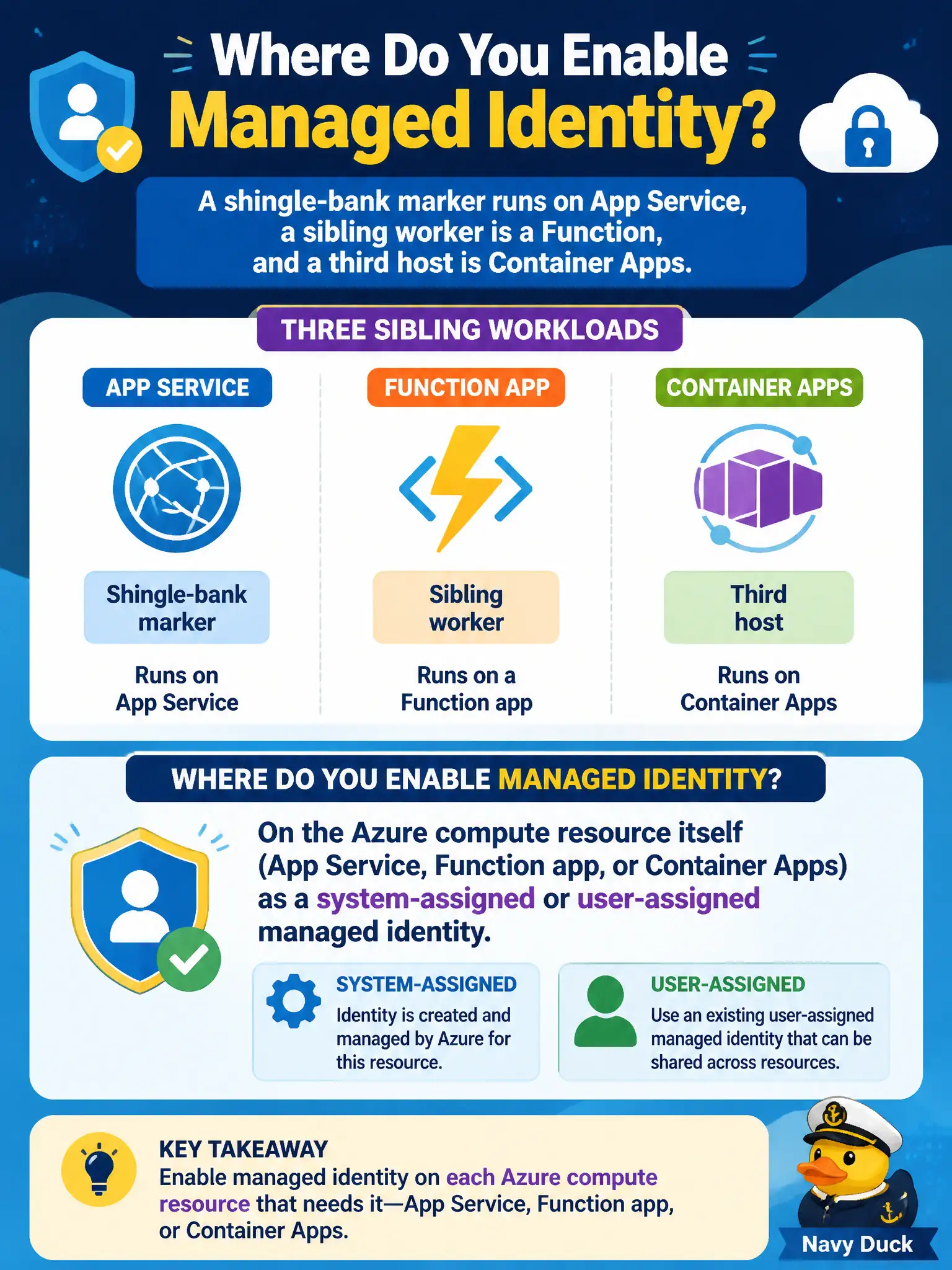
A shingle-bank marker runs on App Service, a sibling worker is a Function, and a third host is Container Apps. Where does the developer enable managed identity for those workloads?
Select an answer to reveal the explanation.
Short Explanation
Managed identity lives on the Azure resource—App Service, Functions, Container Apps, ACI. Flip it on the host, then assign roles. Laptops, Redis, and AKS pod-identity admin are the wrong shelves for this exam.
Full Explanation
Managed identity is a first-class identity of an Azure compute resource. For the shingle-bank marker on App Service, the sibling Function worker, and the Container Apps host, the developer enables a system-assigned or user-assigned managed identity on each of those Azure resources, then grants the identity the roles it needs to call Storage, Key Vault, or other Azure APIs. The host obtains tokens from Entra ID without embedding client secrets in configuration. That resource-level enablement is the AZ-204 path for these workloads.
AKS pod annotations and kubelet-minted workload identity fail this scenario because they belong to the Kubernetes identity model. Annotating pods does not turn on managed identity for App Service, Functions, or Container Apps, and treating AKS administration as the universal answer for every Azure host confuses platforms.
Browser cookie jars fail because managed identity is not a visitor-side credential. End-user browsers cannot carry a system-assigned identity from the Azure resource; cookies hold session data, not the Azure Instance Metadata Service token flow that managed identity uses.
Redis Cache as an identity parent fails because Redis is a data store, not an identity provider for compute. Enabling features on a cache does not mint Entra tokens for App Service or Functions, and dependencies do not “inherit” identity from Redis.
Exam caveat: system-assigned identity is tied to the resource lifecycle, while user-assigned can be shared across hosts—pick based on whether the identity should die with the resource. Operational check: after enabling the identity on each host, confirm the principal appears on the Identity blade and that a test token acquisition (or a successful Key Vault or Storage call with the assigned role) succeeds from that host.