
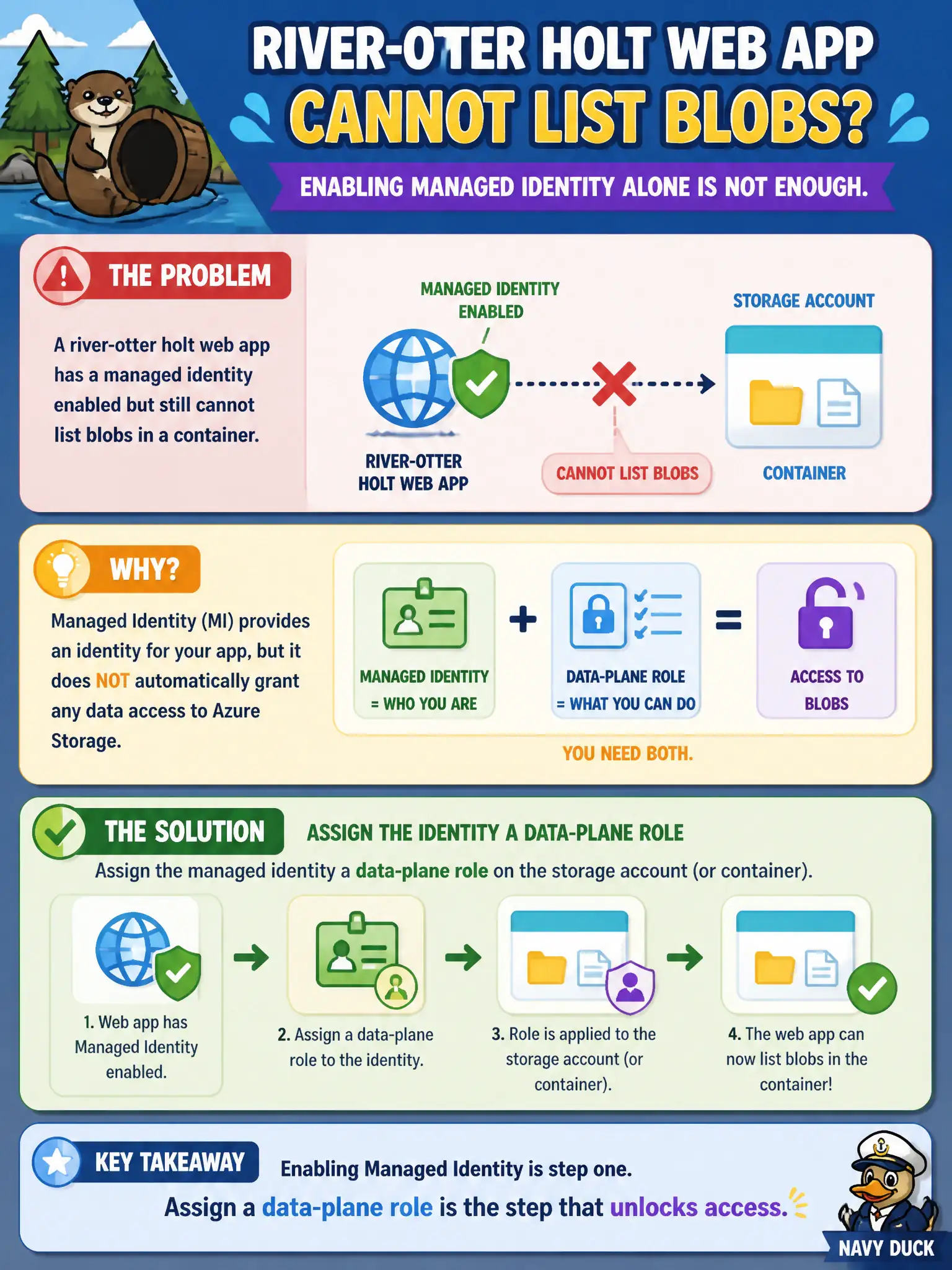
A river-otter holt web app has a managed identity enabled but still cannot list blobs in a container. What else is required?
Select an answer to reveal the explanation.
Short Explanation
Turning on managed identity only creates the badge—you still stamp the badge for Storage (or Key Vault, or Cosmos). Without a data-plane role, list blobs stays a 403.
Full Explanation
Enabling a managed identity on the river-otter holt web app only creates the principal. Listing blobs still requires a data-plane RBAC assignment on the storage account or container (for example Storage Blob Data Reader or Contributor) for that identity. Without the role, Storage correctly returns 403 even though the badge exists. MI is authentication; RBAC is authorization.
Deleting the managed identity so Storage allows anonymous list by default fails: removing MI does not open anonymous listing, and anonymous public access is a separate, usually undesirable setting. Converting the storage account into Application Insights so identity is unnecessary confuses products—Insights is telemetry, not a blob store. Replacing RBAC with a checked-in account key inside the React bundle exposes the key to every browser and defeats server-side identity patterns.
Exam caveat: control-plane roles like Reader on the storage account do not grant blob data-plane list/read; assign the Blob Data roles explicitly. Operational check: enable MI, attempt list blobs and capture 403, assign Storage Blob Data Reader to the app's identity on the container or account, retry list, and confirm success without embedding any account key in the holt web app.