
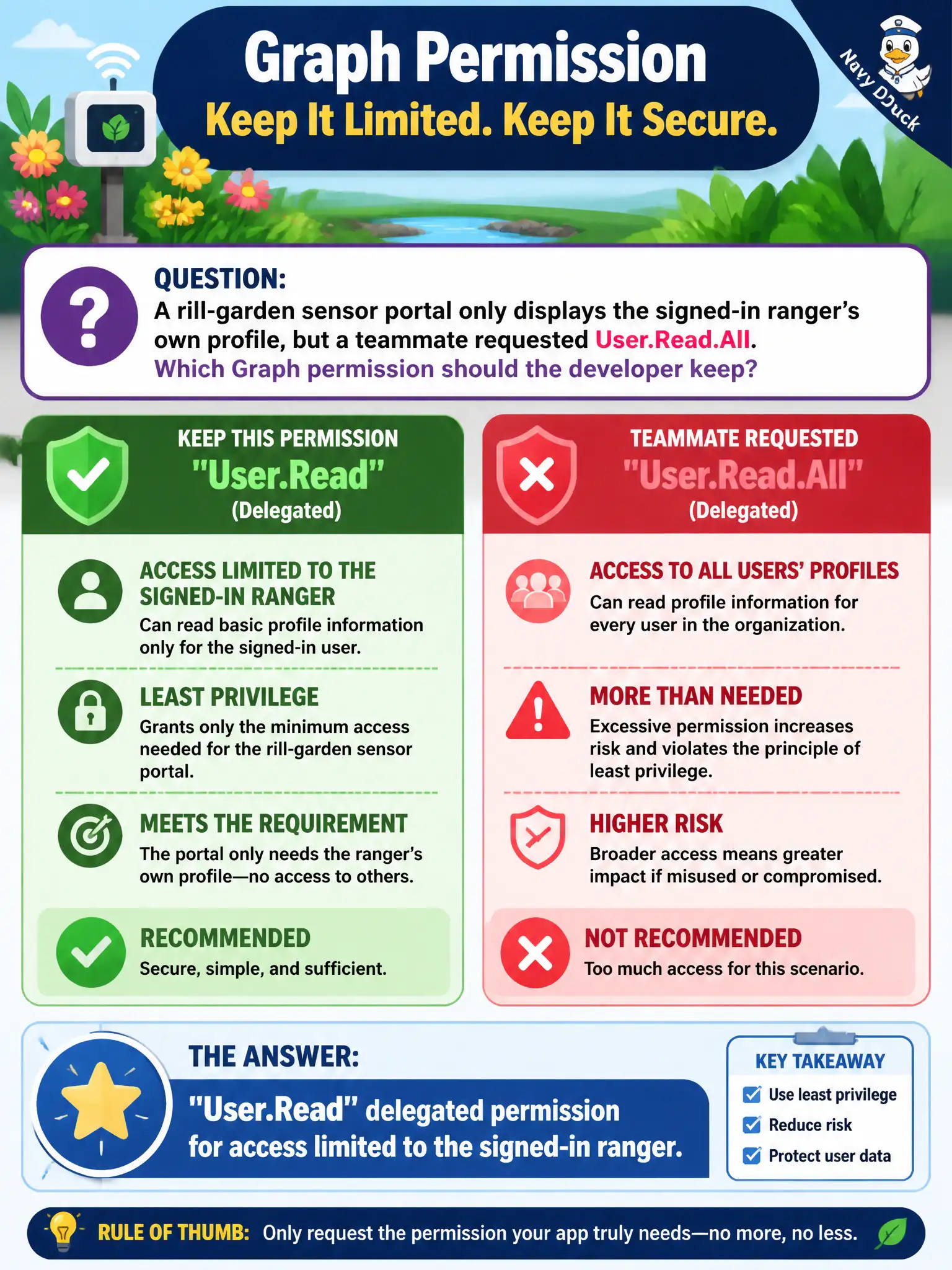
A rill-garden sensor portal only displays the signed-in ranger’s own profile, but a teammate requested User.Read.All. Which Graph permission should the developer keep?
Select an answer to reveal the explanation.
Short Explanation
Just showing “me” to the signed-in ranger? Stick with delegated User.Read. User.Read.All is a much bigger key than this portal needs.
Full Explanation
For a rill-garden sensor portal that only displays the signed-in ranger’s own profile, keep delegated User.Read. That permission allows Graph access to the signed-in user’s profile (and related “me” resources) without granting tenant-wide directory read. It matches least privilege and avoids unnecessary admin consent surface.
User.Read.All as an application permission fails least privilege for this portal. Application User.Read.All lets the app read every user’s profile as itself—far more than “show me my profile” requires and typically needs admin consent.
Directory.ReadWrite.All fails even more aggressively: it grants broad directory read/write, which is unrelated to displaying one ranger’s profile and creates severe tenant risk if the app is compromised.
Sites.FullControl.All fails because full SharePoint control is not the correct permission for standard Microsoft 365 user profile photo/profile scenarios via Graph user endpoints, and it is massively over-scoped for a sensor portal profile card.
Exam caveat: photo access may require additional Graph permissions in some setups, but escalate narrowly—do not jump to tenant-wide *All or SharePoint FullControl just to render a profile card.
Operational check: configure only delegated User.Read, have a ranger sign in, call /me (and photo if needed), confirm another ranger’s /users/{otherId} is not accessible with that token, and reject any registration that still lists User.Read.All or Directory.ReadWrite.All for this feature.