
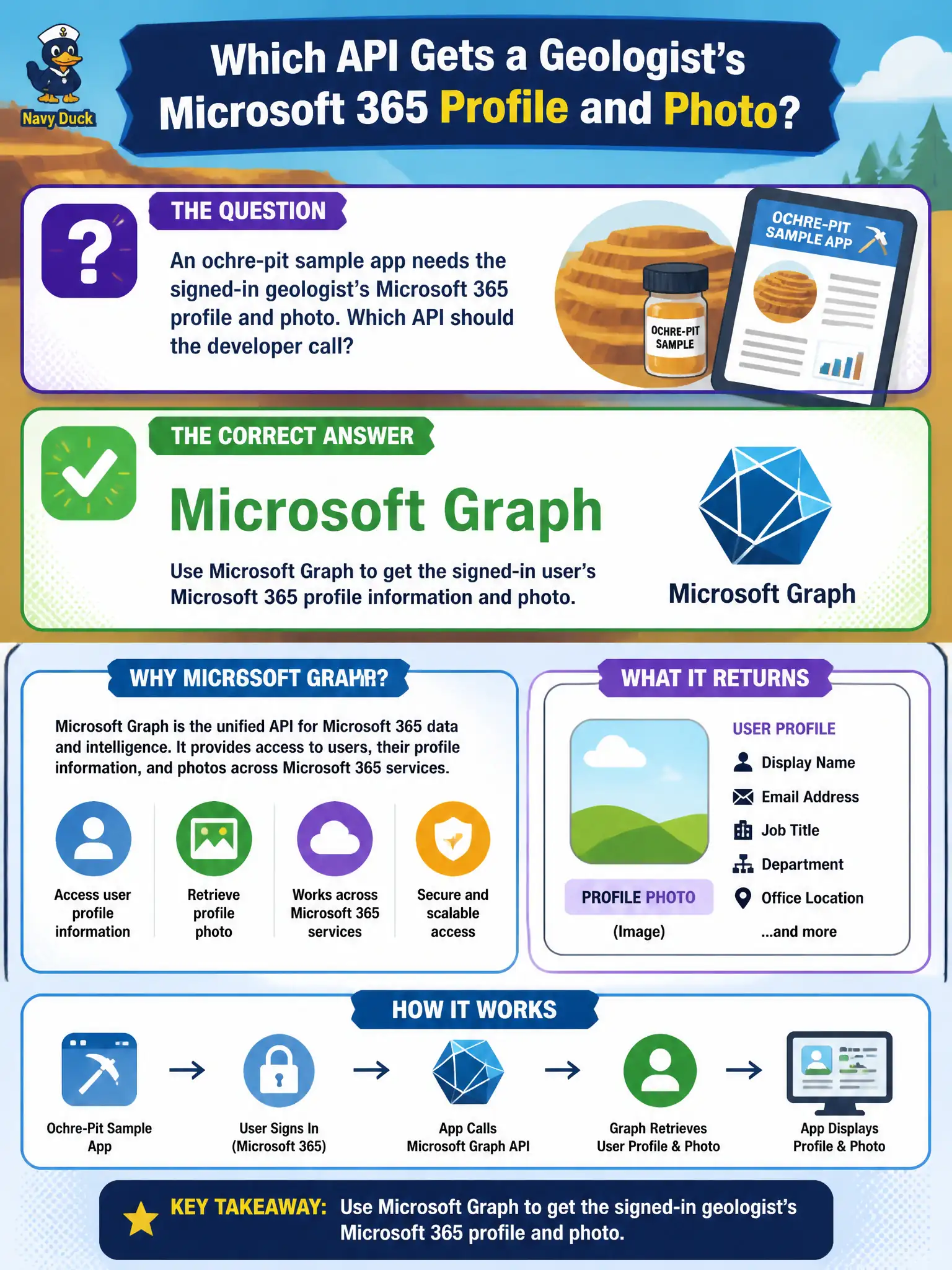
An ochre-pit sample app needs the signed-in geologist’s Microsoft 365 profile and photo. Which API should the developer call?
Select an answer to reveal the explanation.
Short Explanation
Need the geologist’s profile and photo from Microsoft 365? Call Microsoft Graph—that’s the supported front door, not a homemade LDAP client.
Full Explanation
Microsoft Graph is the supported API for Microsoft 365 identity profile data—including the signed-in geologist’s profile and photo—for the ochre-pit sample app. Use Graph endpoints such as /me and photo APIs with a properly scoped Entra access token rather than inventing directory protocols or misusing Azure data/telemetry services as a user directory.
A handmade LDAP client against domain controllers from the web app fails as an unsupported and brittle approach for Microsoft 365 cloud profiles. It bypasses Graph, struggles with cloud-only accounts, and creates network and credential exposure from the app tier to domain controllers.
Azure Queue Storage with directory attributes in message metadata fails because queues are messaging infrastructure, not a directory or profile store. Metadata on messages cannot reliably supply current Microsoft 365 profile and photo data.
Application Insights availability tests as a user-profile store fails because availability tests monitor endpoint health; they do not store or authorize user profiles, and they are not an identity API.
Exam caveat: Graph still requires the correct permission model (delegated User.Read for “my profile” scenarios). Choosing Graph as the API is necessary but not sufficient without token acquisition and consent.
Operational check: acquire a token for the Graph audience with profile photo scopes/permissions, call the Graph profile and photo endpoints for the signed-in geologist, and confirm you are not reading profile fields from queues, logs, or LDAP.