
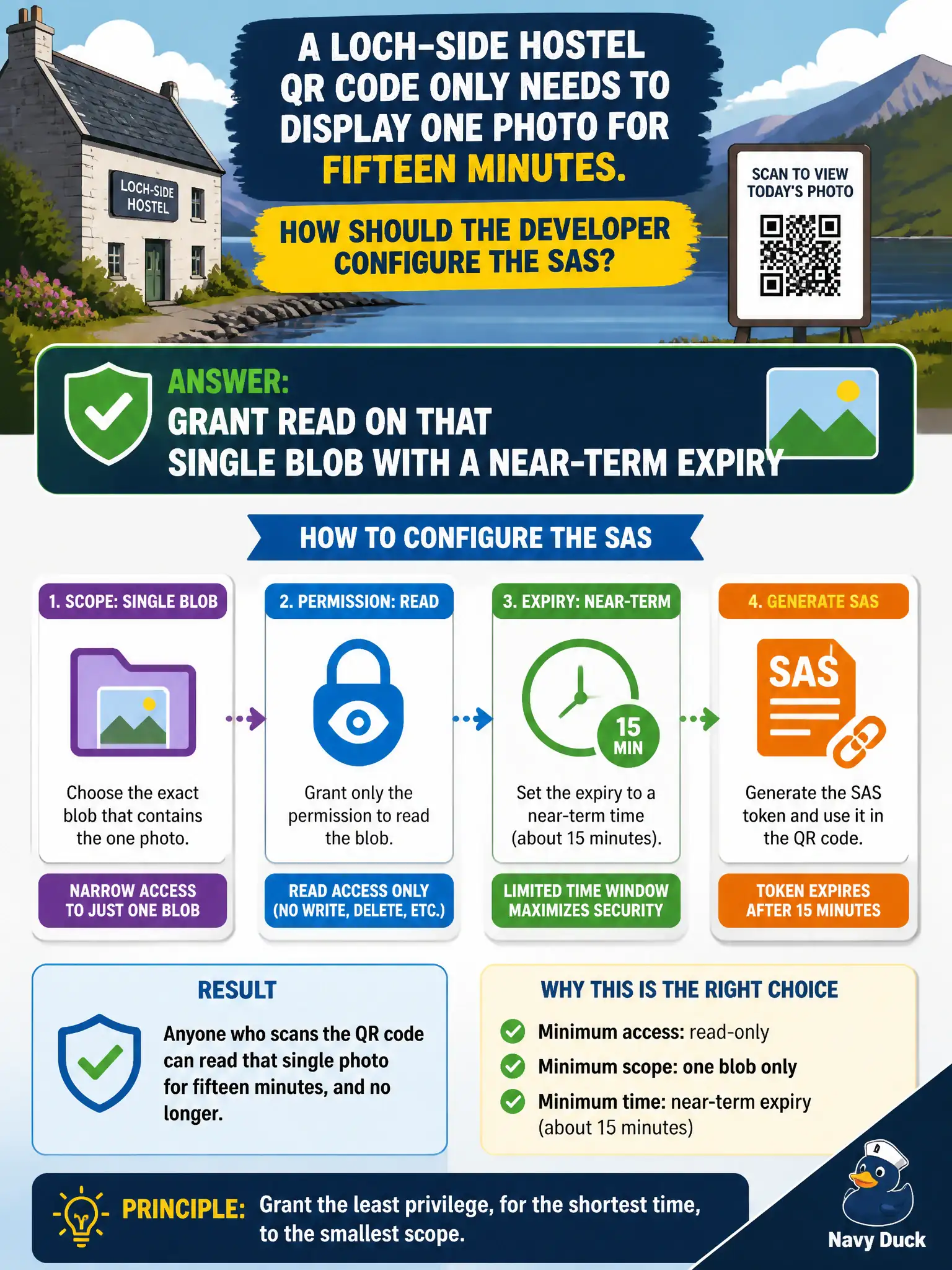
A loch-side hostel QR code only needs to display one photo for fifteen minutes. How should the developer configure the SAS?
Select an answer to reveal the explanation.
Short Explanation
One photo, fifteen minutes—read on that blob, short fuse, done. Handing out write on the whole account for a QR code is pure overkill.
Full Explanation
Least privilege for a loch-side hostel QR code that only displays one photo for fifteen minutes means a SAS with read permission on that single blob and a near-term expiry (about fifteen minutes). Anything broader—account-wide rights, write/delete, or long lifetimes—creates unnecessary exposure if the QR code is photographed, logged, or shared.
Granting write and delete on the entire storage account with no expiry fails least privilege and durability of risk. A display-only QR code should never allow mutation or unbounded lifetime.
Granting account-wide create permissions for one year fails both scope and time. Create across the account is unrelated to reading one photo and a year-long window outlives the QR use case by orders of magnitude.
Omitting signed permissions so Storage “infers full access” fails because SAS must specify permissions explicitly. Omitting them does not safely default to least privilege; it produces an invalid or overly dangerous credential design depending on how the signature is built—never rely on inference for authorization.
Exam caveat: pair short expiry with narrow object scope (blob, not container-list, unless listing is required). If the photo should become unavailable sooner, prefer a stored access policy you can revoke rather than only waiting for expiry.
Operational check: mint the read-only blob SAS with exp ≈ fifteen minutes, open the QR URL successfully once, attempt a write with the same URI and confirm failure, and after expiry confirm HTTP authorization failure without rotating account keys.