
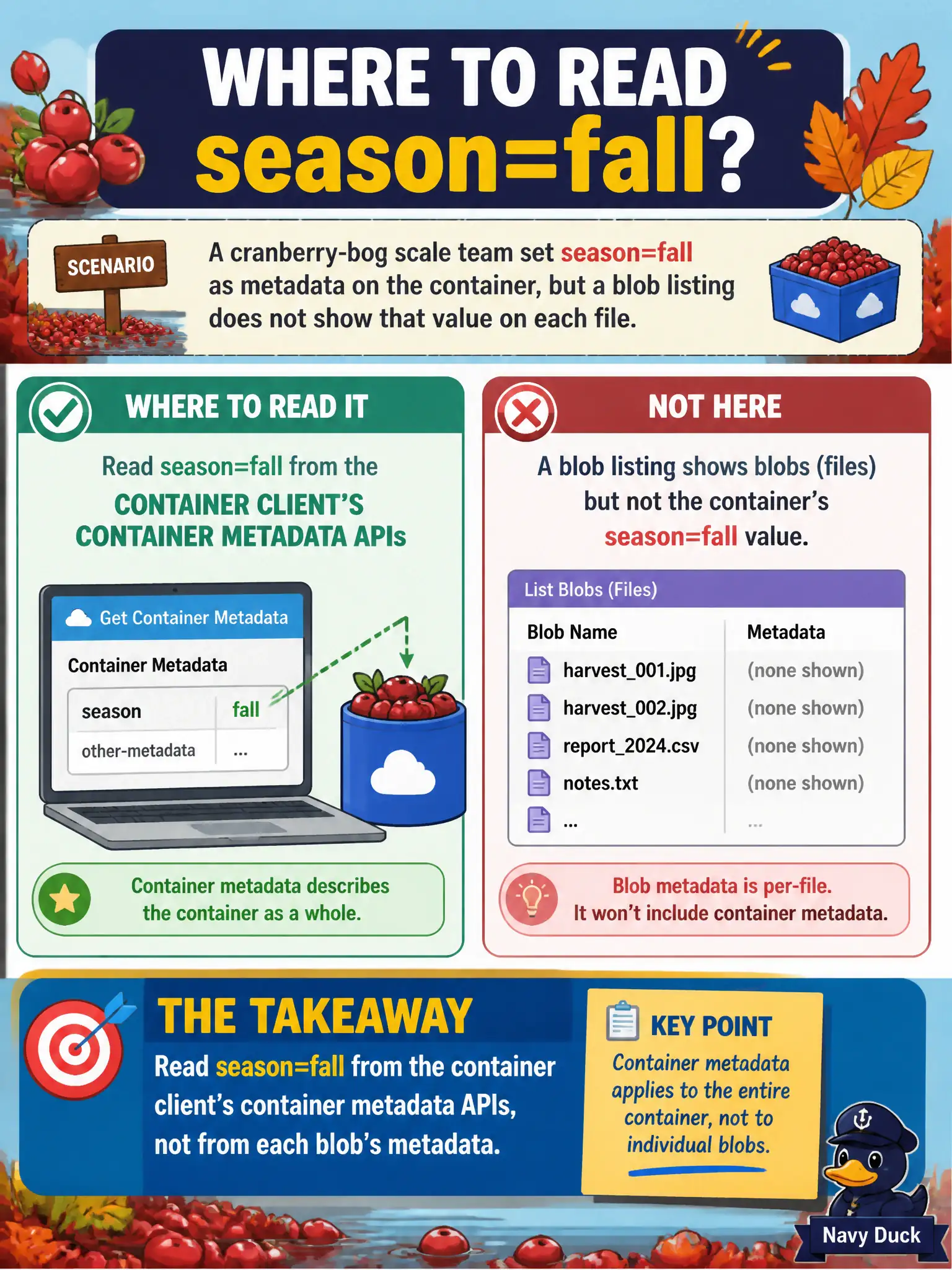
A cranberry-bog scale team set season=fall as metadata on the container, but a blob listing does not show that value on each file. Where should the developer read season=fall?
Select an answer to reveal the explanation.
Short Explanation
Container metadata lives on the crate, not stamped on every apple inside. Read season=fall from the container client. Blob listings will not invent that key on each file.
Full Explanation
When a cranberry-bog scale team sets season=fall as metadata on the container but a blob listing does not show that value on each file, season=fall must be read from the container client’s container metadata APIs. Metadata scope is per resource: accounts, containers, and blobs each own distinct metadata collections. Container metadata describes the container itself; it is not stamped onto every blob during listing.
Expecting every blob to automatically expose container metadata confuses inheritance that does not exist for this feature. Reading season=fall only from storage account firewall rules in the portal looks at networking configuration, not metadata. Pulling Cosmos DB change feed leases tied to the container name mixes Cosmos processor state with Azure Storage container metadata and will not return season=fall.
Exam caveat: if each bog scale file must carry season=fall for per-blob filters or tools that only read blob metadata, set the key on each blob (or use blob index tags where appropriate)—container metadata alone will not appear on blob list results.
Operational check: call GetProperties/GetAccessPolicy-style container APIs (or the dedicated get metadata API) on the container client to retrieve season=fall, and separately list blobs to confirm that key is absent from blob metadata unless explicitly set there.