
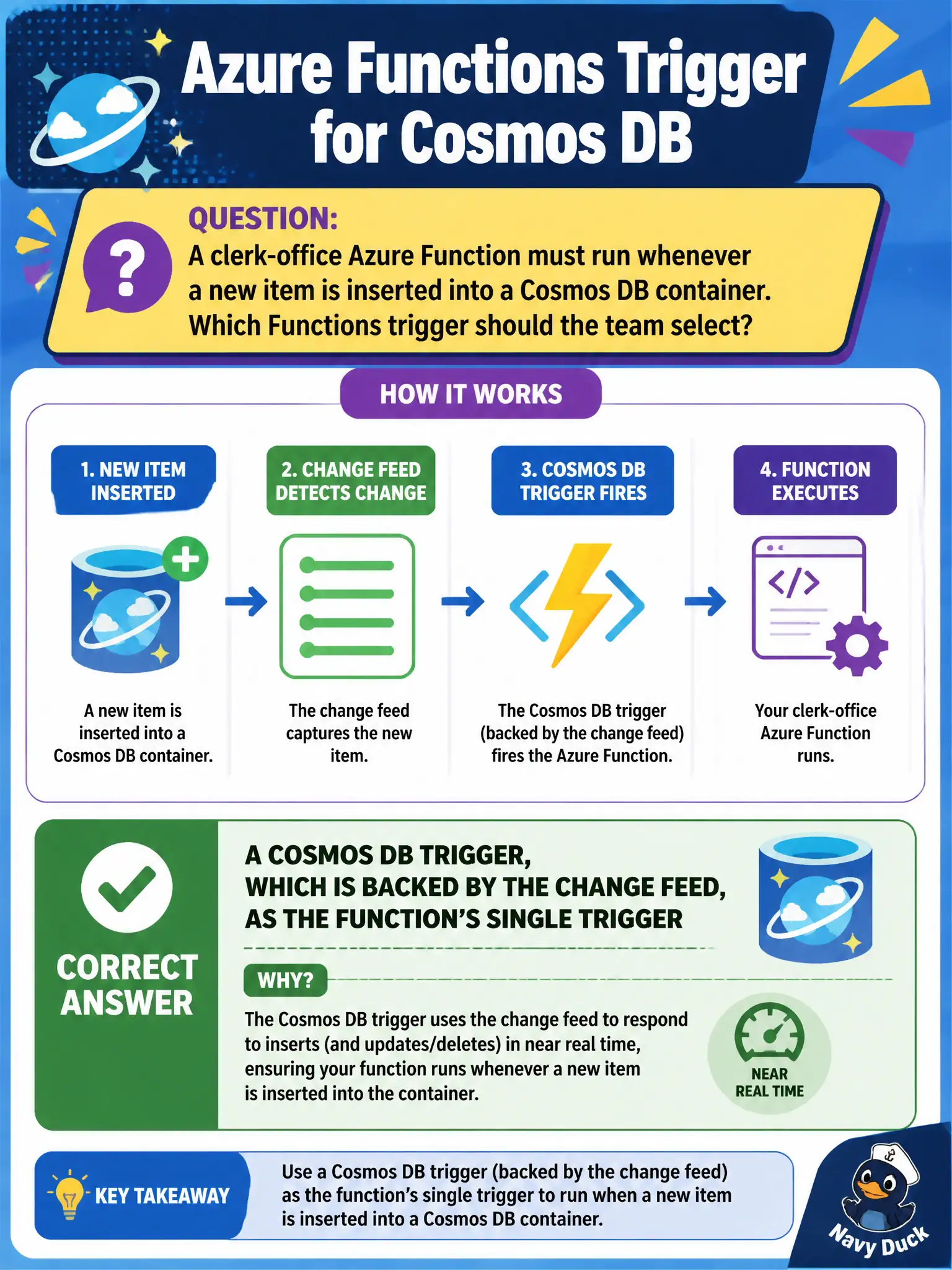
A clerk-office Azure Function must run whenever a new item is inserted into a Cosmos DB container. Which Functions trigger should the team select?
Select an answer to reveal the explanation.
Short Explanation
Cosmos got a new item? The Cosmos DB trigger (change feed under the hood) is the doorbell. One trigger, fire when documents appear—leave partition-key artistry for another day.
Full Explanation
To run a clerk-office Azure Function whenever a new item is inserted into a Cosmos DB container, select the Cosmos DB trigger. That trigger is backed by the change feed and delivers inserts (and updates, depending on configuration) to the function as the container’s feed progresses. It is the Functions-native, evented approach for reacting to Cosmos writes and is the single trigger for that function.
A timer that runs a full container scan every five minutes polls instead of reacting, wastes request units, and can miss or double-process depending on how you track watermarks. An HTTP trigger that clerks must remember to call after every insert is a brittle human workflow and fails when inserts come from APIs or other services. A Blob Storage trigger on a container that never receives the Cosmos documents has no event source tied to the insert.
Exam caveat: Cosmos triggers require lease-container configuration and appropriate permissions; misconfigured leases cause duplicate processing or stalled triggers. Change feed order is per partition key, not a global total order across the container. Operational check: insert a test document with a unique id, confirm the function invocation receives that document, and inspect the lease container to ensure the trigger continues advancing without errors in logs.