
A public library wants an Azure Function to run at 02:15 every night, but a pasted five-field Linux crontab never fires. What schedule format should the timer trigger use?
Select an answer to reveal the explanation.
Short Explanation
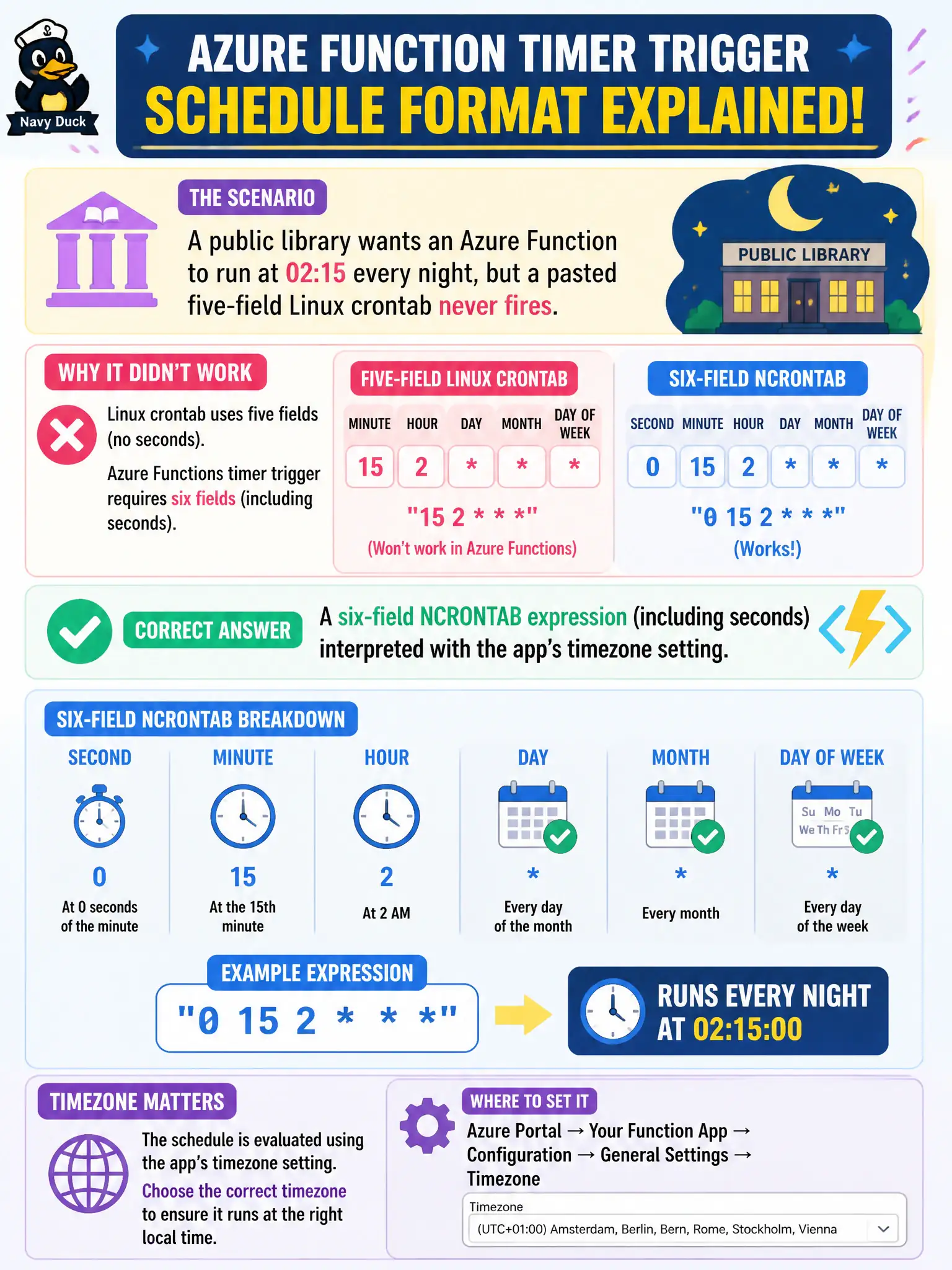
Functions timers speak six-field NCRONTAB—seconds first—not the five-field Linux habit. Include those seconds, set the app timezone, and 02:15 actually means 02:15.
Full Explanation
Azure Functions timer triggers use NCRONTAB expressions with six fields, including seconds as the first field. A public library schedule for 02:15 nightly must be expressed in that six-field form and interpreted using the Function app’s timezone setting so local civil time matches operations expectations. Five-field Linux crontab strings are a frequent paste error and will not schedule as the author intends on the Functions host.
A single Unix epoch timestamp in host.json does not define a recurring nightly schedule for the timer trigger. Relying on a five-field Linux crontab while hoping the runtime infers seconds as zero is incorrect; Functions expects the six-field NCRONTAB shape. Referencing a Logic Apps recurrence schedule by name from the Function app confuses two products: Logic Apps recurrence is not how you configure a Functions timer trigger.
Exam caveat: timezone defaults and WEBSITE_TIME_ZONE (or equivalent) settings matter—UTC versus municipal local time often explains “it ran at the wrong hour” after a correct-looking expression. Also watch for seconds fields set to * which can fire every second. Operational check: set a short test schedule a few minutes ahead in the app’s configured timezone, deploy, confirm Monitor/Invocation logs show a run at the expected local time, then lock in the production six-field expression for 02:15.