
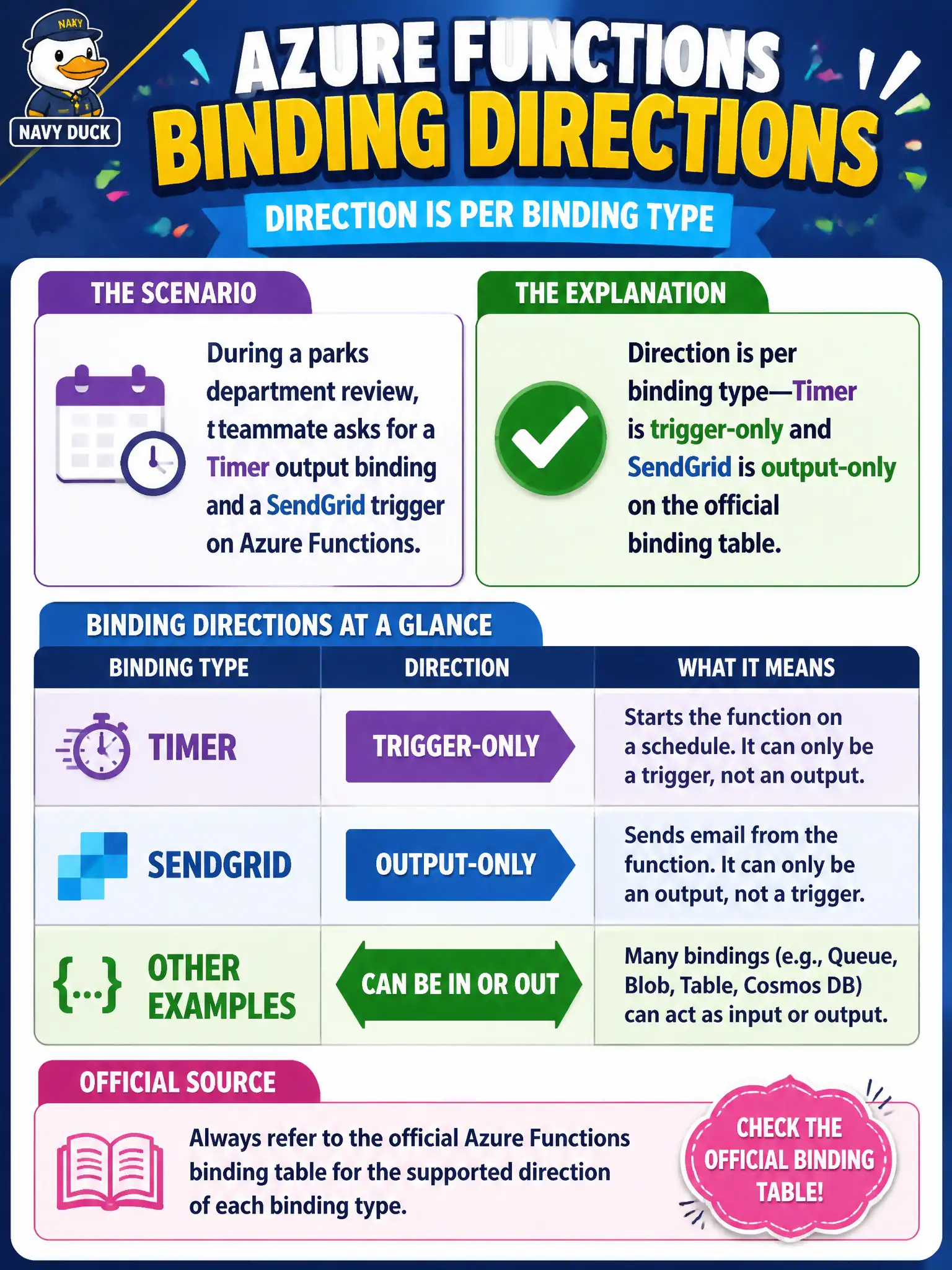
During a parks department review, a teammate asks for a Timer output binding and a SendGrid trigger on Azure Functions. What should the candidate explain about binding directions?
Select an answer to reveal the explanation.
Short Explanation
Bindings aren’t Swiss Army knives in every direction. Timer is how you start a run—not something you “output” to—and SendGrid is an outbound mail chute, not a trigger.
Full Explanation
Binding direction is defined per binding type on the official Azure Functions binding table, not universally. Timer bindings are triggers that schedule when a function runs; they are not outputs you write to. SendGrid appears as an output binding for sending email, not as a trigger that starts a function when mail arrives. Explaining that Timer is trigger-only and SendGrid is output-only correctly answers the parks department request and reflects AZ-204 binding literacy.
Assuming every binding type supports trigger, input, and output equally is wrong: many bindings are direction-limited, so both requested combinations are invalid. Reversing the roles—Timer as output-only and SendGrid as trigger-only—contradicts the documented directions and would fail configuration. Preferring SendGrid triggers over HTTP webhooks for all inbound email is both inaccurate (SendGrid is not the standard inbound trigger on the GA table) and out of scope for proving direction rules.
Exam caveat: always check the current binding reference for direction and GA status; preview or extension bindings can differ, and confusing “trigger” with “input” is a common exam trap even when both are inbound. Operational check: attempt to configure the illegal directions in the portal or function.json and confirm the tooling rejects or fails to run them; then implement a timer trigger for scheduled park jobs and a SendGrid output (or HTTP webhook for inbound) as the supported patterns.