
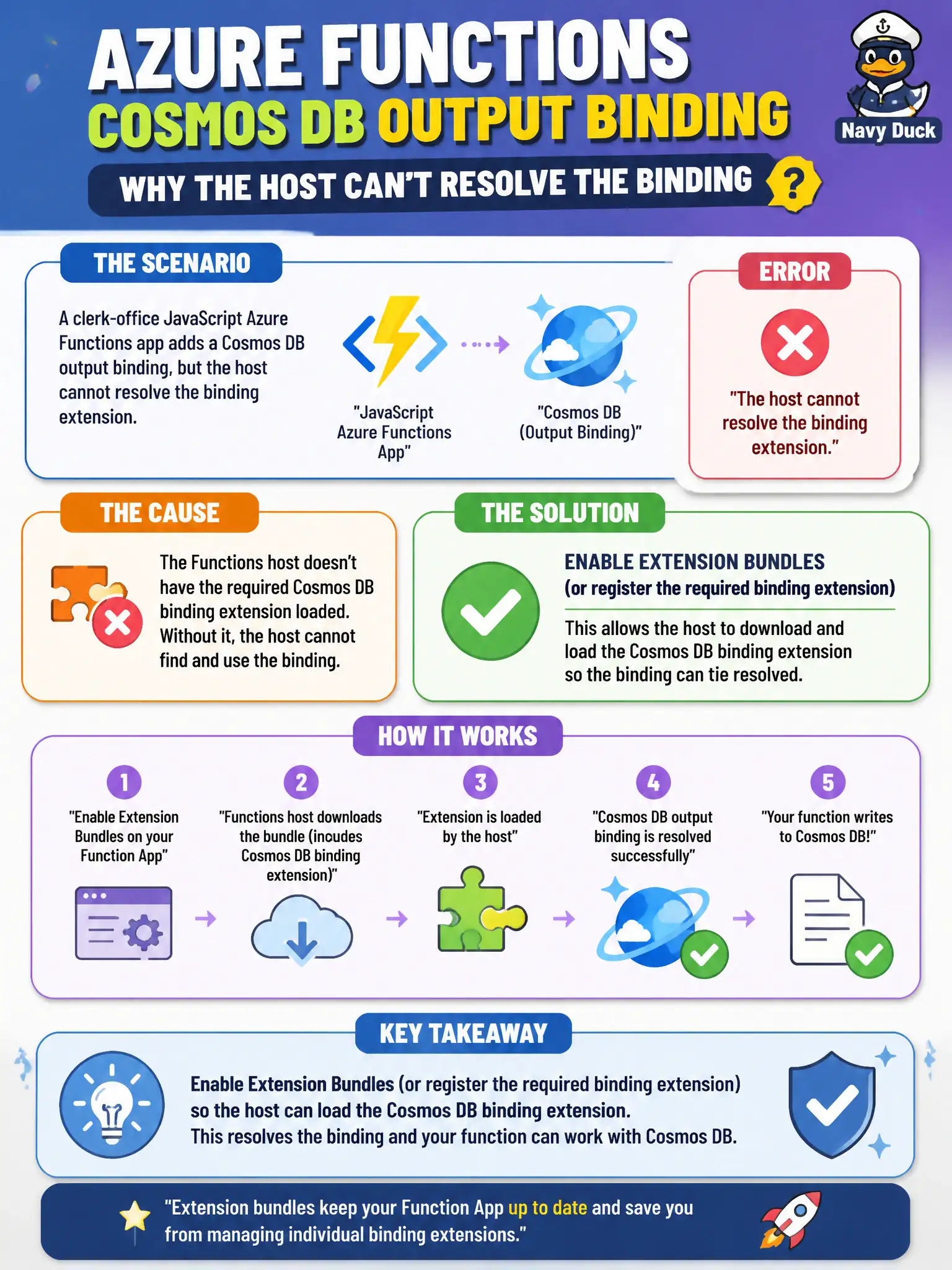
A clerk-office JavaScript Azure Functions app adds a Cosmos DB output binding, but the host cannot resolve the binding extension. What should the developer enable on the function app?
Select an answer to reveal the explanation.
Short Explanation
Bindings are power tools that need their extension pack on the workbench. Turn on extension bundles (or register the extension) so the Cosmos output binding resolves. Rewriting everything as raw SDK code skips the binding skill the item is testing.
Full Explanation
The clerk-office JavaScript Azure Functions app adds a Cosmos DB output binding, but the host cannot resolve the binding extension. Enable extension bundles (or explicitly register the required binding extension) so the host can load the Cosmos binding. Non-.NET and many modern .NET isolated scenarios rely on bundles declared in host.json to ship binding extensions without manual per-extension hunting. Once the bundle or Cosmos extension is present, the declarative output binding metadata can resolve at startup.
Using only a handwritten Cosmos SDK client because “bindings never use extensions” skips the binding skill under test; SDK clients are valid in apps but do not explain or fix missing binding extension registration. Azure API Management policies to emulate Cosmos output from the function move persistence into a gateway rewrite fantasy and do not load Functions binding extensions. Durable task hubs coordinate orchestrations and entity state; they are not a substitute for Cosmos binding extension configuration on a non-Durable output binding.
Exam caveat: after enabling bundles, ensure the bundle version range includes the Cosmos extension your host version expects—mismatched bundle versions still fail to bind. Operational check: set extensionBundle in host.json (or register the extension), restart the function app, and confirm the Cosmos output binding initializes without “extension not found” errors when the clerk function runs.