
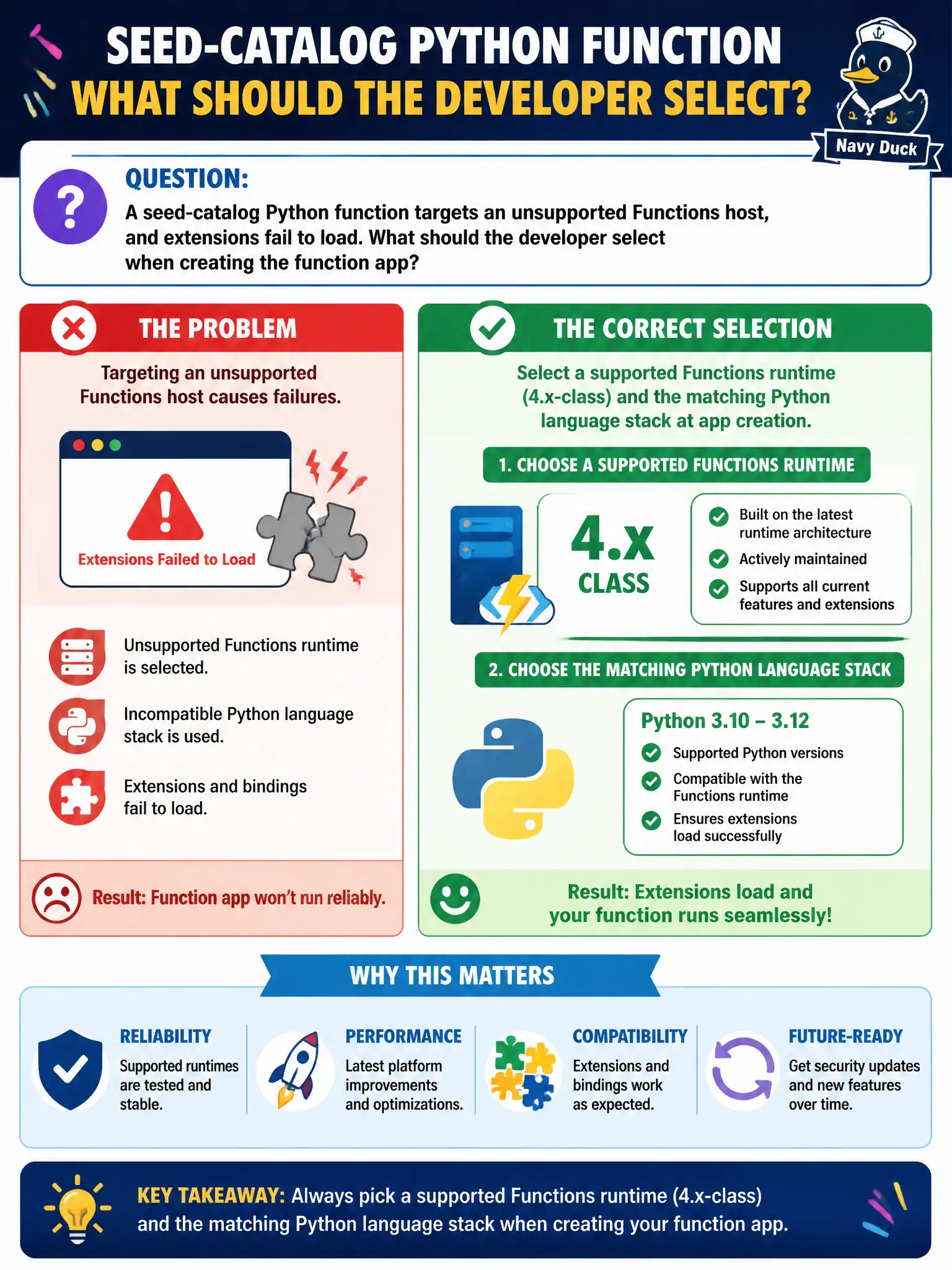
A seed-catalog Python function targets an unsupported Functions host, and extensions fail to load. What should the developer select when creating the function app?
Select an answer to reveal the explanation.
Short Explanation
Pick a supported runtime and the Python stack at create time—like choosing the right power adapter before plugging in. An ancient 1.x leftover or a mystery preview is why extensions refuse to load for the seed catalog.
Full Explanation
The seed-catalog Python function targets an unsupported Functions host, and extensions fail to load because runtime and language stack were not chosen correctly at creation. When creating the function app, select a supported Functions runtime (4.x-class / ~4) and the matching Python language stack. The host version and language worker must align so extension bundles and the Python worker can load. Fixing create-time runtime and stack selection is the direct remedy—not bolting on unrelated hosts afterward.
Choosing Functions runtime 1.x exclusively because “Python only runs on the original host” is outdated and unsupported for modern Python Functions; 1.x is legacy and a common reason extensions and workers fail. Picking a random preview runtime without choosing a language worker stack leaves the app without a defined Python worker, so bindings and extensions cannot initialize reliably. Selecting AKS as the Functions host so language stacks are “irrelevant” abandons the managed function app create experience the item tests and still requires a coherent Functions runtime story if you host Functions on Kubernetes.
Exam caveat: changing runtime major versions on an existing app can be disruptive—prefer correct create-time values for new apps, and plan migrations carefully for existing ones. Operational check: in the function app overview, confirm Runtime version ~4 (or current supported) and Python stack; deploy the seed-catalog function and verify extensions load without host/worker mismatch errors in logs.