
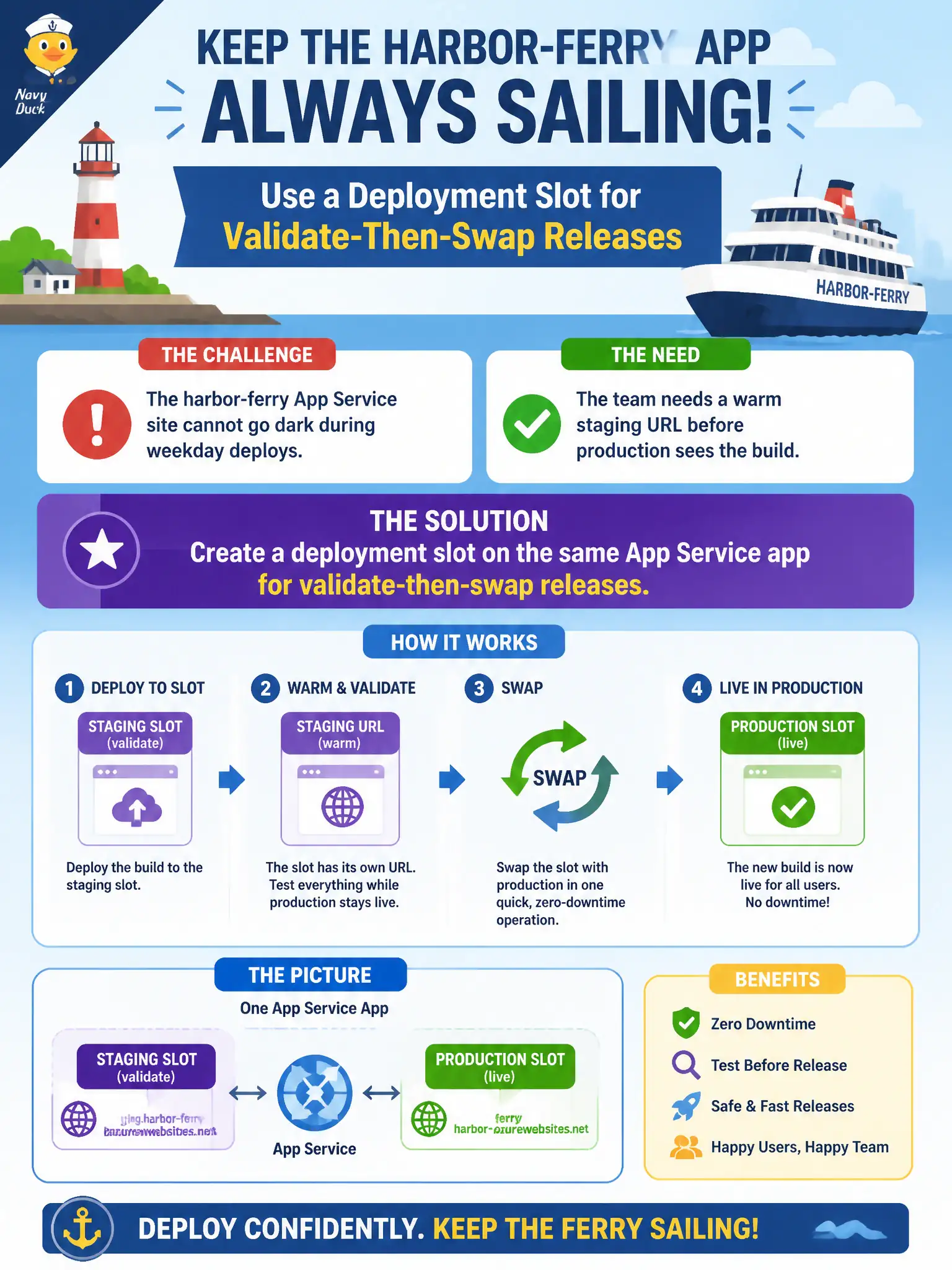
The harbor-ferry App Service site cannot go dark during weekday deploys, and the team needs a warm staging URL before production sees the build. What should the developer create?
Select an answer to reveal the explanation.
Short Explanation
A deployment slot is a live twin of the app on the same plan—push there, poke it, then swap. That keeps the ferry site up for weekday riders. Container Apps revisions are a different host; do not swap those into an App Service question.
Full Explanation
The harbor-ferry App Service site cannot go dark during weekday deploys and needs a warm staging URL before production sees the build. Create a deployment slot on the same App Service app. Slots give a live secondary hostname (for example staging) on the same plan where you deploy, smoke-test, and then swap into production with minimal downtime. Riders keep hitting the production URL while validation happens on the slot—exactly the validate-then-swap pattern App Service is known for.
A second Azure Container Apps environment with a new revision label for every commit solves blue-green style releases on Container Apps, not on App Service; revisions are the wrong host’s feature set. A new App Service plan in another region used only for blue-green DNS cuts adds cross-region DNS complexity and a second plan instead of using same-app slots. An Azure Functions Consumption app that hosts the same site markup overnight is the wrong compute model for an App Service website release process.
Exam caveat: slots require a qualifying tier (typically Standard or higher); Free/Shared plans will not show the Slots blade. Operational check: create a staging slot, deploy the weekday build there, browse the slot URL to validate ferry pages, then confirm production remains on the previous bits until you intentionally swap.