
An extension-office App Service web app must reach a backing Azure store without committing a raw connection secret into source control. Which App Service feature should the developer use to wire that dependency?
Select an answer to reveal the explanation.
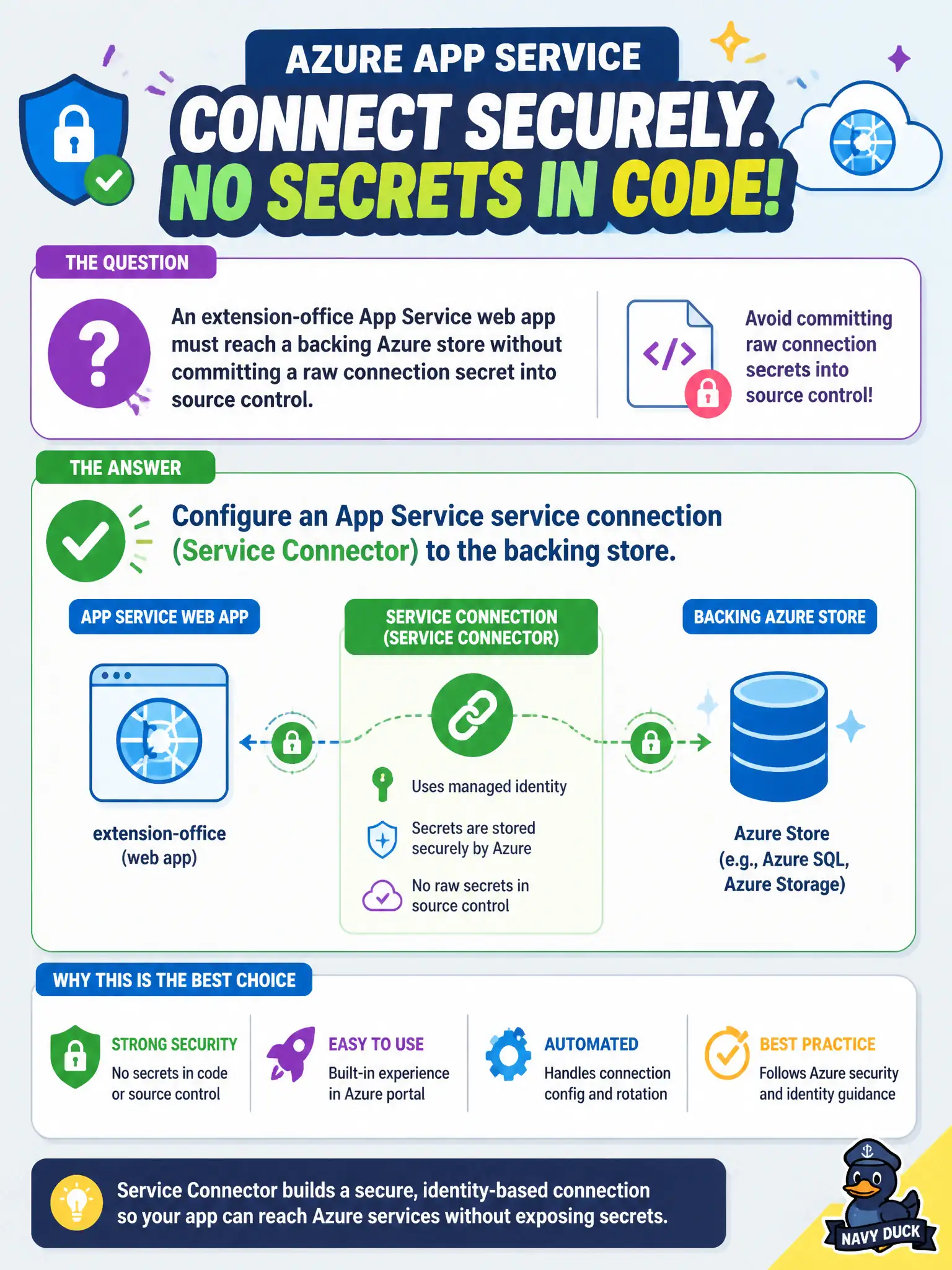
Short Explanation
Hand-pasting secrets into the repo is how tomorrow’s incident starts. Service Connector (service connections) wires the web app to the store through App Service so credentials stay out of source. It is the named App Service skill—not a DIY config file.
Full Explanation
The extension-office web app must reach a backing Azure store without putting a raw connection secret in source control. App Service service connections (Service Connector) are the named feature for wiring a web app to dependent Azure services. The connector creates or updates the link, can prefer identity-based access where supported, and injects the resulting configuration into App Service settings so the app reads endpoints and credentials from the platform rather than from files checked into git. That keeps secrets out of the repository while still giving the runtime a working dependency mapping.
Pasting the connection string into a checked-in appsettings.Production.json file puts production secrets in version control, where every clone and every CI log becomes an exposure risk and rotations force code commits. Creating a second unused App Service plan solely to hold environment variables adds cost and operational noise without establishing a connection to the store; plans host compute capacity, they are not a secrets or dependency-linking service. Enabling remote debugging so operators can inject secrets by hand is unsafe, non-repeatable, and unrelated to declarative service connectivity.
Exam caveat: Service Connector still lands values in application settings or identity configuration—you must ensure the app code reads those injected settings (or DefaultAzureCredential-style identity) rather than hardcoded strings. Operational check: after creating the service connection, open the web app’s Configuration blade, confirm the expected settings or identity bindings exist, restart if required, and hit an endpoint that exercises the store to verify connectivity without any secret remaining in the repo.